
Win the highlighted box at the top of Google and you owned the answer, often sitting above the first organic link. SEOs spent years calling that spot position zero, and for a long stretch it was the single best prize in search.
Then AI Overviews showed up and took most of that real estate. Ahrefs tracked a million US desktop searches through the first half of 2025 and watched featured snippets slide from 15.41% of them in January to just 5.53% by June. AI Overviews moved the opposite way over those same months, growing from 3.93% to 27.43%.
So is the featured snippet still worth chasing? Yes, for a narrower set of searches, and for a reason most people miss: the kind of answer that wins a snippet is also the kind AI Overviews tend to quote. This guide covers how Google picks them, how rare they've gotten, how to write for each format, and how to opt out if you'd rather skip the whole thing.
How Google picks featured snippets
There's no application form for this one. Google's own documentation on featured snippets says "Google systems determine whether a page would make a good featured snippet for a user's search request, and if so, elevates it." Asked directly how to mark a page as a featured snippet, Google's answer is "You can't."
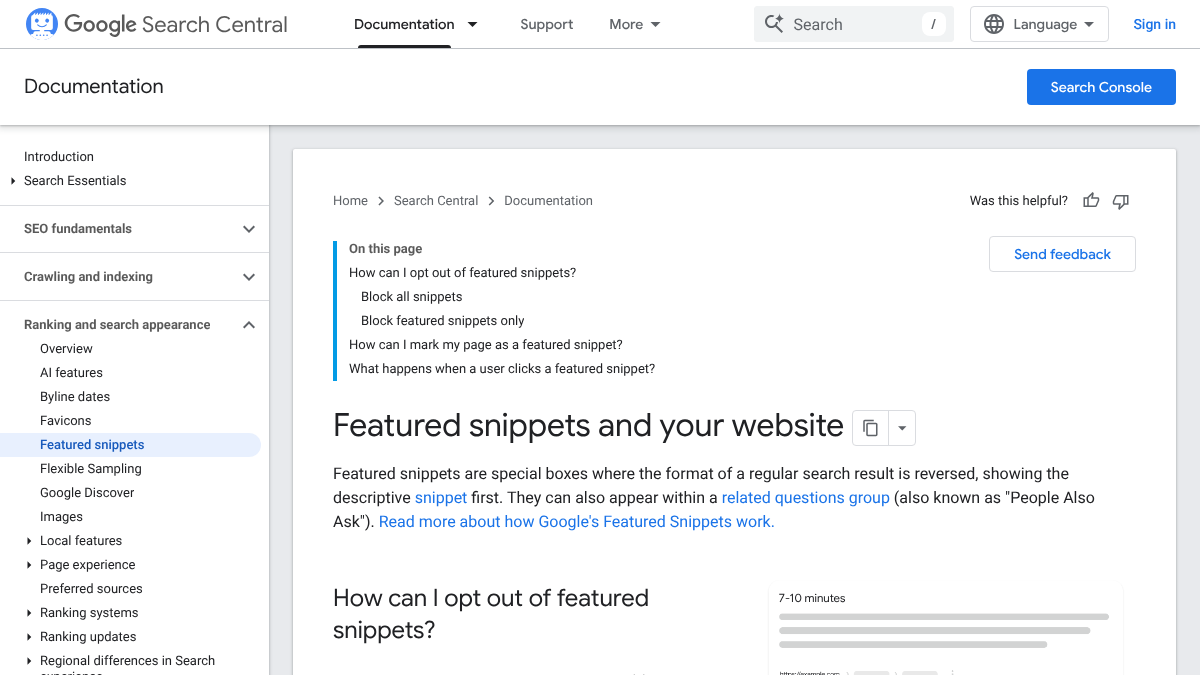
A handful of other details round out the picture. Google's page notes that snippets "can also appear within a related questions group," meaning the People Also Ask box, and that clicking one "takes the user directly to the section of the page that appeared in the featured snippet." No special markup earns you one, and there's genuinely no setting to opt in.
So the page itself is the only lever you've got. Write something Google finds easy to lift out whole and show back to someone as an answer.
How rare snippets have become
Ahrefs put the clearest number on this shift. Ryan Law's study, published July 22, 2025, looked at "the presence of 15 different SERP features across 1,000,000 randomly chosen US Desktop SERPs," comparing January against June of that year.
| SERP feature | January 2025 | June 2025 | Change |
|---|---|---|---|
| Featured snippets | 15.41% | 5.53% | Down 64% |
| AI Overviews | 3.93% | 27.43% | Up 598% |
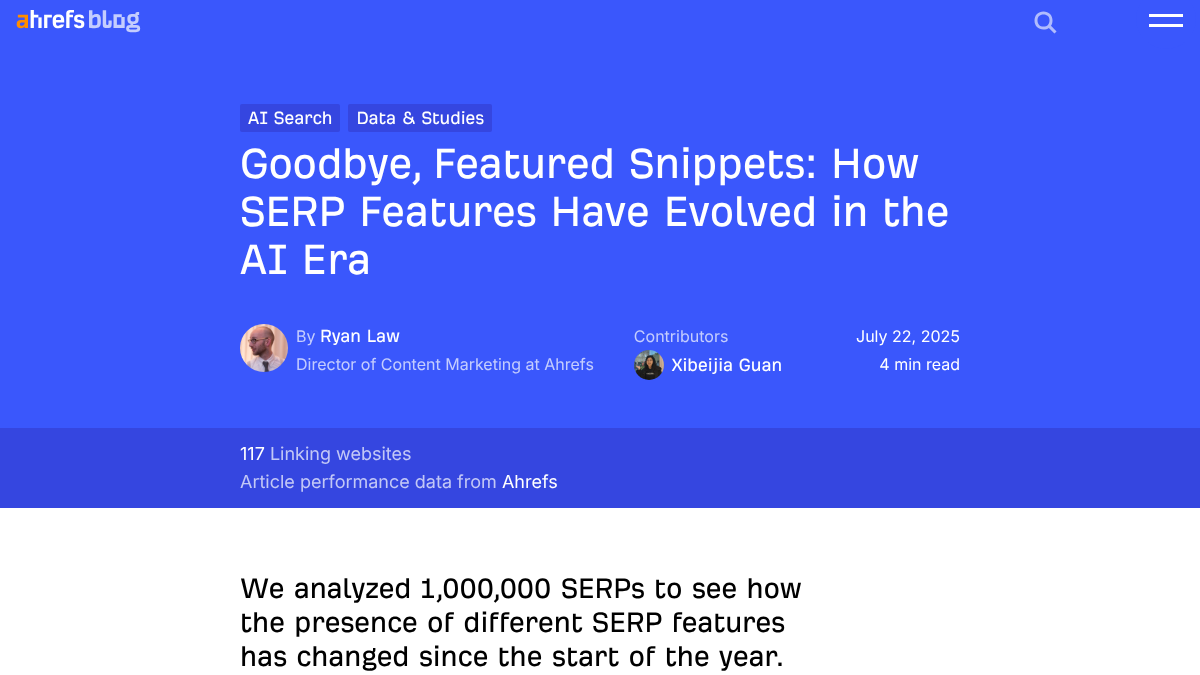
The two lines crossed in March 2025, the same month AI Overviews jumped by 116%. Ahrefs called out a very strong negative correlation between the two trends, while being careful to note that "correlation is not causation." Still, its own read was that AI Overviews "have superseded Featured snippets" across plenty of searches.
Zoom out further and the drop looks even bigger. An older Ahrefs study from 2017 found featured snippets on about 12.29% of queries, back when nobody had heard of an AI Overview. Snippets went from roughly one search in eight then to about one in twenty now, and most of that fall happened in a few months of 2025.
We'll show you exactly where your brand stands in AI search.
No commitment. $0 due today, cancel anytime. See how ChatGPT, Perplexity, Claude, Gemini, Grok, Google AI Mode, and Google AI Overviews talk about your brand today.

What we saw on two searches
On October 18, 2026, we pulled Google's US desktop results for two everyday how-to searches, just to see what actually shows up today.
| Search | Featured snippet | AI Overview |
|---|---|---|
| how many ounces in a gallon | No | No, but People Also Ask answers expanded into short AI answers |
| how to clean a cast iron skillet | No | Yes |
Neither search produced a classic featured snippet. The gallon question gave a full AI Overview with nothing beneath it, and the cast iron question gave only organic results plus a People Also Ask box where each question opened into its own short AI answer.
Two searches can't prove a trend by themselves, but they line up with what Ahrefs found at scale. On an average day, that box at the top is now more likely to be an AI answer than a featured snippet.
Why snippet-style answers still matter
Here's the part that keeps a featured snippet worth chasing even with AI Overviews everywhere. Google's documentation says a page has to be "indexed and eligible to be shown in Google Search with a snippet" before it can show up as a supporting link in AI Overviews or AI Mode, and AI Overviews lift short, direct passages the same way a featured snippet does.
So the work genuinely overlaps. A page built to win a featured snippet, with a plain answer sitting right under the question, is also exactly the kind of page an AI Overview can lift. I'd call that a snippet-shaped answer: a short block that answers one question so cleanly that any system, human or otherwise, can quote it without touching a word.
Featured snippets also still turn up inside People Also Ask boxes, which show up on a huge share of searches. Our analysis of where AI engines pull citations from gets into why the top of a page carries so much weight for AI answers too.
The three formats, and how to write for each
Featured snippets take three main shapes, and the shape depends entirely on the question behind it.
Paragraph snippets
These show up for "what is," "why" and "how does" questions, where Google pulls a few sentences straight from your page. Put the question in a heading, answer it directly in the first two or three sentences underneath, and skip any warm-up before the answer. A paragraph under the heading "What is a featured snippet?" should be able to open with "A featured snippet is a highlighted answer Google pulls from a page and shows near the top of the results," and read fine on its own.
List snippets
These answer "how to" and "best" questions, where the content is naturally a sequence of steps or items. A real numbered list works for steps, a bulleted list for items, placed directly under the heading, with each entry kept short and each step starting on a verb.
Table snippets
These answer anything that compares things or lines up numbers side by side, like prices, sizes or specs. A real HTML table with clear column headings does the job, kept simple enough that Google can pull just the rows answering the question.
Our guide to blog post formats covers structuring a whole article around these three shapes, and our guide to blog introductions covers writing the answer-first opening each one needs.
How to find snippet opportunities
Featured snippets usually land on pages that already rank on page one, so start there instead of guessing blind.
- Open Search Console and filter queries to the ones with question words, like what, how, why and best.
- Keep only the queries where you already rank in the top ten. Those are your real candidates.
- Search each one and note whether there's a snippet, an AI Overview, both, or neither, plus the format.
- Rewrite your answer to match that format, directly under a heading phrased as the question itself.
- Check again in a few weeks.
If a query shows neither a snippet nor an AI Overview, a clear answer can still help you rank and get quoted somewhere else entirely. Our guide to SERP analysis covers reading the results page before you start writing.
Know exactly what AI says about your competitors.
RankControl's Recon Agent monitors competitor citations across ChatGPT, Perplexity, Claude, Gemini, Grok, Google AI Mode, and Google AI Overviews. See where they show up and you don't.

How to opt out
Some sites genuinely don't want featured snippets, since a full answer sitting at the top can mean fewer people ever click through. Google gives you a few controls here, and each comes with its own trade-off.
| Control | What it does | Trade-off |
|---|---|---|
nosnippet | Blocks all text snippets for the page, including featured snippets | Also stops the page being "used as a direct input for AI Overviews and AI Mode" |
max-snippet:[number] | Limits snippet length | Google says a low setting "doesn't guarantee" no featured snippet |
data-nosnippet | Blocks specific text on the page from snippets | Only covers the marked text |
Google is unusually blunt about the middle option. "Using a low max-snippet setting doesn't guarantee that Google will stop showing featured snippets for your page. If you need a guaranteed solution, use the nosnippet rule."
Think hard before reaching for nosnippet, though. Blocking snippets also blocks your page as a direct input for AI Overviews and AI Mode, which is exactly where most of the top-of-page visibility now lives.
Common mistakes
Burying the answer in paragraph four is the most common one. If Google has to dig for it, it usually won't bother. Right behind that is answering a different question than the heading asks.
Adding schema and waiting is another dead end, since Google needs no special markup to show a snippet. Our analysis of schema and AI citations covers why markup alone rarely moves anything. Last, check the live results before rewriting toward a snippet that stopped showing up months ago.
How to tell if it worked
Open the Performance report in Search Console, filter to the page, and watch for changes in impressions and clicks on the target query. A featured snippet win usually shows up as a jump in impressions at an unusually high position, though be ready for clicks to move less than you'd expect. Our analysis of CTR by position shows how AI Overviews have already changed clicks at the top. For the fuller set of features a results page can show, see our guide to SERP features.
Doing it yourself or handing it off
Rewriting a handful of pages into snippet-shaped answers is an afternoon's work. Doing it across a whole site is slower.
You can go page by page with Search Console and the steps above. RankControl writes new articles with the answer near the top, under clear question headings from the start, and scores every one for how easily AI engines can quote it, with a list of fixes attached. We publish straight to your site, and our AI visibility tracking checks up to 50 buyer questions every week across seven AI engines. Expect Google traffic to move first, with AI citations following more slowly as links and mentions build up.
26 content formats. Published on your domain. Matched to your brand.
Guides, comparisons, listicles, case studies, and more. RankControl generates content that gets cited by ChatGPT, Perplexity, Claude, Gemini, Grok, Google AI Mode, and Google AI Overviews.