
Search for "blog post format" and you'll find template galleries and small blogs. When we pulled Google's results on October 18, 2026, no major SEO site was in the top ten. Google's own AI Overview stitched an answer together from a website builder's blog, a template site and a few independent writers.
That's odd, because Google has written most of what you need. Its own docs cover titles, headings, structure, structured data and what AI features want. So this guide builds a blog post format from Google's documentation first, then adds a few things the data says help.
Use it as a checklist. Each part below says what to do and why.
The layout at a glance
Here's the whole format in order. The sections below explain each part.
| Part | What it does | Google's guidance |
|---|---|---|
| Title | Says what the post answers | Unique, clear, concise, accurate |
| Intro | Answers the main question first | Organize content for people |
| Headings | Break the post into sections | No ideal number |
| Paragraphs | Keep each idea short | Break up long content |
| Lists and tables | Make comparisons scannable | Readers appreciate structure |
| Images | Show what words can't | Use relevant images, not logos |
| FAQ | Answers follow-up questions | Rich result removed in 2026 |
| Author box | Shows who wrote it and why | Clear authorship helps trust |
| Schema | Labels the article for search | No required properties |
We call this the reader-first frame. Every part is there for the person reading, and Google's docs keep saying that's also what its systems want.
The title
Google's SEO Starter Guide puts it simply. "A good title is unique to the page, clear and concise, and accurately describes the contents of the page."
In practice, that means the title says what question the post answers, in the words a reader would search. Put the main phrase near the front. Keep it short enough not to be cut off, since Google's Article docs warn that "long titles may be truncated on some devices."
Avoid titles that tease without telling. "You won't believe this format" gives a reader and a search engine nothing to go on.
The intro
The intro is the most important part of the format, and it should be short. Answer the main question in the first paragraph, in plain words. Then say what the rest of the post covers.
There's good evidence for this. Our analysis of where in an article AI engines pull citations from found that most cited passages come from the top third of a page. A clear first paragraph is the passage most likely to be quoted, and it's what a busy reader reads before deciding to stay.
A thread on r/SEO asked how to write blog posts that rank. The top reply described the same approach. Open with a direct answer of 40 to 60 words, then expand with what it is, how it works, examples and FAQs, using headings and bullets.
How to write great blog posts to rank higher?
I‘ve been posting blogs in the website of the company I currently work for, and doing some SEO In the pages, I am new at SEO, all the work I’ve done has been based on YouTube videos and ChatGPT help, some pages have ranked good but most of...
200+ SaaS teams already track their AI citations.
They know exactly when ChatGPT mentions their brand, and when it stops. Do you?

Headings
Headings do two jobs. They let readers scan to the part they need, and they tell search engines what each section is about.
Google's guidance is relaxed here. The Starter Guide says "there's no magical, ideal amount of headings a given page should have," and that heading order doesn't matter for ranking. We checked three pages that rank and get cited for "blog post format." One had 5 H2 sections, one had 8 and one had 12. All three were working.
So use headings where a new idea starts. A heading every 150 to 300 words is a good habit. Phrase some as the questions readers actually ask, like "How long should a blog post be?" That makes each section easy to find and easy to quote.
Paragraphs
Keep paragraphs short, usually two to four sentences. Google's Starter Guide says to "break up long content into paragraphs and sections."
Start each paragraph with its main point. If someone reads only the first sentence of every paragraph, they should still follow the post. That also helps AI features, which tend to lift short, self-contained passages.
Lists and tables
Use a list when you have steps or several parallel items. Use a table when you're comparing things across the same few qualities, like price, features or limits.
Google's guide to optimizing for generative AI features says people "generally appreciate it when web pages are organized by paragraphs and sections, along with headings that provide a clear structure." Lists and tables are the clearest structure there is for comparisons.
Don't turn everything into bullets, though. A post that's all lists reads like notes. Use them where the content really is a list.
Images
Most bloggers already use them. Orbit Media's 2026 survey of 1,042 content marketers found 88% include images in their posts, 60% include statistics and 45% include quotes from contributors.
Use images that show something, like a screenshot, a chart or a real example. Google's Article docs ask for images "that are relevant to the article, rather than logos or captions." Give each one descriptive alt text, which helps screen readers and image search.
How often does ChatGPT mention your brand?
Most founders have no idea. The answer might surprise you.

The FAQ section
A short FAQ near the end answers the follow-up questions readers have after the main post. Pull them from People Also Ask, from your support inbox or from the questions people ask in sales calls.
The rules changed this year. Google stopped showing the FAQ rich result on May 7, 2026, and removed its documentation on June 15.
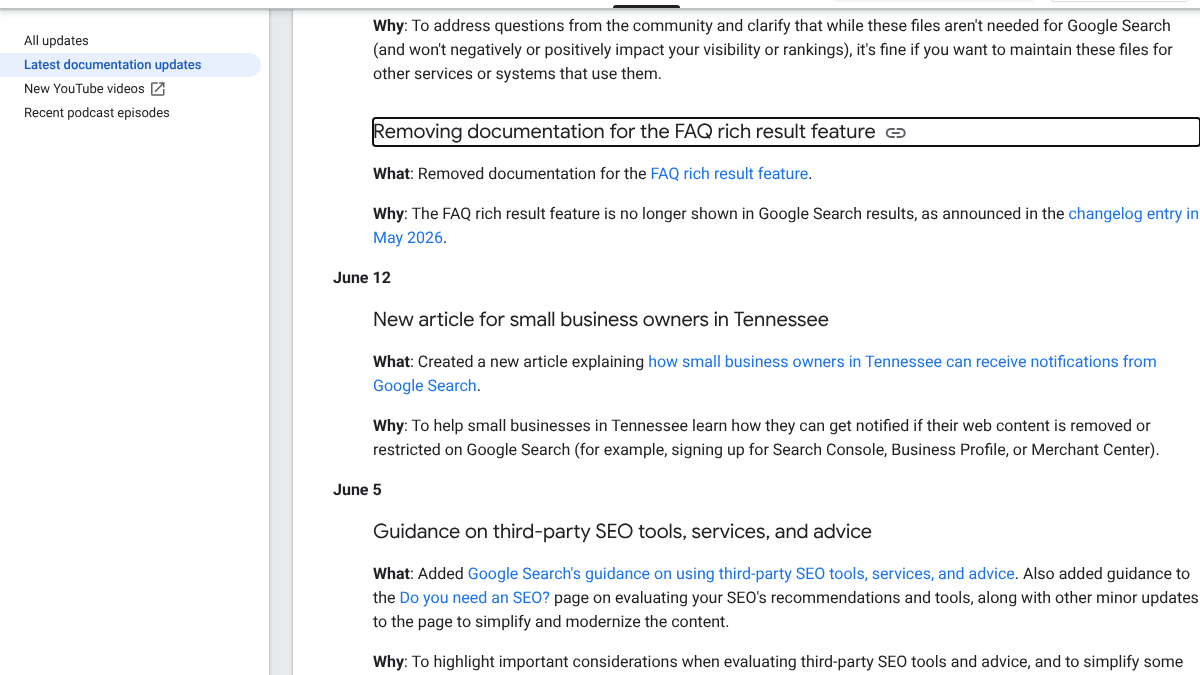
So FAQ schema no longer earns extra space in search results for most sites. The section itself is still worth having for readers, and each answer is a cold, self-contained passage that AI answers can lift. A thread on r/SEO about FAQ schema on blog pages reached the same view. The top reply said the rich result is now limited and that removing the markup didn't change rankings in their testing.
Should I add schema markup for FAQs on blog pages?
How important is it in today's SEO?
Our guide to FAQ pages for AEO goes deeper on writing the answers.
The author box
Put a named author at the top or bottom, linked to a short page about them. Say who they are and why they know the topic. That's part of what Google's people-first content guidance means when it asks whether it's clear who created the content.
Our author schema deep dive covers bylines and the markup behind them.
Schema
Article structured data helps Google understand the page. Its Article docs say it "can help Google understand more about the web page and show better title text, images, and date information for the article."
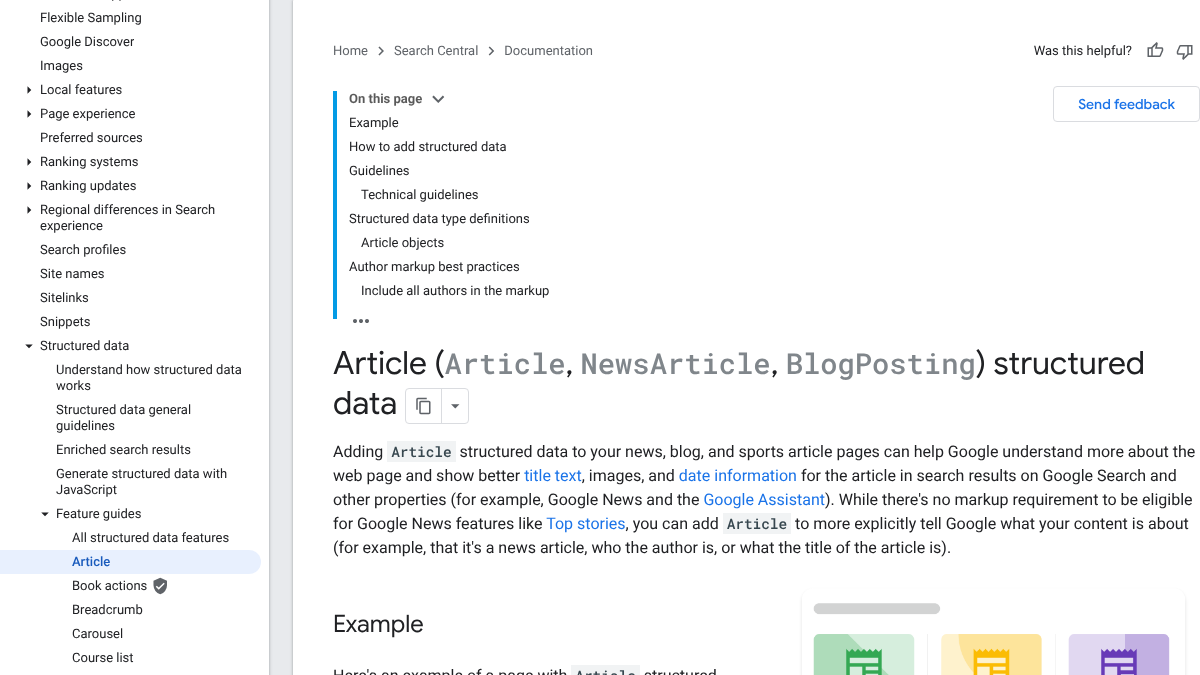
The docs also say "there are no required properties." The useful ones are headline, image, datePublished, dateModified and author. Most blog platforms and SEO plugins add these for you, so check what yours already does before adding more.
What AI features don't need
This is where a lot of advice goes wrong. You'll see tips to chunk content into tiny blocks, add special AI files or write in Markdown for AI engines. Google's guide to generative AI features says otherwise.
"There's no requirement to break your content into tiny pieces for AI to better understand it," it says. You also don't need "new machine readable files, AI text files, markup, or Markdown" for Search. And "structured data isn't required for generative AI search."
So the format that works for readers is the format that works for AI Overviews and AI Mode. Our guide to SERP features in 2026 covers how those features show up on the page.
How long should it be?
Google says there's "no magical word count target, minimum or maximum." Orbit Media's 2026 survey put the average blog post at 1,312 words, down from a peak of 1,427 in 2023.
Write as much as the topic needs and stop. A 900-word post that answers the question in its first paragraph beats a 3,000-word post that buries it.
Doing it yourself or handing it off
Once you have the format, each post takes about three hours to write well, plus the time to find real examples and check facts. That's the part that adds up.
You can run this format yourself with a checklist and a writer. Or RankControl can write each article against the pages already ranking for its keyword, in this kind of layout, and score it for how easily AI engines can quote it, with a list of fixes. It publishes to your site, and its AI visibility tracking checks up to 50 buyer questions a week across seven AI engines. Expect traffic from Google and AI search first, with citations following more slowly as other sites link to and mention you.
15 hours a week manually. Or 15 minutes with RankControl.
Track citations, monitor competitors, and fix content gaps across every AI search engine. Automatically.