
AI can draft a blog post in a minute. Getting that draft to rank in Google and show up in AI answers takes two more things: real facts going in, and a careful pass before it goes out.
This guide covers both. It's built around a short on-page pass you run on every AI draft, with each step checked against Google's own documentation and against pages that already rank for this topic.
Step 1: pick a question people actually search
Start with a specific question your buyers ask, not a broad topic. "How to write SEO friendly blog posts" gets searched every month. "Blogging tips" is too broad to win.
Search the question in Google before you write. Note what kind of pages rank, how they're structured and what they all leave out. That gap is where your post earns its place.
Our guide to primary keywords covers picking one focus per page, and our AI content creation guide covers the full research process.
Step 2: give the model real facts
A model with nothing to go on writes the average of the internet. A model with your facts writes something only you could publish.
Before you prompt, gather:
- Your product facts. Prices, features, limits, what it doesn't do.
- Your audience. Who the post is for and what they already know.
- Your sources. The studies, docs and numbers you want cited.
- Your own experience. Results, examples, mistakes, customer questions.
- Your voice. Two or three posts you like, as examples.
In an r/SEO thread asking whether anyone uses AI to write blogs, one practitioner said what worked for them was giving the model brand guidelines, a specific tone and the client's selling points before drafting. That kept the output consistent.
Is anyone using AI to write blogs?
I've been trying to wrap my head around this question, honestly if you try to hire a writer they will likely use AI and since it is getting really good, detection is likely harder. Is anyone developing their own AI scripts or guidelines and...
Our post on better AI content from context covers this step in more depth.
We'll show you exactly where your brand stands in AI search.
No commitment. $0 due today, cancel anytime. See how ChatGPT, Perplexity, Claude, Gemini, Grok, Google AI Mode, and Google AI Overviews talk about your brand today.

Step 3: run the publish pass
Once you have a draft, run it through the same pass every time. We call this the publish pass, a fixed set of checks between the draft and the publish button.
| Check | What to do | Google's guidance |
|---|---|---|
| Title | One clear, specific title with the main topic near the start | "Write descriptive and concise text" |
| Main heading | Match or closely echo the title | Google uses headings when it writes title links |
| Intro | Answer the question in the first few sentences | Readers and AI answers look here first |
| Subheadings | One per subtopic or follow-up question | Order doesn't matter to Google |
| Meta description | A plain two-sentence summary | Google sometimes uses it in the snippet |
| URL | Short, readable words | "Use readable words rather than long ID numbers" |
| Images | Descriptive file names and alt text | Alt text is "the most important attribute" |
| Internal links | Link to two to five related posts | Helps Google find and understand pages |
| Sources | Cite primary sources for every number | Builds trust for readers and AI answers |
Title
Google's title link documentation asks for a title on every page and says to "write descriptive and concise text." It sets no hard length limit, though "the title link is truncated in Google Search results as needed, typically to fit the device width."
It also warns against stuffing. Title text that repeats variations of a phrase "doesn't help the user, and this kind of keyword stuffing can make your results look spammy to Google and to users."
AI drafts often produce titles that are long and generic. Rewrite yours to say exactly what the reader gets.
Intro and subheadings
Put the direct answer in the first few sentences. AI drafts like to warm up with context. Cut it.
Then give each subtopic its own heading. A heading phrased as the question a reader would ask, followed by a direct answer, is easy for both Google and AI engines to match to a search.
Meta description
Google said that "snippets are primarily created from the page content itself," but it "sometimes uses the meta description HTML element if it might give users a more accurate description of the page." Write a plain summary of what the post covers. Don't stack keywords.
Images
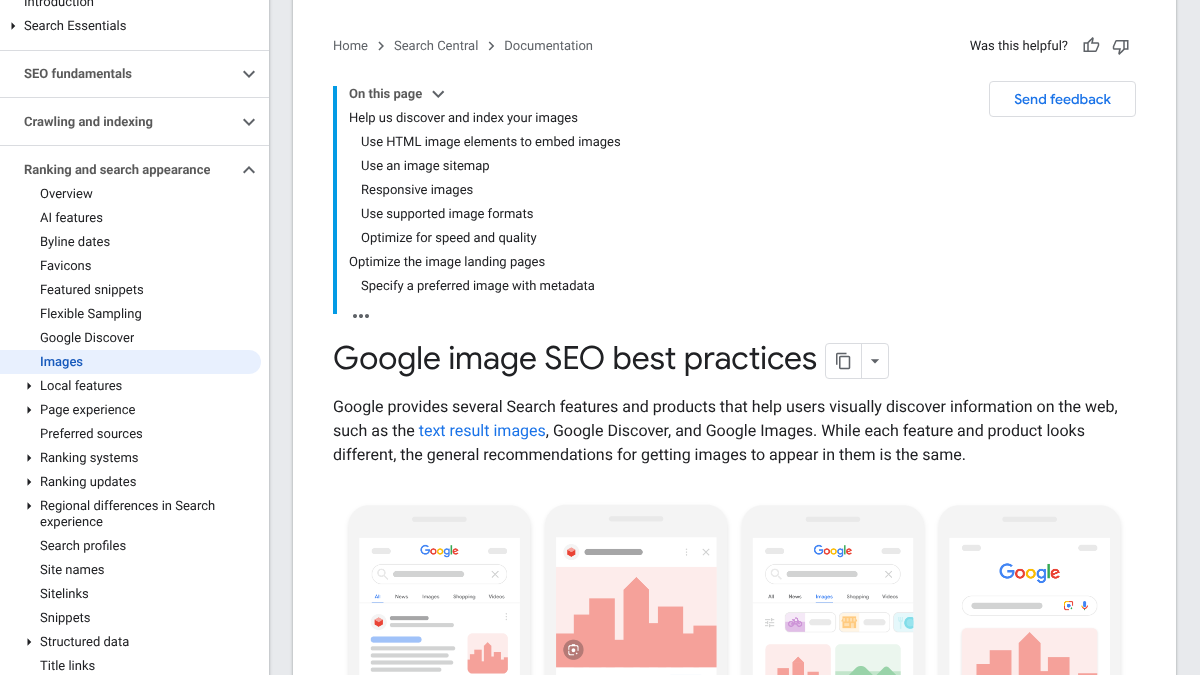
According to Google's image guidelines, alt text is "the most important attribute when it comes to providing more metadata for an image." Google asks for "useful, information-rich content that uses keywords appropriately," and warns that filling alt attributes with keywords "may cause your site to be seen as spam."
File names count too. Google's example is that "my-new-black-kitten.jpg is better than IMG00023.JPG." And place images "near relevant text."
Internal links and sources
Link to related posts on your own site, and cite the source behind every number. AI drafts often invent statistics or cite pages that don't exist, so check every claim against the original before publishing.
Know exactly what AI says about your competitors.
RankControl's Recon Agent monitors competitor citations across ChatGPT, Perplexity, Claude, Gemini, Grok, Google AI Mode, and Google AI Overviews. See where they show up and you don't.

What we found on pages that rank
On October 19, 2026, we checked the top Google results in the US for "how to write seo friendly blog posts" and two related searches, then pulled the title, main heading and structure of four ranking articles.
| Check | Result across 4 ranking pages |
|---|---|
| Title matches the main heading exactly | 3 of 4 |
| Title length | 36 to 80 characters |
| Uses an HTML table | 0 of 4 |
| Has FAQ structured data | 0 of 4 |
| Images per page | 9 to 43 |
Most of these pages keep the title and main heading identical, which suggests it's a safe default. One ranked with an 80-character title, so length alone isn't what decides it.
None of the four used a table, even though three were written as checklists. And none carried FAQ markup. That's a gap a new post can fill, with a summary table readers can scan and a short FAQ answering the follow-up questions.
The sample is small, and these pages rank for many reasons beyond formatting. But it shows the basics most ranking pages share, and the easy wins they skip.
Step 4: make it easy to cite
Ranking gets you into Google. Being cited in AI answers takes something extra.
The Princeton-led study "GEO: Generative Engine Optimization," presented at KDD 2024, tested which edits raised a page's visibility in AI-generated answers. The authors found that "including citations, quotations, and statistics can significantly boost source visibility, with an increase of over 40% across various queries."
Keyword stuffing, the old trick, did the opposite. In the paper's own results table, it scored below a page with no changes at all.
Google's guidance points the same way. Its guide to generative AI features in Search said "creating content that people find unique, compelling, and useful will likely influence your website's presence in generative AI search in the long run more than any of the other suggestions in this guide."
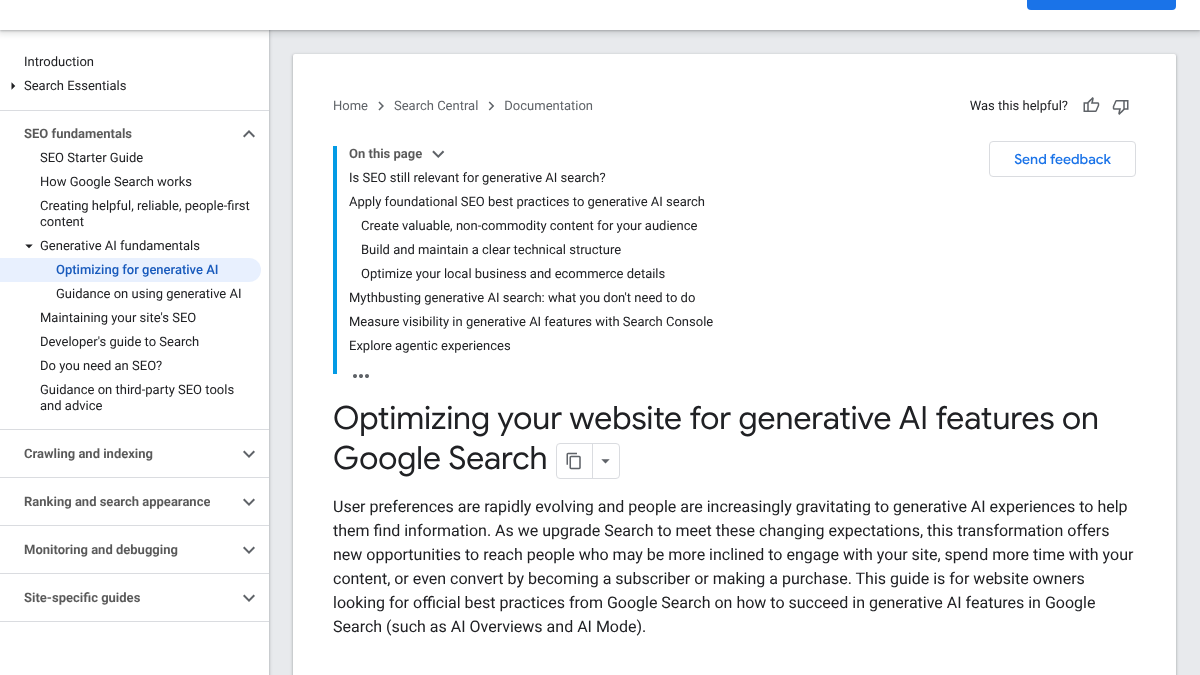
The guide contrasts commodity content, "based on common knowledge," with content that "provides unique expert or experienced takes that go beyond common knowledge." An AI draft built only from a prompt is commodity content by default. Your facts, data and experience are what move it to the other side.
In practice, that means:
- A number in most sections, with its source.
- A named quote from someone who knows the topic.
- Something first-hand, like a result, a test or an example.
- A direct answer right under each question heading.
What you can skip
Google's same guide lists tactics you don't need for Google Search, including "chunking" content, AI text files like llms.txt and "pursuing inauthentic mentions." Write for readers in normal sections.
You also don't need to hide that AI helped. Google said in 2023 that it focuses on "rewarding high-quality content, however it is produced." What it penalizes is content made mainly to manipulate rankings. Our post on whether AI-written blog posts can rank in AI search covers this, and our guide to the patterns readers notice in AI writing covers what to edit out.
How long it takes
| Task | Time per post |
|---|---|
| Picking the question and checking the results | 30 to 45 minutes |
| Gathering facts and sources | 45 to 60 minutes |
| Drafting with AI | 10 to 20 minutes |
| Editing and fact-checking | 60 to 90 minutes |
| The publish pass | 20 to 30 minutes |
| Images and publishing | 20 to 30 minutes |
That's roughly three to four and a half hours per post. Eight posts a month is 24 to 36 hours.
Doing it yourself or handing it off
The drafting is the fast part. The research, the facts, the editing and the publish pass are where the hours go, and they're what make a post rank.
RankControl handles that work. We find the questions your buyers search, write each article from your brand's facts and the pages already ranking for it, with sources cited, and score it for how easily AI engines can quote it. Then we publish to your site once you approve. Our AI visibility tracking checks up to 50 buyer questions every week across seven AI engines. Expect traffic from Google first, with AI citations following more slowly as links and mentions build up.
26 content formats. Published on your domain. Matched to your brand.
Guides, comparisons, listicles, case studies, and more. RankControl generates content that gets cited by ChatGPT, Perplexity, Claude, Gemini, Grok, Google AI Mode, and Google AI Overviews.