
Eight results, one search. We looked up "how to improve website ranking" on October 19, 2026, and every single result in the top eight was a numbered list of tactics. "9 Ways." "11 Ways." "5 Ways." "10 Proven SEO Tips." Not one of them said which tactic to do first, or how long any of them actually take.
That's a fine way to write an article if you've got an SEO team to throw at every item on the list. It's a bad plan if you've got four hours a week. Work through eleven unordered tactics and you'll touch all of them a little and move almost none of them.
So this isn't another list. It's an order: five steps, each with a rough time cost, a reason it sits where it does, and a sign that tells you when to skip it. Each one links out to a deeper guide for the mechanics.
The order at a glance
| Step | What | Rough time | Why it's here |
|---|---|---|---|
| 1 | Fix indexing and crawl problems | 1 to 3 hours | Pages Google hasn't indexed can't rank at all |
| 2 | Push almost-there pages | 2 to 4 hours a page | Pages in positions 8 to 20 move fastest |
| 3 | Fill content gaps | 4 to 8 hours a page | New pages take longest, so start them early |
| 4 | Fix internal links | 1 to 2 hours | Cheap, and it helps steps 2 and 3 |
| 5 | Earn links | Ongoing | Slowest per result, but it compounds |
Think of it as a cheapest-movement rule. At every step, do whatever is most likely to move a ranking per hour of work, and push the slow, expensive stuff to the back of the queue. The hours above assume a small site and someone who already knows their way around Search Console, so adjust for your own situation.
Step 1: fix indexing and crawl problems
Nothing ranks if Google hasn't indexed it, which is exactly why this comes first. Open Search Console's page indexing report and scan the "not indexed" list for anything that matters.
Two statuses show up constantly, and Google's own help page defines each one.
| Status | What Google says it means |
|---|---|
| Crawled, currently not indexed | "The page was crawled by Google but not indexed. It may or may not be indexed in the future" |
| Discovered, currently not indexed | "The page was found by Google, but not crawled yet" |
A page stuck in the first bucket usually needs to be more distinct from your other pages, or just better. One stuck in the second bucket is different. Google says it typically wanted to crawl the URL but expected the crawl to overload the site, so it pushed the attempt back. Faster server responses and fewer junk URLs both help there.
After that, check page experience, but only chase the big problems. Google's page experience documentation, last updated September 22, 2026, states plainly that "Core Web Vitals are used by our ranking systems." It also adds that good scores don't "guarantee that your pages will rank at the top of Google Search results."
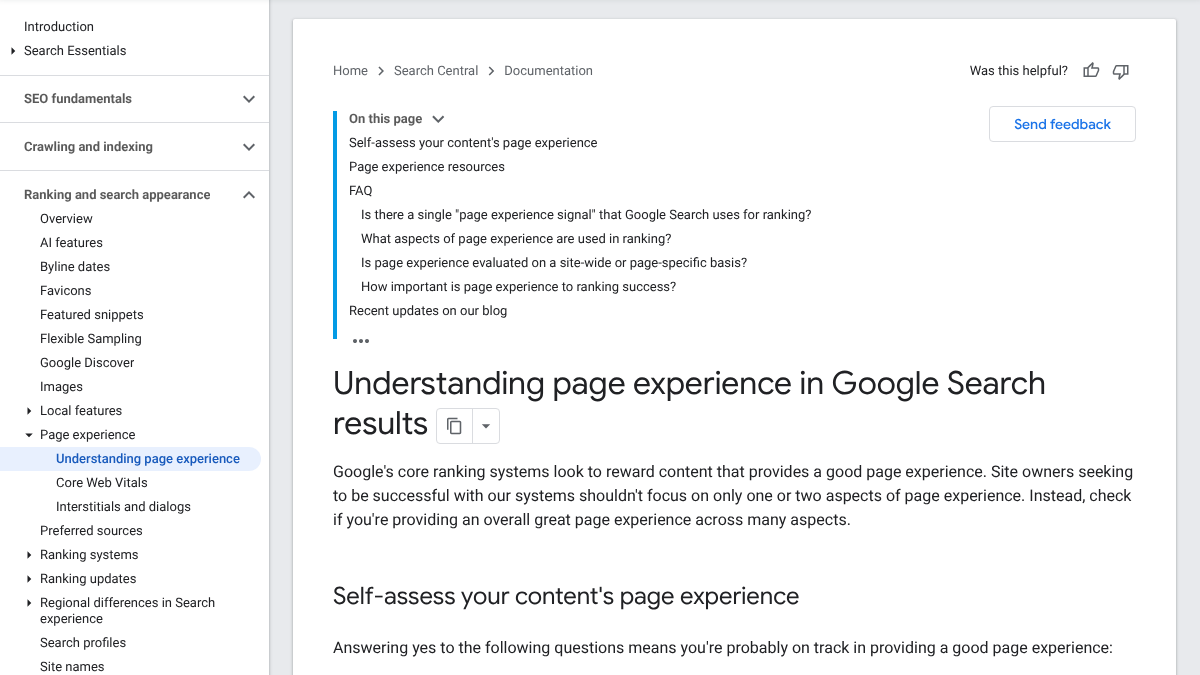
Google goes a step further on this, too. "Beyond Core Web Vitals, other page experience aspects don't directly help your website rank higher in search results." So patch whatever is failing badly, and move on rather than chasing a perfect score.
Skip this step if every important page is indexed already and nothing fails Core Web Vitals in Search Console. For brand new pages, our guide to asking Google to crawl a page covers the actual request.
Your competitors are building backlinks while you read this.
Organic outreach, social mentions, and citations from Editorial Circle member sites, with managed backlinks available as an add-on. Grow your domain authority without running the campaign yourself.

Step 2: push the almost-there pages
This is probably the single best hour you'll spend all month. Open Search Console's Performance report and filter for queries where your average position sits somewhere around 8 to 20, with real impressions behind them. Google already considers those pages relevant. A small push can be enough to carry them onto page one, or further up it.
There's a reply on an r/SEO thread, started by someone whose manager wanted results in 30 days, that lays out almost exactly this move. Pick three to five pages sitting between position 8 and 20 for a query with genuine search volume, rewrite the title so it plainly answers that query, and add internal links pointing at the page.
A short routine covers most almost-there pages:
- Check what's currently ranking for the query. Does your page match it in format and depth?
- Rewrite the title and opening so they answer the query head on.
- Add whatever the top results cover that your page is still missing.
- Add two or three internal links to it from pages that are already related.
Our guide to pages stuck on page two covers the diagnosis side in more depth, and our content optimization guide covers the rewrite itself.
Skip this step if you don't have any queries sitting in that range yet. That's normal for a newer site. Go straight to step 3.
Step 3: fill the content gaps
Now write the pages that don't exist yet, the ones answering questions your buyers search that nothing on your site currently covers.
They come third on purpose, not first, because new pages are slow to pay off. Ahrefs polled 3,680 people on LinkedIn and X for its guide on how long SEO takes, last updated January 31, 2024, and settled on "it typically takes three to six months for SEO to show results." The same guide hedges right after that line too. "There's no definitive time frame. It depends." Our SEO statistics roundup has the harder version of that number: in Ahrefs' study of a million new URLs, few reached the top 10 within a year.
That slowness is the whole reason to start these pages early rather than last. They need the longest runway, so the clock should start the moment the cheap fixes are out of the way. Go narrow first. A page built around "best CRM for a 10-person agency" has a far better shot than one aimed at the word "CRM" by itself.
Before you write anything new, check that you don't already have a page half-covering the same ground. Our content audit template walks through deciding whether to update, merge or start fresh.
Skip this step if your buyers' main questions are already covered. It happens, just rarely.

You're getting AI traffic. But do you know where it comes from?
RankControl credits every visit to the assistant that sent it: ChatGPT, Perplexity, Claude, Gemini, Copilot, or Grok. Full source attribution, next to your Google traffic.
Step 4: fix your internal links
Internal links are how you tell Google which pages matter and how they connect to each other. They're cheap to add, and they directly help steps 2 and 3 along.
The clearest data on this comes from Cyrus Shepard at Zyppy, in a study updated February 23, 2026: "We analyzed 23 million internal links across 1,800 websites, totaling approximately 520,000 individual URLs," checked against Search Console clicks.
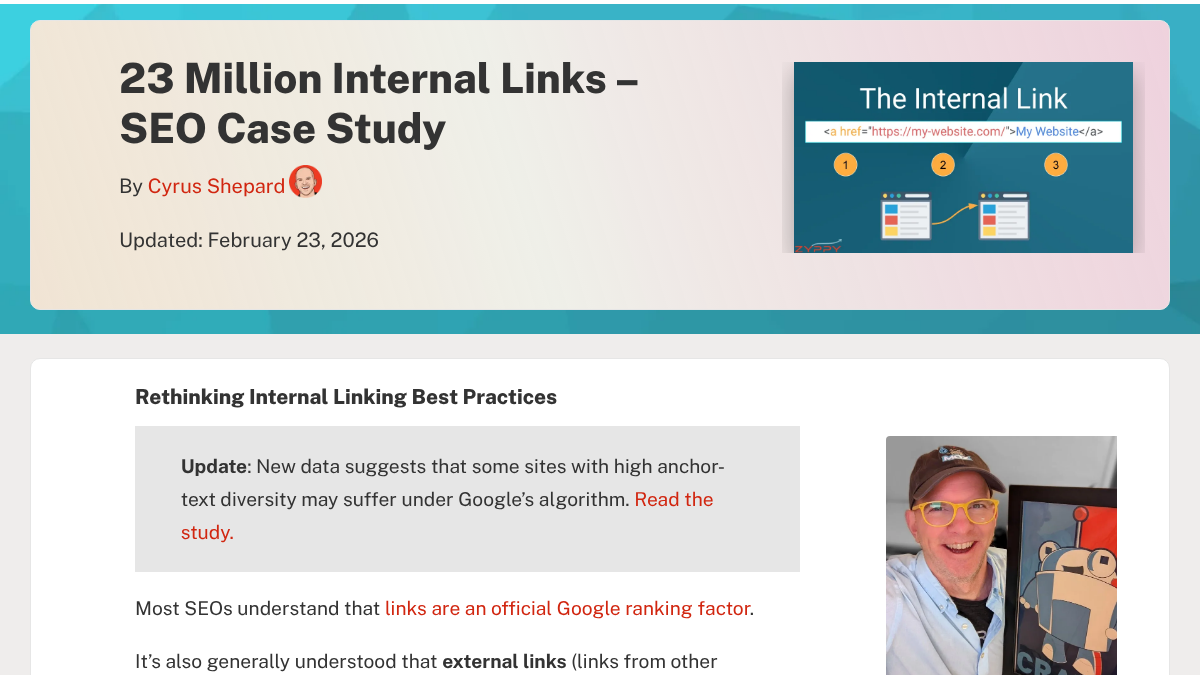
The headline finding is worth sitting with. "URLs with 0-4 internal links received an average of 2 clicks from Google Search, while URLs with 40-44 internal links received 4 times that many." But the curve bends back the other way eventually: "after a URL receives about 45-50 internal links, the effect reverses."
Zyppy is upfront that this is "mostly a correlation study," so treat the numbers as direction rather than proof. The direction still points somewhere useful.
- Find your important pages that currently have very few internal links pointing at them.
- Add links from related pages, using descriptive anchor text rather than "click here."
- Link every new page from step 3 from at least two or three existing pages.
- Stop once you've covered the gaps. Past a point, adding more links stops helping.
Our list of underrated SEO techniques goes further into orphan pages and anchor text.
Skip this step if you've checked recently and every important page already has links pointing to it.
Step 5: earn links from other sites
Links from other sites still line up with where you rank. They're also the slowest step for the result you get, which is exactly why they sit last in the order. Last in order isn't the same as least important.
Start with whatever costs the least:
- Unlinked mentions. Sites that already mention you without linking. A short, polite note often gets the link added.
- Broken links to you. Pages linking to a URL on your site that no longer exists. Redirect the old URL and the link keeps working.
- Partners and suppliers. Companies you already work with that list partners on their own site.
- Useful data. A page with real, original numbers is the kind of thing other writers actually link to.
Our guide to building backlinks ranks the methods by time cost, and our list of backlink prospecting tools covers finding targets worth reaching out to.
Don't skip this step. Just do it after the others, in small amounts every week.
A four-hour week
Here's roughly how the order plays out against a small weekly budget.
| Week | Work |
|---|---|
| Week 1 | Indexing report and Core Web Vitals check, then one almost-there page |
| Weeks 2 to 4 | One or two almost-there pages a week |
| Week 5 onward | One new page a week, plus internal links to it from existing pages |
| Every week | 30 minutes on links: one unlinked mention or one partner |
Check Search Console every couple of weeks. Once the almost-there list dries up, shift that freed-up time toward new pages and link work instead.
Mistakes that waste the hours
- Chasing a perfect speed score. Google says good scores don't guarantee rankings.
- Writing new pages before fixing the near misses. New pages take months. Near misses can move in weeks.
- Building links to pages that aren't indexed. Go back and fix step 1 first.
- Changing everything at once. Change one page at a time, so you can actually tell what worked.
- Giving up at week six. Ahrefs' poll put the typical result at three to six months, not six weeks.
What about AI search?
The same order carries over here too. Google's AI Overviews and AI Mode both draw from pages that are indexed and eligible to show a snippet in the first place, which is exactly why steps 1 and 2 matter just as much for AI answers as for rankings. Our guide to how Google's search algorithm works covers how that layer sits on top of the rest. The pages you write in step 3, the ones answering one specific question clearly, also tend to be the kind AI answers quote.
Doing it yourself or handing it off
Steps 1, 2 and 4 are quick, and nobody knows your site better than you do. Steps 3 and 5 are where small teams actually run out of hours.
RankControl takes on those two. We find the questions your buyers are searching, write each article against the pages already ranking for it, and publish it to your site. We also find link prospects for whatever you've published and draft outreach from your own mailbox, with nothing sent until you approve it. Our AI visibility tracking checks up to 50 buyer questions every week across seven AI engines. Expect Google traffic to move first, with AI citations following more slowly as links and mentions build up.
We'll show you exactly where your brand stands in AI search.
No commitment. $0 due today, cancel anytime. See how ChatGPT, Perplexity, Claude, Gemini, Grok, Google AI Mode, and Google AI Overviews talk about your brand today.