
You open Search Console, click Pages and see a grey bar bigger than the green one. Some of the reasons listed below it are real Google indexing issues. Others mean the report is doing its job, and Google says so in its own help text.
This guide goes through the report status by status, with Google's wording, what it means, the fix and whether to worry. I read Google's Page indexing report help page on October 19, 2026, and the quotes below come from it.
Start with the report, then read the right rows
The report lives under Indexing, then Pages. Its "Why pages aren't indexed" table is the part people panic over.
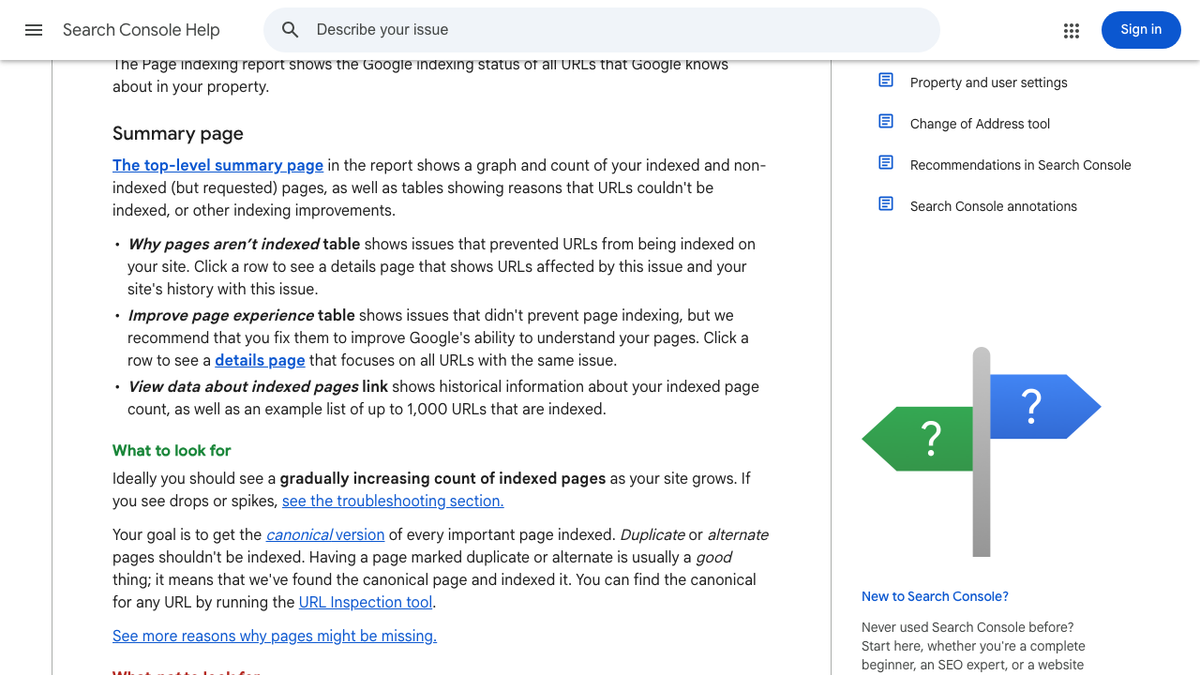
Two lines on that page matter most. Google says that "if your site has fewer than 500 pages, you probably don't need to use this report." And it says that having a page marked duplicate or alternate "is usually a good thing," since it means Google found the main version and indexed it.
The example list for each status is also "limited to 1,000 items," so on a big site you're looking at a sample.
Every status, side by side
I call the rows marked "No" below the ignore pile. Those rows need no work from you.
| Status | Google's wording | What it usually means | Fix | Worry? |
|---|---|---|---|---|
| Crawled - currently not indexed | "crawled by Google but not indexed. It may or may not be indexed in the future" | Google didn't think it was worth keeping yet | Improve or merge it, then link to it | Yes, for pages you care about |
| Discovered - currently not indexed | "found by Google, but not crawled yet" | Google put off the crawl | Internal links, a clean sitemap, a faster server | Sometimes |
| Alternate page with proper canonical tag | "there is nothing you need to do" | Working as meant | None | No |
| Duplicate without user-selected canonical | "Google has chosen the other page as the canonical" | Google picked the main version for you | Add a canonical tag or redirect | Only if it picked wrong |
| Duplicate, Google chose different canonical than user | "Google thinks another URL makes a better canonical" | Your hint lost to other signals | Line up links, redirects and sitemap | Yes, on key pages |
| Page with redirect | "this URL will not be indexed" | The URL forwards somewhere else | Point internal links at the target | No |
| URL marked 'noindex' | "encountered a 'noindex' directive" | A tag told Google to skip it | Remove the tag if you want it indexed | Only if it's a mistake |
| URL blocked by robots.txt | "blocked by your site's robots.txt file" | A rule stops crawling | Remove the rule if you want it crawled | Only if it's a mistake |
| Soft 404 | "a user-friendly 'not found' message but not a 404 HTTP response code" | The page looks empty or broken | Send a real 404, or give the page real content | Yes, on real pages |
| Not found (404) | "returned a 404 error when requested" | The page is gone | Redirect it if it moved, or leave it | Rarely |
| Server error (5xx) | "returned a 500-level error" | Your server failed | Fix the server | Yes |
| Redirect error | A chain too long, a loop, or a bad URL | A broken redirect | Cut it to one hop | Yes |
| Indexed, though blocked by robots.txt | "indexed despite being blocked" | Google indexed it from links alone | Use noindex and allow crawling | If you wanted it out |
We'll show you exactly where your brand stands in AI search.
No commitment. $0 due today, cancel anytime. See how ChatGPT, Perplexity, Claude, Gemini, Grok, Google AI Mode, and Google AI Overviews talk about your brand today.

Crawled - currently not indexed
This is the status that confuses people most, and it's the hardest one to fix. Google fetched the page and decided not to keep it. Its help text adds that there's "no need to resubmit this URL for crawling," so clicking Request Indexing over and over won't help.
The cause is usually the page itself. On July 16, 2026, Glenn Gabe quoted Google's John Mueller and Martin Splitt on just this. Low-quality pages, including low-quality AI content, may not be trusted, and if Google's systems are worried about a whole site, "we'll probably crawl a lot less, we'll index a lot less." Then, in their words, "you'll see things like 'crawled not indexed' or 'discovered not indexed.'"
Yep, 100%. I've been saying this for a LONG time. -> "One item was on how quality issues, including low-quality AI-generated content, can result in those pages not being trusted and not being indexed by Google. That might lead to the page indexing report showing a "crawled -
 Glenn Gabe@glenngabeJul 16, 2026
A July thread on r/TechSEO shows how this feels. The poster's pages had sat in this status for almost two months, with validation still pending since May 29. The top reply asked a blunt question. Is there a real reason Google should index these pages over every other page on the same topic?
Crawled - currently not indexed for almost 2 months.
Crawled - currently not indexed for almost 2 months. Validation Started - Started: 5/29/26 and still nothing.
Other replies said to look for URL parameters, tag pages, pagination and near-copies, then check that canonicals agree and each page gets links from indexed pages. Our guide to thin content vs authority covers how to tell a weak page from a weak domain.
Speed of publishing matters too. In an r/DoSEO thread from August, a site owner had pushed out more than 20,000 pages in under a month, and about 17,200 of them fell out of the index. One blunt reply said a new site can't publish at a pace only Amazon gets away with.
Help! google de-indexed all my pages and I don't know why
the console only updates every 2 weeks and I have no idea what happened, impressions down from 2000 a day to almost 0 (no shii nothing is indexed no more)..
There's one caveat before you rewrite anything. On September 9, 2026, Barry Schwartz reported that Mueller confirmed a bug had made Search Console show this status by mistake, calling it a "short blip." If the count jumps overnight with no change on your site, wait a few days and check again.
Discovered - currently not indexed
Here Google knows the URL but hasn't fetched it. Its wording is that Google "wanted to crawl the URL but this was expected to overload the site; therefore Google rescheduled the crawl." The Mueller quote above shows quality can push pages here too.
On a new site this is normal for a while. One person on X posted that a new 206-page site had 119 pages indexed and 63 in this status one day after launch.
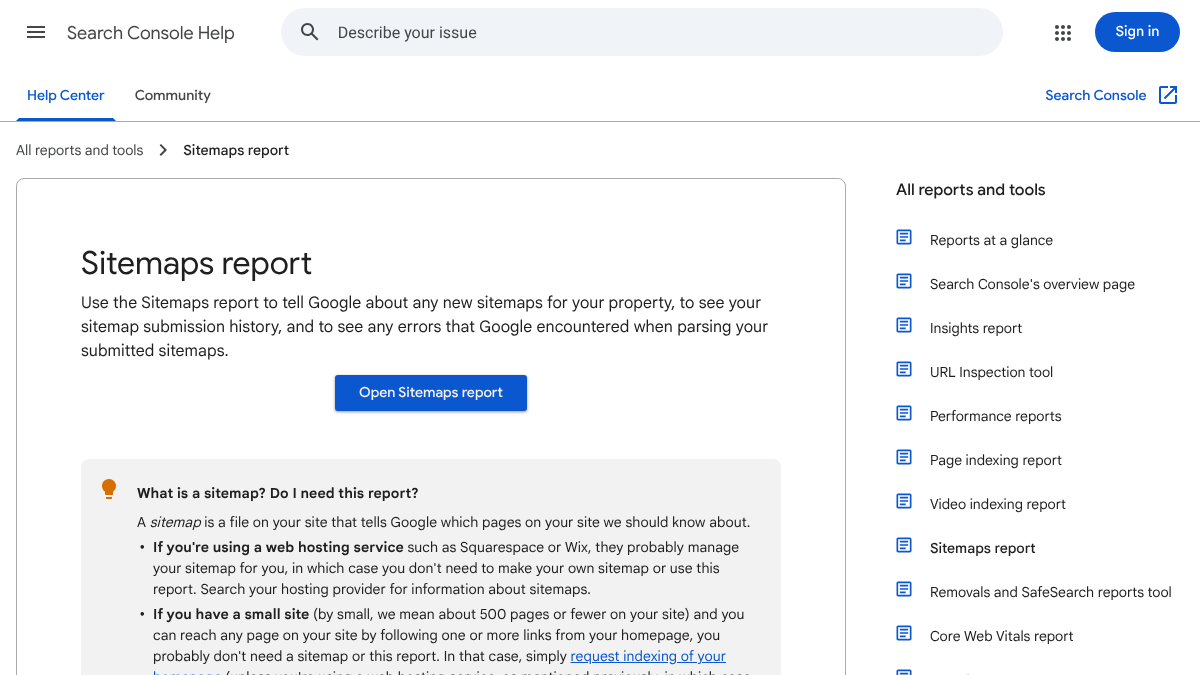
If pages stay here for weeks, link to them from indexed pages and keep the sitemap free of redirects and noindex pages. A slow server can hold them back too. Our guides to submitting a sitemap to Google and Bing and the WordPress sitemap cover the sitemap side.
The canonical pair
Two duplicate statuses look alike but mean different things. "Duplicate without user-selected canonical" means you never said which version is the main one, so Google chose. That's fine for tracking-parameter URLs and print versions you don't care about.
"Duplicate, Google chose different canonical than user" is the one to look at. You named a main page and Google disagreed. Check the canonical Google picked in URL Inspection, then point your internal links and sitemap at one address and redirect where you can. Our duplicate content guide has the full set of fixes.
Soft 404, and robots.txt vs noindex
A soft 404 is a page that sends a 200 "OK" code but looks like an error, such as an empty category page. If the page is really gone, send a real 404 or 410. If it should exist, give it real content.
The robots.txt mix-up catches a lot of people. A robots.txt rule stops crawling, but it doesn't stop indexing. Google's help page says it can still index a blocked page "using the information from the page that links to your blocked page." To keep a page out, Google's advice is to "remove the robots.txt block and use a 'noindex' directive," since Google has to crawl the page to see the tag.
Know exactly what AI says about your competitors.
RankControl's Recon Agent monitors competitor citations across ChatGPT, Perplexity, Claude, Gemini, Grok, Google AI Mode, and Google AI Overviews. See where they show up and you don't.

Server errors and redirect errors
These two always need a fix. Google's crawling docs say it slows down when it gets 5xx errors, and indexed URLs that keep failing can drop out.
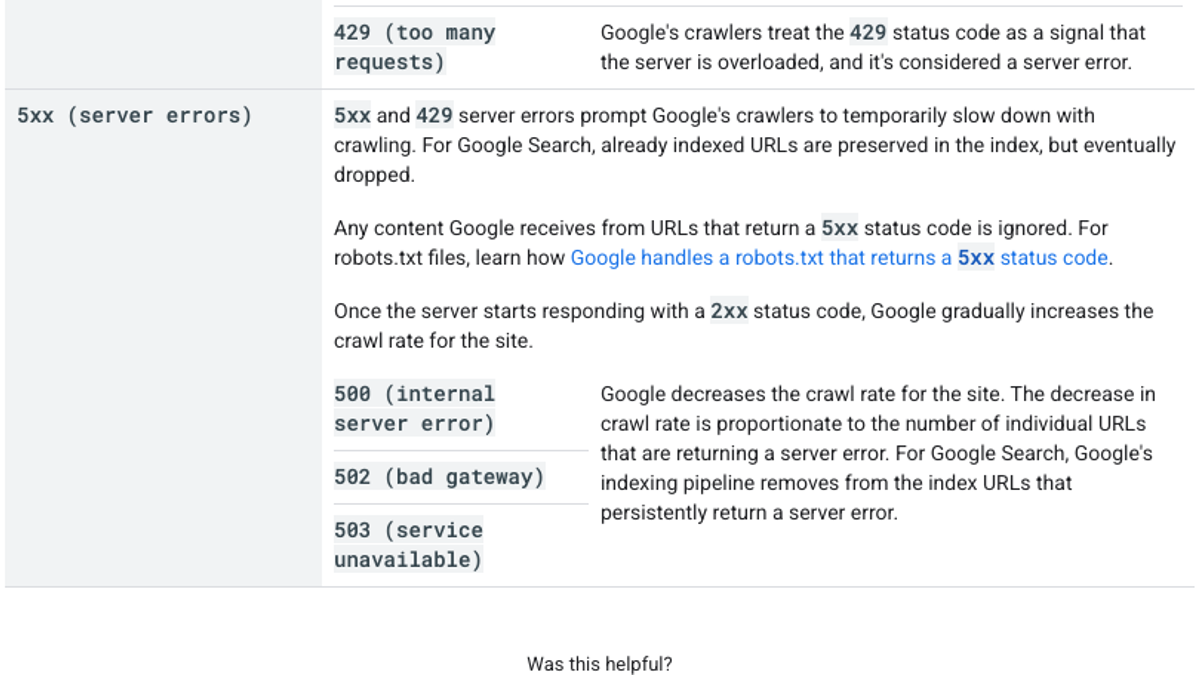
For redirect errors, such as long chains and loops, point each old URL straight at its final page in one hop. Our guide to crawl timeouts and traffic drops covers the server side in depth.
URL Inspection and Request Indexing
The URL Inspection tool shows one page at a time, including whether it's on Google and which canonical Google picked.
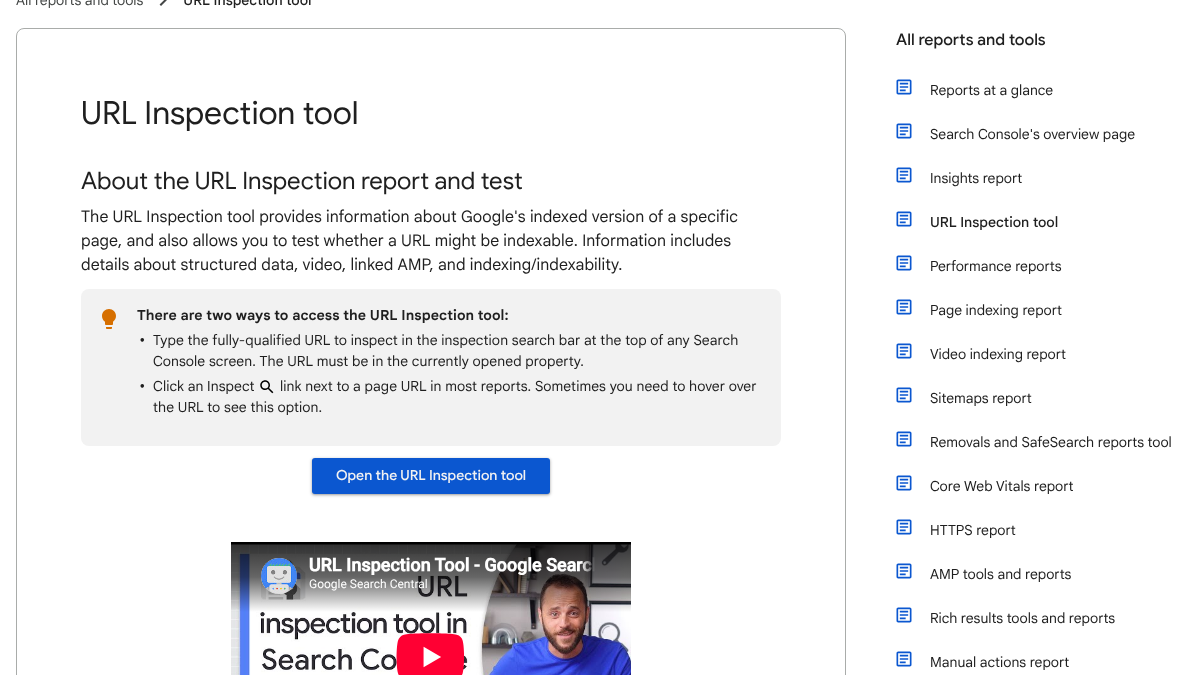
Google's URL Inspection help page sets out the limits of Request Indexing. "There is a daily limit to how many index requests you can submit," and Google doesn't say what it is. You "cannot request indexing if the page is considered to be non-indexable in the live test." And a request "does not guarantee that the page will appear in the Google Index."
So save requests for pages you just fixed or published, and use a sitemap for the rest. Our guide to asking Google to crawl a page walks through the clicks.
Validation takes about two weeks
Once you've fixed a status, open its row and click Validate fix. Google says validation "typically takes up to about two weeks, but in some cases can take much longer." It checks the whole set of URLs under that status, so fix them all first.
The report also lags. A few Reddit replies noted pages already ranking while the report still listed them as not indexed, so check key pages in URL Inspection.
Why indexing now decides AI answers too
An unindexed page is out of more than the blue links. Google's AI features documentation, last updated December 10, 2025, says a page "must be indexed and eligible to be shown in Google Search with a snippet" to show as a supporting link in AI Overviews or AI Mode.
So a page stuck in "Crawled - currently not indexed" can't be a source for Google's AI answers, however good it is. Our AI visibility tracking shows which engines cite you once pages get in.
For Bing, Microsoft's AI Performance announcement from February 10, 2026 says Bing Webmaster Tools now shows how often your content is cited in AI answers across Copilot and Bing's AI summaries. It says IndexNow helps keep content fresh "across search and AI experiences," so check Bing's indexing report too.
Doing it yourself or handing it off
Most of this work is the pages, not the report. Publishing eight solid articles a month by hand takes about 16 to 24 hours, as a rough estimate.
RankControl does that part. We write articles and publish them as native posts on your own site, then track their Google and Bing rankings in analytics. We also check your buyer questions on seven AI engines every week. We don't watch the Page indexing report or submit URLs, so those stay with you and Search Console. We offer one plan at $400/mo with a 7-day free trial.
You can work through every status above with Search Console and a spreadsheet. Or RankControl's agents can write and publish the articles each month and track how they rank, while you keep the report clean.
26 content formats. Published on your domain. Matched to your brand.
Guides, comparisons, listicles, case studies, and more. RankControl generates content that gets cited by ChatGPT, Perplexity, Claude, Gemini, Grok, Google AI Mode, and Google AI Overviews.