
Ask three different SEO tools how many organic keywords your site has, on the exact same day, and you'll get three different answers. Sometimes they're not even close.
That's not one tool being broken. Each one counts in its own way, from its own incomplete view of the web, and none of them sees everything that actually happens on Google. Below is what organic keywords actually are, why the numbers never line up, how to pull your real ones for free, and what it takes to grow the count that matters.
What organic keywords are
Ahrefs keeps the definition simple: "An organic keyword is the search query entered in, where a target website shows up in the search results." Organic just means unpaid. The ones you bid on for ads live in a separate bucket entirely, tracked on their own.
Add it up across one page and the list gets long fast. A page about running shoes might show up for "best running shoes," for "running shoes for flat feet," and for hundreds of close variations nobody bothered to write down.
Why no two tools agree
| Source | What it counts | What it misses |
|---|---|---|
| Semrush | Keywords where the domain ranks in Google's top 100 | Searches not in Semrush's database |
| Ahrefs | Keywords in its database where the site appears | Searches not in its database; says its count is usually smaller than reality |
| Google Search Console | Real searches your site appeared for | Rare queries hidden for privacy; row limits on exports |
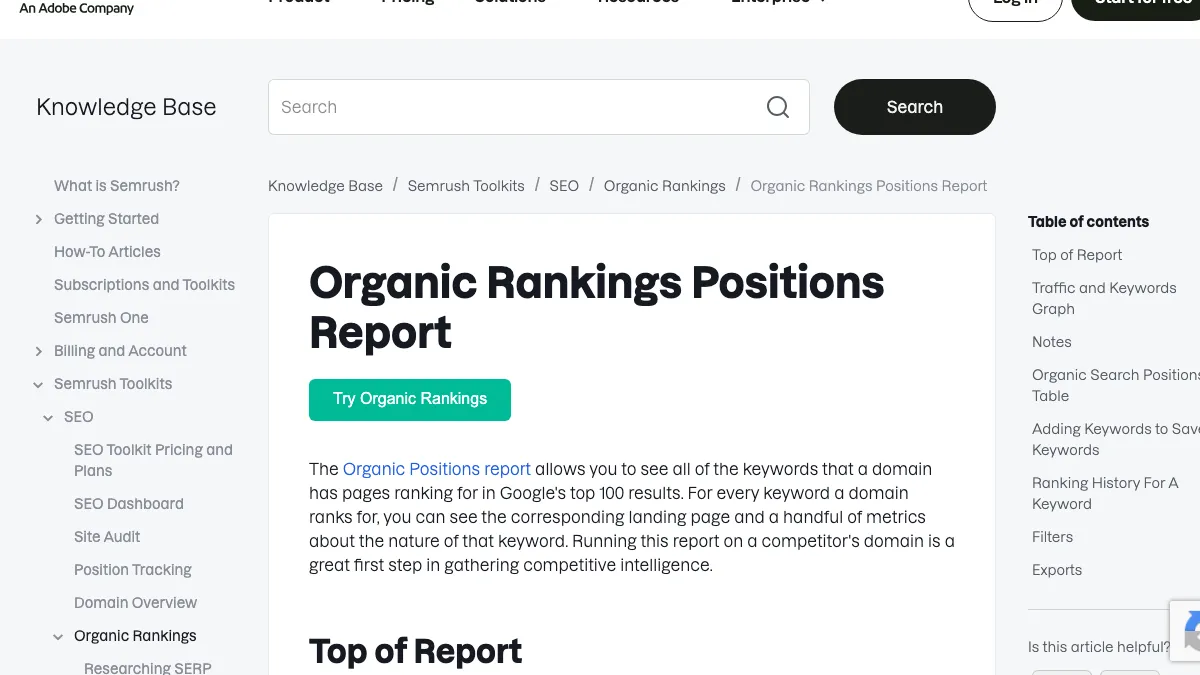
Semrush says its Organic Positions report shows "all of the keywords that a domain has pages ranking for in Google's top 100 results."
Ahrefs is more upfront about where it falls short. "The number of organic keywords in our reports is almost always smaller than the actual number of keywords your website is ranking for," the company says, and it also folds the same keyword ranking in several locations into one single keyword under its "All locations" view. Its database only refreshes "several times monthly," which adds its own lag.
Think of it as three rulers measuring the same wall. Each one is marked differently, built against its own list of known searches, so comparing one tool's number to another's tells you almost nothing. The only comparison worth making is one tool against itself, over time.
A site owner on r/SEO ran into this directly, complaining that Ahrefs showed only four or five keywords for a site where they could independently find 400 to 500. The replies didn't disagree that something was off, just pointed out every tool has the same kind of blind spot, built from a different slice of the web.
Who Else Agrees? Ahrefs keyword data is now unusable
I find ahrefs unusable now why? They are not updating their keyword ranking like they used to. For one site i can find 400-500 keywords but on ahrefs its more like 4-5. I don't know it is only me or everyone.
A beginner on r/ahrefs hit the same wall from the other side, asking why Ahrefs showed fewer than ten keywords while Semrush showed many more for the same site. The reply worth keeping: trust whichever tool lines up closest with Search Console, because none of them will ever match it exactly.

Your competitors are getting cited by AI. You're not.
Every day without citation tracking is a day your competitors pull ahead in ChatGPT, Perplexity, and Claude.
How to see your real organic keywords
Search Console is the one place with your actual search data, and it costs nothing for any site you own.
- Open Search Console and go to Performance.
- Choose Search results.
- Look at the Queries tab below the chart.
- Set the date range to the last three months.
Google explains the tab plainly enough: "The 'queries' dimension groups your data by the search query users typed."
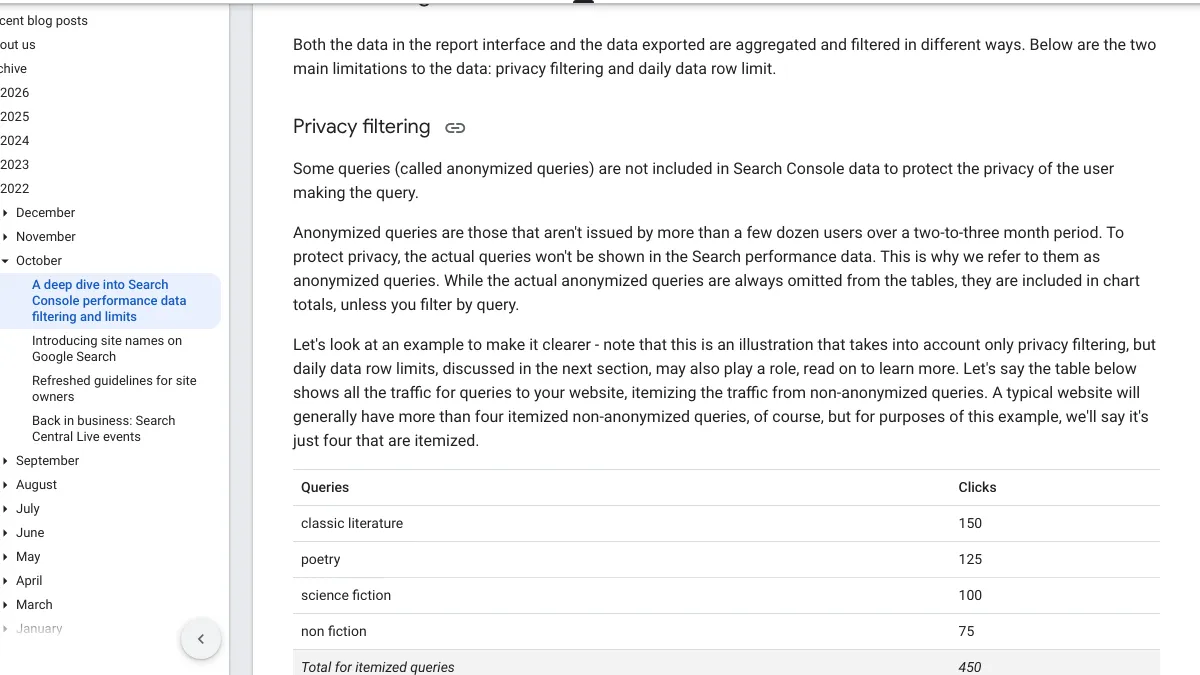
Even this still undercounts, for two reasons Google spells out in its own deep dive on performance data. First, privacy filtering strips out what it calls anonymized queries: "Some queries (called anonymized queries) are not included in Search Console data to protect the privacy of the user making the query. Anonymized queries are those that aren't issued by more than a few dozen users over a two-to-three month period." Their clicks still land in your chart totals, but they never earn a row of their own.
Second, there's a hard ceiling on what you can see at once. "The maximum you can export through the Search Console user interface is 1,000 rows of data," though the API raises that cap to 50,000 rows a day, per site, per search type.
So even your own first-party numbers hide part of the picture, mostly the long, rare searches that fall under either limit.
What we found trying the free tools
We tried, on October 19, 2026, to compare Semrush's and Ahrefs' free organic keyword checks for the same public domain. Neither one got past the front door.
Semrush's domain overview demanded a sign-up before showing a single number: "Register to get 10 free requests." Ahrefs' free traffic and authority checkers now run a "Verify you are human" check before handing back a result.
Fair enough from the vendors' side, but it answers a practical question either way. For your own site, Search Console remains the dependable, free, no-wall option. For anyone else's site, you're stuck creating a free account at minimum, and a paid plan for anything resembling real depth. Our list of keyword research tools lines up the options.
What a healthy count looks like
A big raw number means less than three things sitting inside it.
| What to look at | Why it matters |
|---|---|
| Keywords in positions 1 to 10 | These bring nearly all the clicks |
| Keywords in positions 11 to 20 | The quickest to move up |
| Keywords that match what you sell | Traffic that can turn into customers |
A site can stack up thousands of organic keywords ranking at position 70 for loosely related phrases and feel exactly zero change in traffic. Our guide to types of keywords covers which kinds tend to actually bring buyers.
200+ SaaS teams already track their AI citations.
They know exactly when ChatGPT mentions their brand, and when it stops. Do you?

How to grow organic keywords
Two levers move this number, and most people only pull the slower one.
Improve near-miss pages
A page sitting at position 11 to 20 has already proven Google thinks it's relevant to the query. A sharper title, a clearer answer right at the top and a couple of internal links can be enough to push it up, and the surrounding keyword variations tend to come along with it. Filter Search Console for an average position above 10 and look for pages picking up impressions without clicks. Our guide to pages stuck on page two covers the specific fixes.
Publish pages for new questions
A single new page built around one specific question can end up ranking for dozens of related searches at once. Prioritize the questions your actual buyers ask over keywords that only win on raw search volume. Our guide to choosing keywords has a scorecard for sorting which to write first.
New pages take longer to climb, which is exactly why you start them early and keep the pace steady. Writing one article every week for a year leaves you with a much bigger base than publishing twenty in a burst and then going quiet for months.
Link pages together
Internal links are how Google learns which pages on your site cover which topics. A new page picked up by a few related pages tends to get found and ranked faster than one left sitting on its own with no links pointing at it.
Our guide to improving your website ranking lays out the order to tackle all of this in.
Organic keywords and AI search
AI search doesn't run on "keywords" in quite the same way, but the two aren't unrelated. AI tools that search the live web tend to start from search results, and research has found that pages ranking higher in Google end up cited more often. Our guide to Google ranking factors that shape AI citations covers that research in more depth.
So growing your organic keyword set, especially around the exact questions buyers ask, simply means more of your pages sit in the pool AI engines are drawing from. That's not a guarantee of citations. It's better odds of one.
A monthly organic keyword check
Fifteen minutes in Search Console once a month tells you more than any tool's headline number ever will.
Start by comparing the last 28 days against the 28 before them, noting clicks, impressions and how many query rows show up. Sort those queries by impressions next; the ones at the top are what Google thinks your site is actually about, and a mismatch with what you sell is a content gap worth closing. Then filter for positions 11 to 20, since those are this month's near-miss candidates, and scan for queries that weren't showing up last month, which point to recent pages starting to catch on. Finish by checking which pages pull the most queries. A page drawing a wide spread is a strong page, worth linking to from whatever you publish next.
Write the totals down every month. A single count tells you almost nothing, but a quarter of them, measured with the same ruler each time, shows you a real trend.
Mistakes to avoid
The biggest one is comparing raw counts across tools instead of watching one tool against itself over time. Close behind it is chasing the total number for its own sake, since a thousand keywords sitting at position 80 bring in close to nothing. Plenty of sites also ignore Search Console entirely, despite it being the only place with your real queries, and forget that anonymized queries mean your actual footprint runs bigger than any report admits. The last one catches people who only ever publish new pages: near-miss updates on existing pages are often the faster win.
Doing it yourself or handing it off
Growing this number comes down to two jobs done steadily over time: publish pages that answer what buyers search, and improve the ones sitting just short of ranking.
RankControl takes the publishing half off your plate. We find the questions your buyers search, write each article against the pages already ranking for it and publish it to your site on a steady schedule. We track your Google and Bing rankings, plus up to 50 buyer questions every week across seven AI engines. Expect traffic from Google first, with AI citations following more slowly as links and mentions build up.
How often does ChatGPT mention your brand?
Most founders have no idea. The answer might surprise you.