
A plumber in Austin and a plumber typing "emergency plumber" with no city at all are doing the same kind of search, with a place attached either way. That's the whole of local keyword research: ordinary keyword research, plus somewhere the buyer wants the answer to apply. They usually want it today, and nearby.
The tools behave a little differently once a location enters the picture, and a few of them come up thin. This guide covers finding the searches nearby buyers actually use, why local volume data undersells itself, which free reports show your real searches, and how to turn the list into pages.
The three shapes of a local search
| Shape | Example | What it tells you |
|---|---|---|
| Service plus place | plumber austin tx | The buyer names the area |
| Service plus "near me" | plumber near me | Google fills in the area itself |
| Service only, local intent | emergency plumber | Google often treats it as local anyway |
The second and third rows depend entirely on Google already knowing where the searcher is. Google's own help page on local ranking says it outright: "If a customer doesn't share where they are, Google uses what it knows about their location."
That single sentence explains why stuffing "near me" into your copy does nothing. Google has already solved the location half of the problem on its own. What it's waiting on from you is a clean match between the service and the place.
Step 1: list your services and places
Two short lists get this started.
Write down your services in the words customers actually use: drain cleaning, water heater repair, balayage. Then write down your places: the city, plus every neighborhood, suburb and nearby town you genuinely serve.
Cross each service against the city, then against your main neighborhoods. For most small businesses that lands somewhere between 20 and 60 combinations, which is already plenty to work from.
Step 2: check autocomplete and People Also Ask
Type each combination into Google and watch what autocomplete offers back. It surfaces the exact phrasings real people type, often carrying a modifier like "open now," "cheap," "24 hour" or a specific neighborhood name.
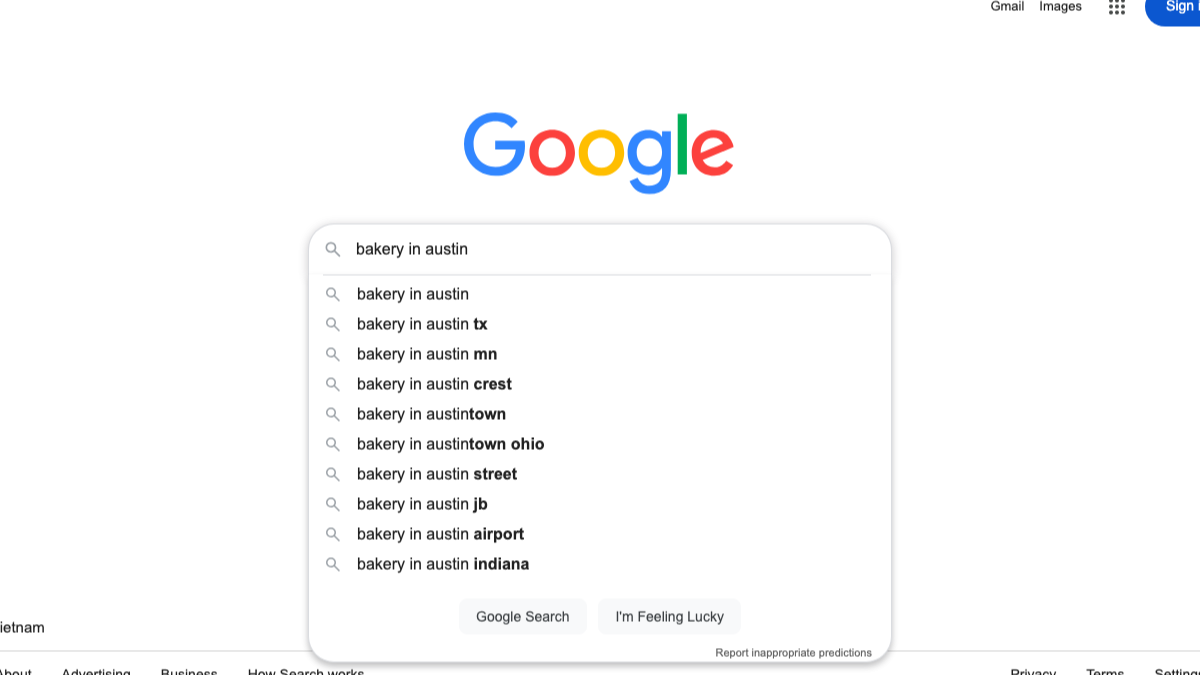
Then scroll to the People Also Ask box. It's a ready-made list of questions worth answering on your pages.
We ran two local searches through Google's US results on October 19, 2026, on a mobile setting, to see how consistent that box is.
| Search | Location | People Also Ask named the city? | Top organic titles used |
|---|---|---|---|
| plumber near me | Austin, TX | Yes, once | "Plumbers in Austin, TX" and similar |
| hair salon near me | Portland, OR | No | "Hair Salons in Portland, OR" and similar |
Two things stood out. First, the pages that rank for "near me" searches mostly spell out the service and city by name, something like "Plumber in Austin, TX," rather than echoing "near me." Second, People Also Ask named the city for one search and skipped it for the other, so the box has to be checked query by query, not assumed.
Call it the spelled-out city. Google handles the "near me" part on its own side, and the pages that win it are the ones that say the place out loud.

Built by the team that got cited in 48 hours.
Content generation, backlink building, AI visibility tracking, and Google rankings. One platform, zero guesswork.
Modifiers worth testing
Run each service through autocomplete again, this time pairing it with these kinds of words, and note which ones Google actually suggests back.
| Modifier type | Examples |
|---|---|
| Urgency | emergency, same day, 24 hour, open now |
| Price | cheap, affordable, cost, free estimate |
| Quality | best, top rated, licensed, reviews |
| Audience | for seniors, for kids, for small business |
| Place | neighborhood names, nearby towns, landmarks |
Not every pairing you try will turn out to be a real search. The ones autocomplete hands back on its own are the ones people genuinely type.
Step 3: check local volume in Keyword Planner
Google Keyword Planner lets you set a location before you search. Its help page says you can "enter a geographical location, including countries, territories, regions, and cities," then click "Nearby" to pull up places close to the one you entered.
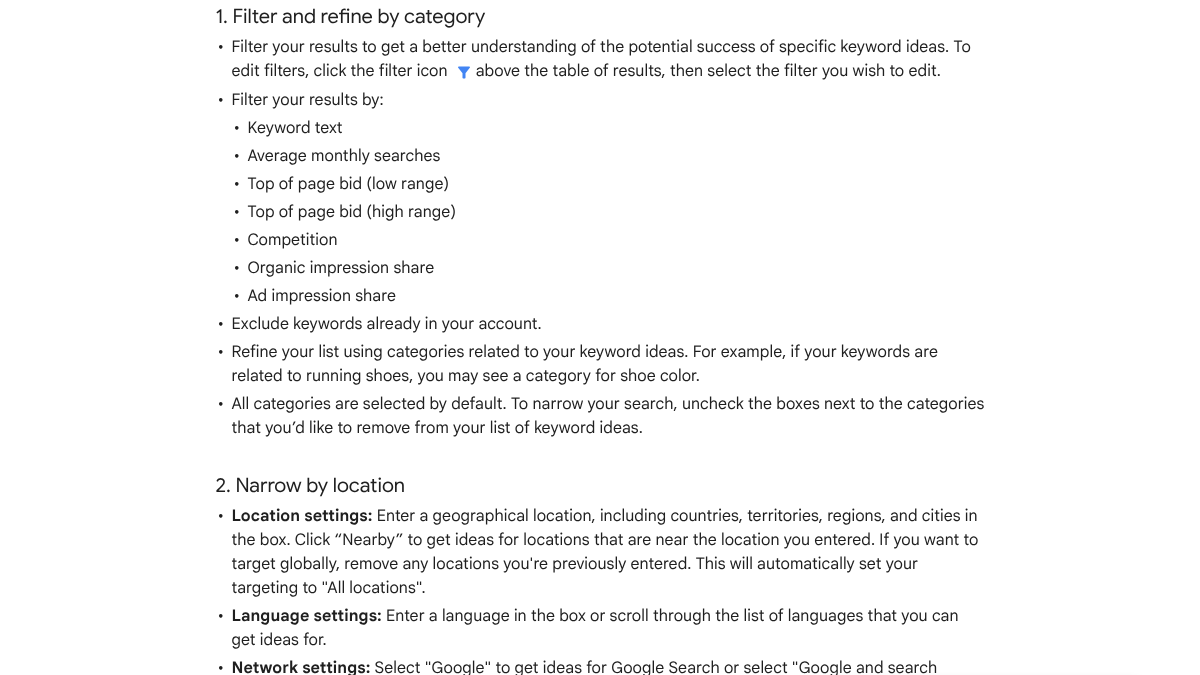
Brace for thin numbers here. Google warns outright that "your search volume statistics are rounded," and adds that "when you get keyword ideas for multiple locations, the search volumes might not add up as you'd expect." Local demand is also scattered across so many near-identical phrasings that a single city's figure can look almost nothing.
Use what volume you do get to compare services against each other, not to decide whether a search deserves a page at all. A service showing "low" local volume can still bring in your best customers.
Our list of keyword research tools covers the paid alternatives, and they need the same grain of salt on their estimates.
Step 4: read your real searches in Search Console
Search Console shows you the actual queries your site already surfaces for. Its Performance report groups by queries, pages and countries, among other filters.
It has one real limit for local work: the location breakdown only goes down to country level, nothing finer. So instead of filtering by city, filter queries that contain your city or neighborhood names and see which already generate impressions.
Our guide to organic keywords covers what Search Console shows you and, just as usefully, what it leaves out entirely.
Step 5: open your Business Profile's search terms
This is the most underused free source any local business has. Your Google Business Profile quietly records every search that surfaced your profile.
Google describes the feature this way: "Performance data gives you insight into how people discover your Business Profile. It highlights how customers use Search and Maps to find your profile, and what actions they take once they do."
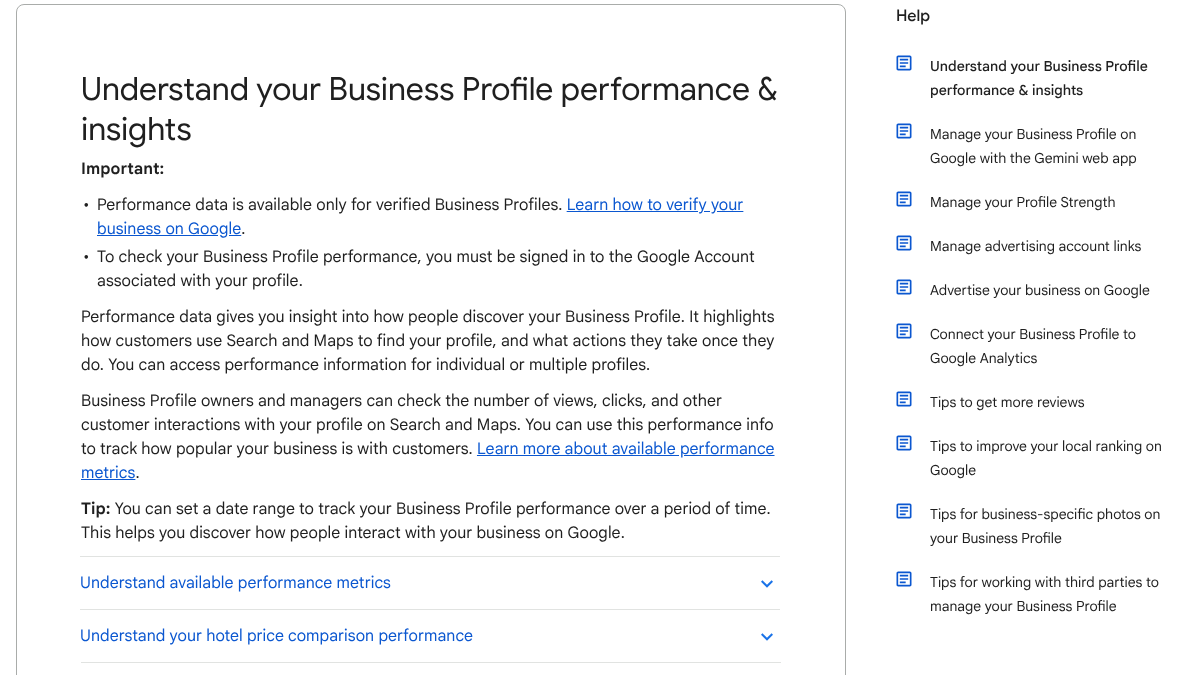
To get there, open your Business Profile, click Performance, pick a time period and click Apply. Google notes that "the searches metric is updated at the start of each month," and that "search queries show up whenever your Business Profile appears for a certain search. You can't directly manage these queries."
These are genuinely real local searches, pulled straight from Search and Maps. Add anything that surprises you to your running list.
See your first AI citation report in under 5 minutes.
No setup calls. No onboarding meetings. Connect your domain and see where AI mentions your brand right now.

Step 6: map keywords to pages
Once the list exists, decide where each search actually belongs.
| Search type | Best page |
|---|---|
| Main service, main city | A service page for that service |
| Service in a distinct area you serve | A location page, if you can say something local |
| Question from People Also Ask | An article or FAQ answering it |
| Brand or "reviews" searches | Your Business Profile and reviews page |
The mistake that shows up most is making a page for every service in every town, each one a near-copy with only the city name swapped. A thread on r/localseo described this exact trap. The poster said their location pages had multiplied into dozens of places all needing the same update, and they wanted out of maintaining fifty near-identical template pages.
Location pages got messy way faster than I expected
The top reply offered a useful test: does the page tell someone in that town anything they couldn't get from any other page on the site? If the honest answer is no, it's edging toward a doorway page, which Google's spam policies cover directly. Real local detail, the neighborhoods you actually cover, past local projects, reviews from that area, how far you'll travel, is what earns a location page the right to exist.
Step 7: check how it ties to the local pack
Keywords get you onto the right pages, but they're not the whole game. The local pack, that map with three businesses on it, runs mainly off your Business Profile, not your blog content. Google names relevance, distance and prominence as the main factors there. Your service pages feed relevance, while your profile's categories and reviews carry most of the rest.
Our guide to getting into the Google local pack covers the profile side in depth, and our local SEO checklist puts the whole picture into one list.
A simple local keyword sheet
| Column | Example |
|---|---|
| Search | water heater repair round rock |
| Shape | Service plus place |
| Source | Autocomplete, Business Profile |
| Rough volume | Low, per Keyword Planner |
| Page | Water heater repair service page |
| Status | Live, needs Round Rock section |
Ten to twenty rows mapped properly beat a spreadsheet of three hundred with no plan attached to any of them.
Mistakes to avoid
Repeating "near me" in your copy doesn't help; Google already works out the location on its own. Trusting tiny volume numbers at face value is another trap, since local volume is rounded and spread thin, and your Business Profile's real searches tell a truer story.
Copying one page per town without adding real local detail just builds doorway pages with extra steps. And ignoring neighborhoods altogether misses how people in bigger cities actually search, which is by area far more often than by city name.
Doing it yourself or handing it off
The research itself takes an afternoon. Turning it into pages that actually answer local buyers' questions takes a great deal longer, especially the articles built around what People Also Ask keeps surfacing.
RankControl handles that second part. We find the questions your buyers search, write each article against the pages already ranking for it, and publish it on your own site. Our AI visibility tracking checks up to 50 buyer questions every week across seven AI engines. Expect traffic from Google first, with AI citations following more slowly as links and mentions build up.
Your competitors are building backlinks while you read this.
Organic outreach, social mentions, and citations from Editorial Circle member sites, with managed backlinks available as an add-on. Grow your domain authority without running the campaign yourself.