
Search for "best cms for seo" and you'll find a lot of headless CMS vendors explaining why their headless CMS is best for SEO. When we checked Google's US results on October 19, 2026, the top ten included a Reddit thread, a YouTube video and several pages from CMS vendors. None of the big mainstream platforms ranked for it themselves.
So here's a list that judges each CMS on one thing: how well it handles the SEO and AI-search basics. We call this the basics bar. A CMS clears it if you can control your URLs, titles and meta descriptions, get a sitemap, add schema, keep pages fast, control which crawlers get in and get your content out through an API if you need to.
Every price below comes from each vendor's pricing page, checked on October 19, 2026. We haven't run sites on all ten ourselves. The facts come from vendor pages and documentation, plus what users say.
How we judged them
| Basic | Why it matters |
|---|---|
| Clean, editable URLs | Readable URLs that don't change when you edit a page |
| Editable titles and meta descriptions | What shows in search results |
| XML sitemap | How search engines find every page |
| Schema support | Structured data for rich results and clearer AI answers |
| Speed | Slow pages lose visitors and can rank worse |
| Crawler control | Editable robots.txt, so you decide which bots get in |
| API access | Content you can move or reuse |
One developer on r/cms summed up the same list in a sentence: give them clean URLs, control over metadata, decent performance and an editor people will actually use, and they're happy.
The list at a glance
| CMS | Starts at | Best for |
|---|---|---|
| WordPress | $4/mo billed yearly on WordPress.com | Full control |
| Webflow | $25/mo billed yearly for CMS | Design-led marketing sites |
| Shopify | $29/mo Basic | Online stores |
| Ghost | $18/mo billed yearly | Publishers |
| Wix | $17/mo | Simple small-business sites |
| Squarespace | $19/mo billed yearly | Polished sites, low upkeep |
| Framer | $10/mo | Small, design-heavy sites |
| HubSpot Content Hub | Free, Professional $450/mo | HubSpot CRM users |
| Contentful | Free, Lite $300/mo | Developer teams |
| Notion | $8/mo custom domain | Simple Notion-run sites |

You're getting AI traffic. But do you know where it comes from?
RankControl credits every visit to the assistant that sent it: ChatGPT, Perplexity, Claude, Gemini, Copilot, or Grok. Full source attribution, next to your Google traffic.
1. WordPress
WordPress is first because it gives you the most control over every basic on the list. On a self-hosted site, you can edit permalinks, edit robots.txt and get a built-in XML sitemap, which has been part of WordPress core since version 5.5.
Titles, meta descriptions and schema aren't in core, though. You add them with a plugin like Yoast or Rank Math. That's the trade-off. WordPress can do almost anything, but much of the SEO lives in plugins you have to choose, update and trust.
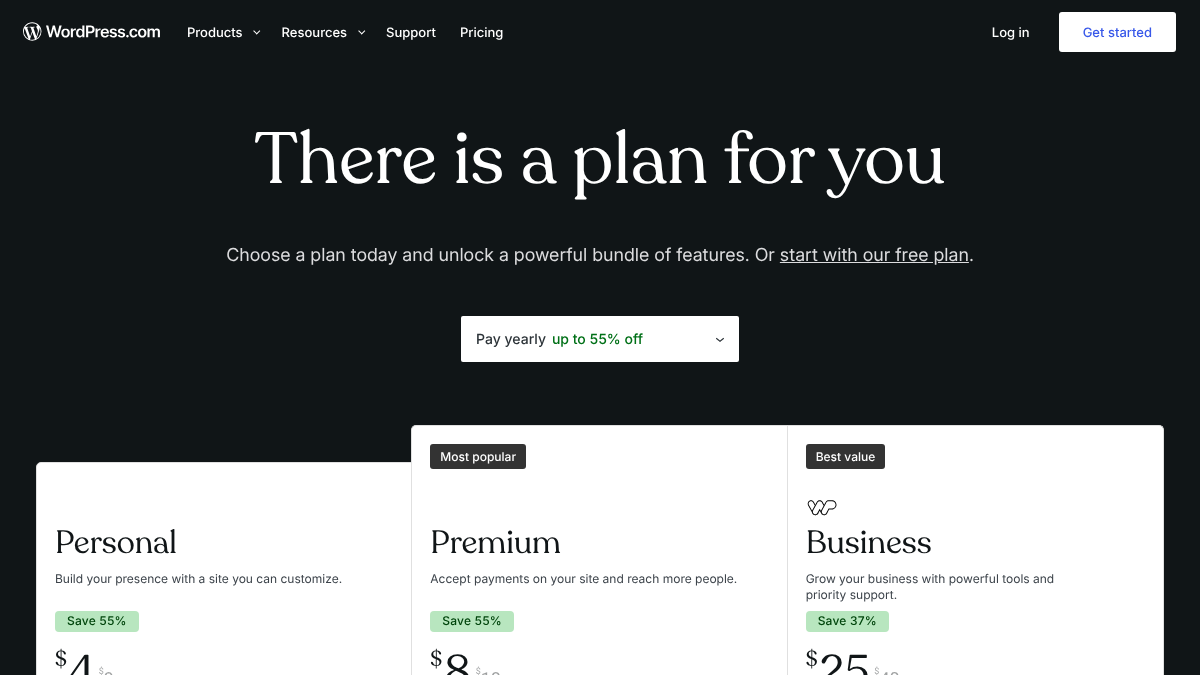
Pricing: WordPress.com Personal is $4/mo billed yearly, renewing at $5. Business, the floor for installing plugins on WordPress.com, is $25/mo billed yearly. Self-hosted WordPress is free software, but you pay for hosting.
Limitation: you own the upkeep. Hosting, security and plugin updates are on you, and every extra plugin is one more thing that can slow the site or break on an update.
Users on r/webdesign still default to it. In a thread asking what CMS people use, one popular reply called it free, open source and able to do everything, with no arbitrary limits on users or roles. Others, including the original poster, called it overkill for simple client sites.
What CMS are you using?
I am using WordPress for the last 15 years. I like it, but for some simpler projects it seems an overkill. What CMS are you using that's easy to follow for clients? With a good community and resources. Thanks
Our guide to publishing to WordPress covers connecting it.
2. Webflow
Webflow is the pick for marketing sites where design matters as much as SEO. It generates an XML sitemap automatically, adds canonical tags and gives each page an editable title and meta description. Pages are hosted on Webflow's own infrastructure, so there's no server to manage.
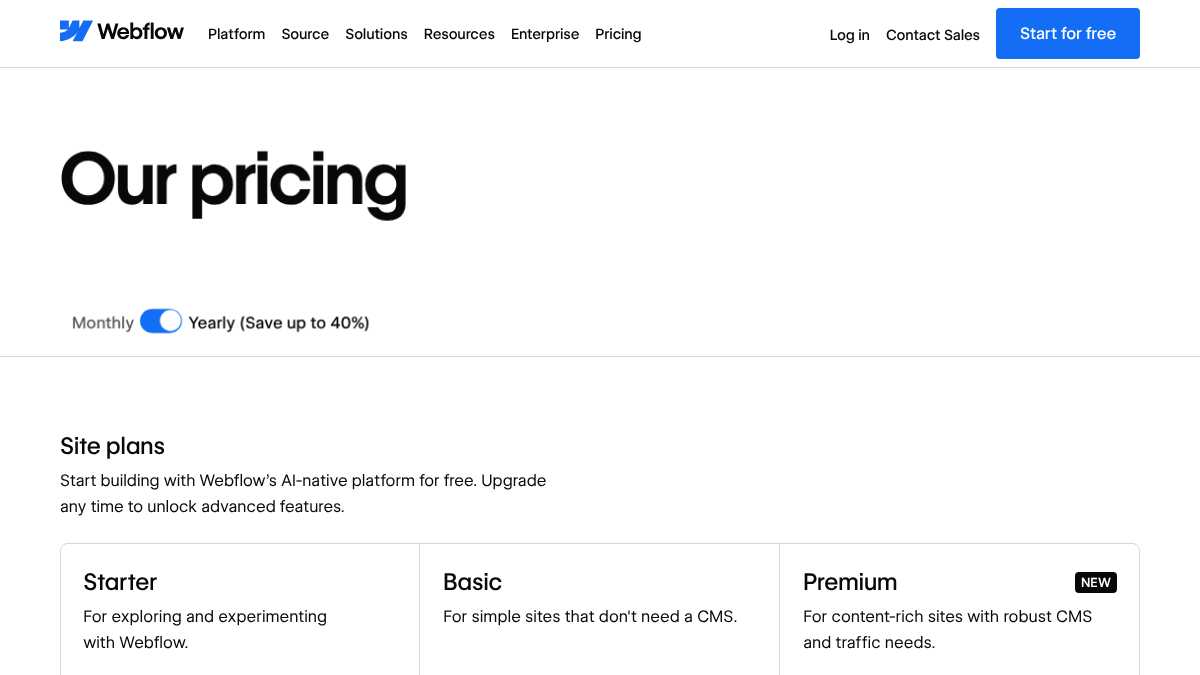
Pricing: Basic is $15/mo billed yearly but has no CMS. For a blog, you need Premium at $25/mo billed yearly.
Limitation: schema isn't native. You add it through custom code embeds.
One web developer on the r/webdesign thread said WordPress wins on scalability over Webflow for bigger projects, while Framer is their second choice for small ones.
3. Shopify
For a store, Shopify handles more of the basics automatically than anything else here. It builds sitemap.xml, adds canonical tags, writes a default robots.txt you can edit through a template and its themes include product schema.
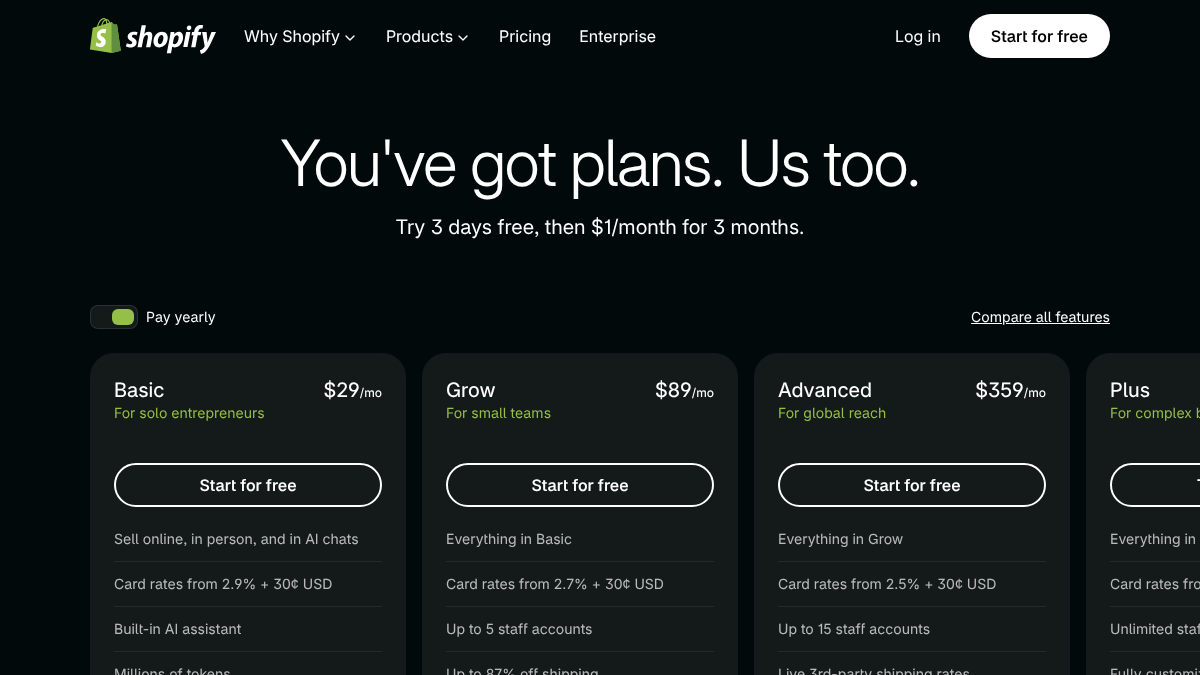
Pricing: Basic is $29 a month on Shopify's US pricing page, with a three-day trial and then $1 a month for three months.
Limitation: apps can slow a store down a lot. Each one tends to add scripts to every page. Our list of Shopify SEO tools covers which apps are worth that cost.
4. Ghost
Ghost makes the strongest native SEO claim of any platform we checked. Its pricing page says it has "built-in SEO features including meta tags, structured data, XML sitemaps, and canonical URLs." No plugins needed.
Pricing: Starter is $18/mo, Publisher $29/mo and Business $199/mo, all billed yearly. There's no free hosted plan, though self-hosted Ghost is free software.
Limitation: fewer themes and integrations than WordPress. It's built for publishing, so a site that needs a lot of custom functionality outgrows it.
Our guide to publishing to Ghost covers the setup.
5. Wix
Wix includes SEO tools on every plan, including the free one. You can edit titles, meta descriptions and URLs, and Wix generates a sitemap.
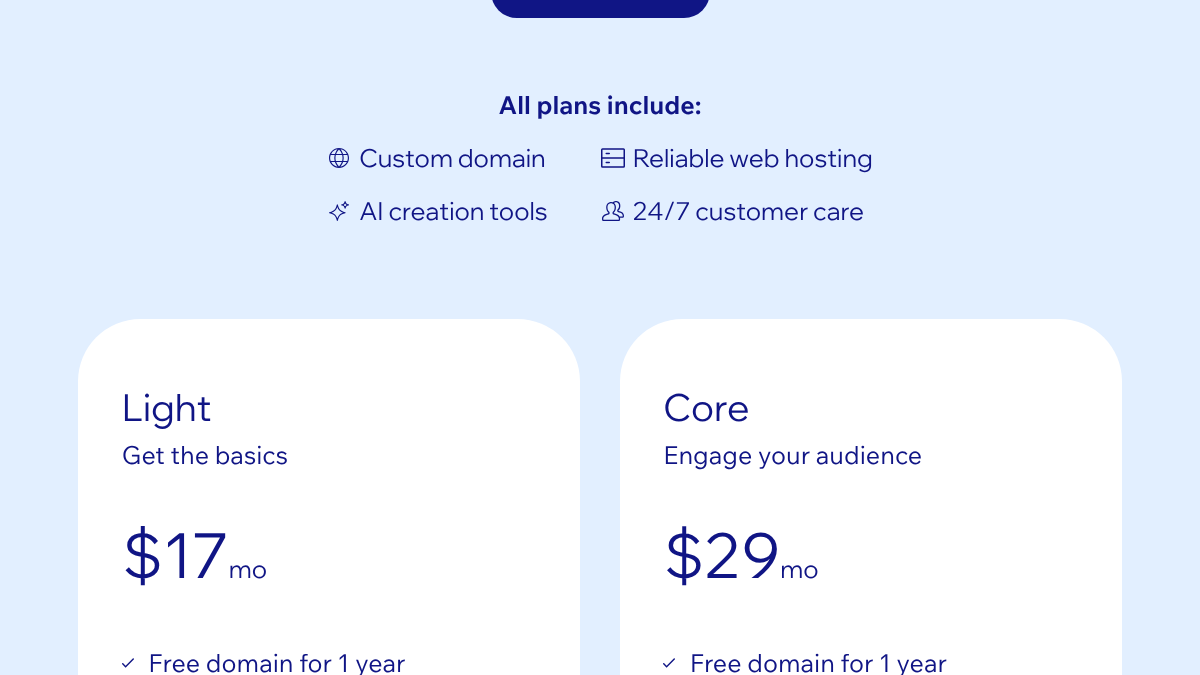
Pricing: free to start. Light is $17/mo and Core $29/mo on its US plans page, with a 14-day money-back guarantee on paid plans.
Limitation: less fine-grained technical control than WordPress or Webflow. For most small business sites, that won't matter. For a large content site, it might.
Our guide to publishing to Wix covers connecting it.
We'll show you exactly where your brand stands in AI search.
No commitment. $0 due today, cancel anytime. See how ChatGPT, Perplexity, Claude, Gemini, Grok, Google AI Mode, and Google AI Overviews talk about your brand today.

6. Squarespace
Squarespace is the low-upkeep option for polished small sites. It includes AI tools on every plan and sells an AI Visibility add-on that tracks brand mentions in AI search.
Pricing: Basic is $19/mo billed yearly or $25/mo monthly. Core is $29/mo billed yearly. There's a 14-day free trial with no card.
Limitation: its own SEO pitch is soft. The pricing page says it "guides you through simple steps to help improve your site's search ranking." There's less technical control than on WordPress or Webflow.
We noticed something in Squarespace's own robots.txt: it was the only one of the vendor sites we checked that named AI crawlers explicitly, including GPTBot, ClaudeBot and Google-Extended. It groups them with the general rule, which only blocks a few utility paths, so they aren't blocked from its content.
7. Framer
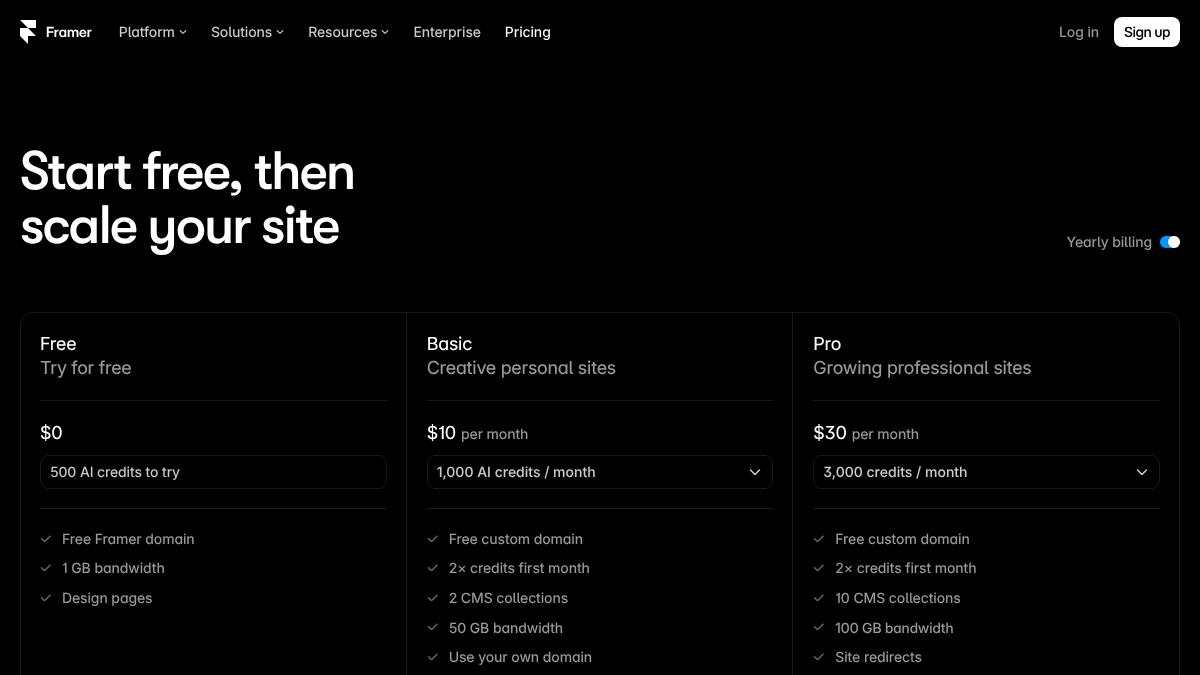
Framer is for small, design-heavy sites, often built by designers. "Built-in SEO" is listed from the Basic plan up.
Pricing: free to try. Basic is $10/mo with two CMS collections, and Pro $30/mo with ten.
Limitation: CMS collections are capped by plan, which a content-heavy blog hits quickly.
A developer on X put the trade-off the other way round. They joked that Framer users moving to Astro were in for a surprise when they tried adding their first headless CMS.
All the Framer dudes moving to Astro are about to get a reality check when they try and add their first headless CMS.
 Rob Austin@ausrobdevOct 16, 2026
Our guide to publishing to Framer covers connecting it.
8. HubSpot Content Hub
HubSpot's CMS, now sold as Content Hub, makes most sense if your team already runs on HubSpot's CRM. It's also leaning hardest into AI search, with an AEO product in beta.
Pricing: free for up to two users. Starter has a promotional $7/mo per seat, renewing at $20. Professional is $450/mo and Enterprise $1,500/mo.
Limitation: the price climbs steeply once you need the Professional features. Our post on whether HubSpot has an AEO tool covers what the AI side does.
9. Contentful
Contentful is the headless pick. It stores your content and serves it through an API to whatever front end your developers build. That gives full control over every basic on the list, because you build them all yourself.
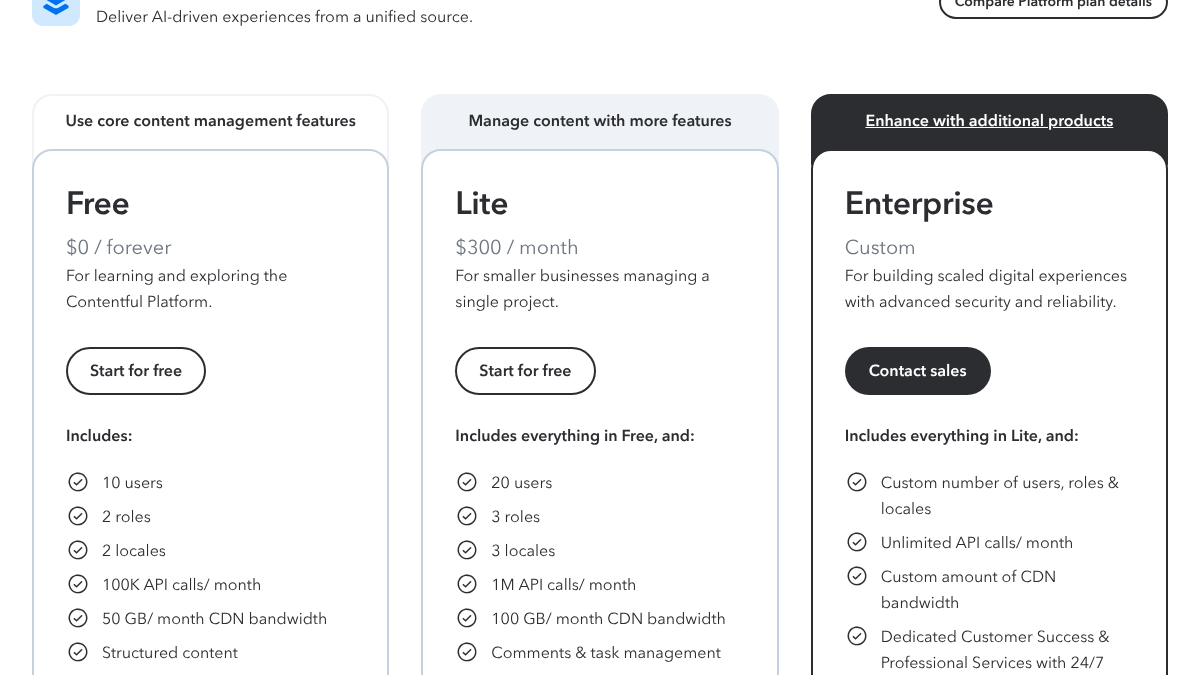
Pricing: free for up to 10 users and 100,000 API calls a month. Lite is $300/mo.
Limitation: none of the SEO basics come from Contentful itself. Sitemaps, meta tags, schema and speed all depend on your front end.
Headless users on r/astrojs discussed the trade-offs. One user of Sanity, another headless CMS, said its visual editor can be flaky and needs a preview version of the site running, while the non-visual editor can do almost anything.
Best headless CMS?
I have started using Astro and I absolutely love it. One question I have though is that if I would want to give the responsibility of content management to a non-technical user, what are the generally best working options? The preferred req...
On r/cms, a developer framed the real headless decision as structure. If an article's author, date and topic live in proper fields, you can generate schema and internal links from them for years. If they're buried in the body text, you end up re-parsing your own pages every redesign.
10. Notion
Notion can publish pages as a website, and the basics are there. Each page gets an editable title and meta description and a toggle to let search engines index it.
Pricing: free to publish on a notion.site address. A custom domain is $8/mo per domain billed yearly, or $10 monthly.
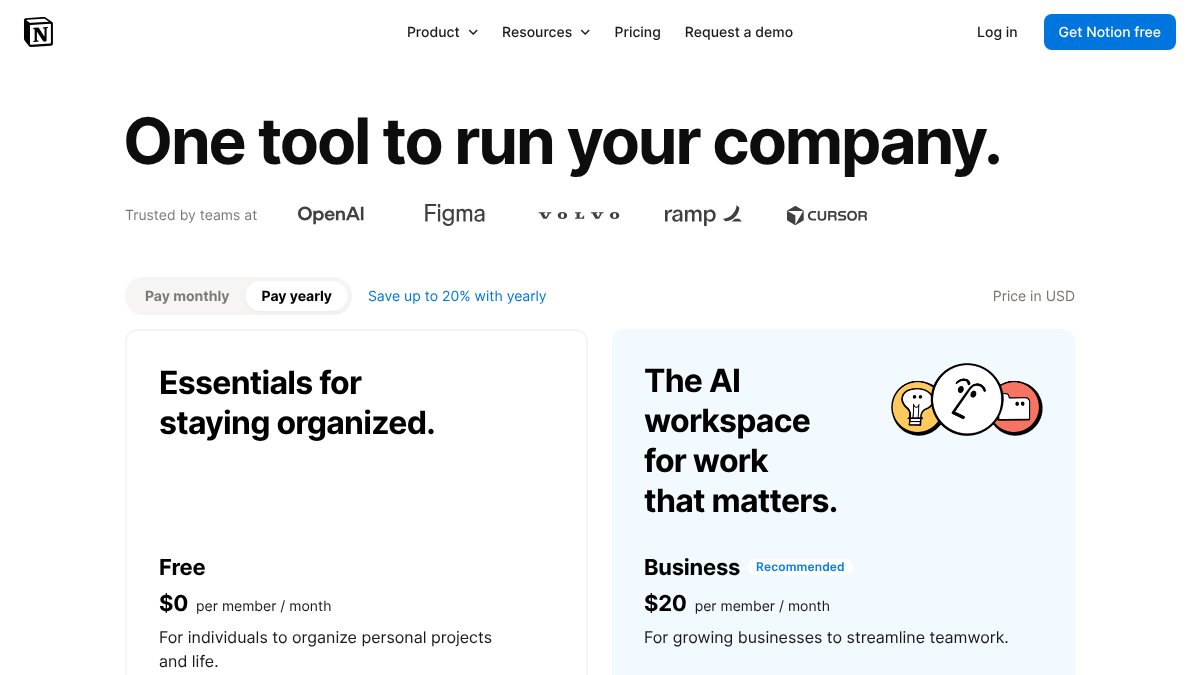
Limitation: Notion's public pages lean on JavaScript to render, which is why a whole set of third-party builders sell a faster layer to put in front of Notion. Our guide to publishing to Notion covers the options.
What about AI search?
For AI search, the CMS matters less than two settings on top of it.
- Crawler access. Check that robots.txt and your CDN's bot settings let in crawlers like OAI-SearchBot, ClaudeBot and PerplexityBot. Our AI crawler list has the exact names.
- Plain HTML. Some AI crawlers don't run JavaScript. If your page's main text only appears after scripts run, they may see an empty page. Static and server-rendered sites, which most of the platforms above produce, handle this well.
None of the vendor sites we checked blocked the major AI crawlers from their own content. That says nothing about a default customer site on each platform, so check your own robots.txt after launch. The same goes for schema: a platform can support it, but someone still has to add the right type to each page.
How to choose
- You want full control and don't mind upkeep: WordPress.
- Design matters and you have a marketing site: Webflow, or Framer if it's small.
- You sell products: Shopify.
- You publish articles or a newsletter: Ghost.
- You want simple and low-maintenance: Wix or Squarespace.
- You're already on HubSpot: Content Hub.
- You have developers and want everything custom: Contentful or another headless CMS.
Then pick the one your team will actually publish on. A CMS that clears the basics bar but nobody likes using will lose to a plainer one people use every week.
For the rest of the blogging stack, like research, writing and measurement tools, see our list of blogging tools.
Doing it yourself or handing it off
The CMS is the shelf. What ranks is what you put on it, published steadily.
RankControl writes those articles and publishes them as native posts on your own site, through WordPress, Webflow, Shopify, Ghost, Notion, Wix and Framer, or a headless site through our Content API. Auto-publish is off by default, so you approve each article first. Our AI visibility tracking checks up to 50 buyer questions every week across seven AI engines. Expect traffic from Google first, with AI citations following more slowly as links and mentions build up.
Know exactly what AI says about your competitors.
RankControl's Recon Agent monitors competitor citations across ChatGPT, Perplexity, Claude, Gemini, Grok, Google AI Mode, and Google AI Overviews. See where they show up and you don't.