
On September 26 we asked two company blogs built on Framer for a post the way an AI agent does, with a header saying we wanted markdown. Both sent back clean markdown instead of HTML, topped by a small block with the title, the description and a published date. On StackAI's comparison with n8n, that date read September 24, 2026. The article itself says April 4, 2025.
That sums up Framer and AI search pretty well. The platform does a lot of the machine-readability work on its own, and the date shows where that work stops. This guide starts with what Framer handles and the parts that are still on you, then shows how to publish content to Framer's CMS without clicking Publish yourself.
What Framer already does for AI crawlers
Rendering is handled. Framer's help center says that although Framer sites are built with React, "every page is pre-rendered to HTML on our servers before it is served." Crawlers that never run JavaScript still get the full text, the title and meta description, canonical URLs and any JSON-LD you've added. Framer writes a robots.txt and a sitemap.xml for every published site as well.
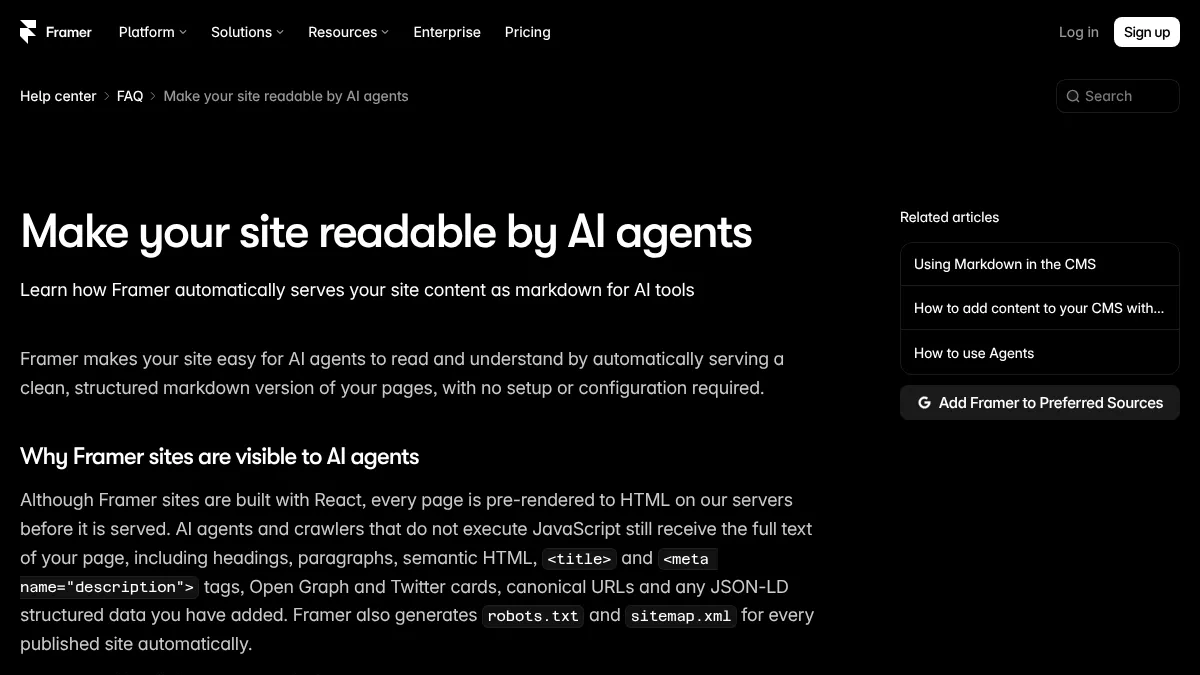
The robots.txt default leans open. The same Framer help article says all AI and search crawlers are allowed by default, and it names the bots Framer tests against, including GPTBot and PerplexityBot. You can still set pages to noindex or restrict specific bots in site settings, and our AI crawler list explains what each bot does.
The newer piece is markdown. Request any optimized Framer page with an Accept: text/markdown header, or add ?md to its URL, and Framer returns a markdown copy with a navigation section at the bottom so an agent can follow links. There's nothing to set up. The limit sits in the fine print: "Markdown is only generated for optimized pages," and it can drop out while a site is being rate-limited.
That leaves the content, which is roughly where r/framer landed when someone asked this summer whether Framer is good for SEO in 2026. The top reply turned the question around: on-page SEO, the sitemap, the site structure and the blog are the designer's job, not the builder's. Another reply said Framer does some things automatically, but great content and backlinks still decide most of it.
Is Framer good for SEO in 2026?
Our team is researching whether to build a new site for one of our clients on WP or Framer.
What our markdown check turned up
We ran the test on two live company blogs, StackAI's and Contra's, both confirmed as Framer sites by the generator tag in their HTML. Each returned a full markdown copy of the post when asked with the header. Contra's ?md link came back as ordinary HTML, though, because Contra's main app answers requests before Framer does. If your blog sits behind another app, test with the header and ignore the URL shortcut.
The date line needs watching. In both cases the published field in Framer's markdown matched the site's last publish time, which Framer also stamps in an HTML comment, and had nothing to do with the article. So any tool that trusts that field could read an old post as new. StackAI's n8n comparison is dated April 4, 2025 in its body, but its markdown said September 24, 2026. Contra's post from September 22, 2024 said September 21, 2026.
The fix is to show the real date in the post, from a date field on your detail page, and in your structured data. StackAI does the first, which is why "Apr 4, 2025" still sits under the headline in its markdown copy.
Settings that depend on your Framer plan
Framer's plan limits matter more than usual for a content-heavy blog. Here's what the pricing page listed on September 26:
| Basic ($10/mo) | Pro ($30/mo) | |
|---|---|---|
| CMS collections | 2 | 10 |
| CMS items | 1,000 | 2,500 |
| Custom robots.txt and llms.txt (Static Files) | No | Yes |
| Analytics history | 30 days | 90 days |
The item cap is the row to plan around. At 100 articles a month, the most a RankControl plan publishes, Basic's 1,000 items run out in ten months and Pro's 2,500 last about two years. Pro also lists branching, which comes up again below.
Custom robots.txt and llms.txt both need Static Files, which Framer's robots.txt help says is "available on Pro and Enterprise plans." A template demo on Framer's free framer.website subdomain returned a 404 for /llms.txt when we checked. We wouldn't upgrade for llms.txt alone, since most AI engines don't rely on it.
Structured data runs through Framer's Custom Code feature. On a CMS detail page you can reference fields with {{Title | json}}, so every post gets its own BlogPosting markup, and every item carries built-in Created and Updated variables for the dates.
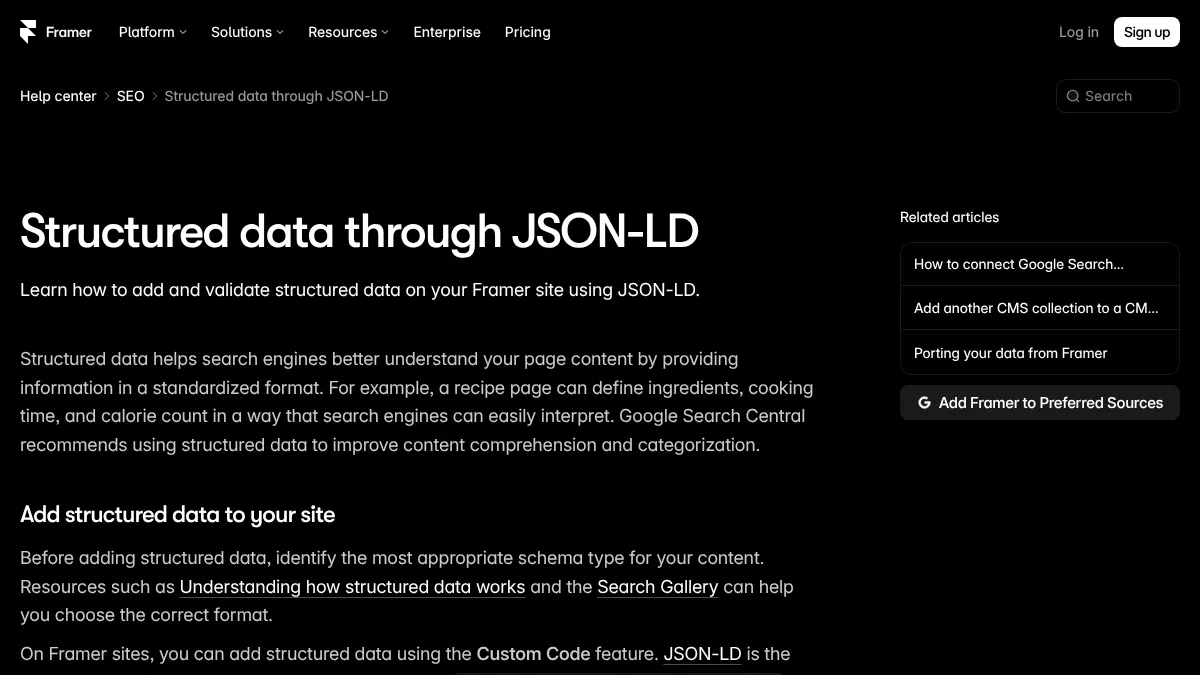
Of the two blogs we checked, Contra had BlogPosting markup with the headline, both dates and the author. StackAI's post had none. Our structured data guide covers which types are worth adding.
How often does ChatGPT mention your brand?
Most founders have no idea. The answer might surprise you.

Before you publish content to Framer, give the collection a page
Framer keeps CMS items apart from pages. A collection only appears on your site when a detail page displays it, and a collection without one accepts new items without complaint and shows them to nobody. We call that an orphan collection, and it's an easy way for an article to "publish" and never appear.
It usually starts with someone creating a bare CMS collection for the blog instead of adding a blog. The fix is to add the blog from Framer's Insert menu, which creates the collection together with its listing and detail pages. If the collection already holds posts, build a detail page for it and publish the site once.
A site publish ships everything on main
One Framer behavior catches teams out. Publishing puts the whole project live, and Framer's help center describes main as "the version you publish to your live site." So when anything adds an article and then publishes the site, whatever your designer changed on main since the last publish goes out with it, finished or not.
If nobody edits the canvas midweek, this never comes up. If someone does, you have two ways out. You can have articles arrive as drafts, so a person reviews each one and publishes the site when the canvas is ready. Or you can move design work onto a branch, and Framer's branching guide suggests exactly this for "a long-running redesign" while you keep shipping updates from main.
Ways to publish content to Framer's CMS
Pasting each post into the CMS by hand is fine for a few posts a month. Framer's rich-text field takes headings, lists, links and images, and it's the quickest way to see what your template does with a table.
Scripting is the other do-it-yourself route, through Framer's Server API, since Framer has no REST API for the CMS. Framer pitches it for jobs like syncing a Notion database into the CMS and publishing a new version "from any server at any time," with no editor open.
Whichever way you go, know what the rich-text field drops. When we built RankControl's Framer destination, we found that Framer strips iframes and script tags from rich text when it saves. An embedded YouTube video disappears, and JSON-LD pasted into a post body never reaches the page, which is why schema belongs in the detail page's Custom Code. RankControl swaps each video for a plain link to it.
The third route is a tool that writes to the CMS for you. RankControl's Framer destination takes a few minutes once the blog has a detail page:
- In Framer, open Site Settings, then General, and create an API key. The key belongs to one project, so create it in the project that hosts your blog.
- With that project open, copy its URL from the browser's address bar. It starts with
https://framer.com/projects/. - In RankControl, open Brand Control, then Publishing, then Add a destination, and choose Framer. Enter a name, the project URL and the API key, then click Test connection.
- Pick the blog collection. A collection listed as "not shown on your site yet" is an orphan, so give it a page first.
- If the collection has an author field, pick a default author. Every article gets that author, and a republish resets any author you changed by hand.
- Under Publish as, choose Published post or Draft for review, then click Save destination.
Fields are matched by name, and only one is required:
| Framer field | Name it something like | What goes in |
|---|---|---|
| Formatted text (required) | Body, Content or Article | The full article |
| Text | Title or Name | The title |
| Text | Summary, Excerpt or Description | The meta description |
| Image | Thumbnail, Cover, Hero or Image | The hero image, in every matching field |
| Date | Date or Published | The publish date |
| Reference | Author or Writer | Your default author |
With Published post, RankControl adds the item and then publishes your site, so nobody clicks Publish in Framer. The live link shows up on the Content screen, and a couple of minutes later RankControl loads the article to confirm it renders. If it doesn't, the article is marked Not live yet and the check retries on its own. Republishing revises the same CMS item, so the URL stays put.
Articles go out only after you approve them, because auto-publish stays off until you turn it on. Framer is one of nine publishing destinations, and if you run a second site on Wix, our guide to publishing AI-optimized content to Wix covers that platform's quirks.
15 hours a week manually. Or 15 minutes with RankControl.
Track citations, monitor competitors, and fix content gaps across every AI search engine. Automatically.

A two-minute check on each new post
Run one command against each new post and you'll see what an AI agent sees: curl -H "Accept: text/markdown" https://yoursite.com/blog/your-post. Then look for these:
- The
descriptionline describes the post. Contra's "How to Get Freelance Clients" carries a description about demand for UX designers, copied from an opening paragraph that starts on UX design instead of on finding clients. - The first paragraph under the headline answers the question in the title.
- The article's own date appears near the top, because the
publishedline won't carry it. - Your structured data is in the HTML version. View the page source and search for
application/ld+json.
Our guide to structuring content for ChatGPT covers the writing side of that second check.
Checking that it's working
Give new posts a couple of weeks to get crawled. Then ask ChatGPT and Perplexity the questions each post answers, with web search on, and note whether you're cited and who got the citation if you weren't. Watch for visits from chatgpt.com and perplexity.ai in your analytics. Framer's built-in analytics keeps only 30 days of history on Basic, so note the numbers monthly or they roll off.
Doing all of this by hand is realistic for a small blog. Budget roughly an hour a post to format and check it, plus an hour or two a month to ask the engines and log the answers. Or RankControl can take most of it. The content engine writes articles from your buyers' questions and publishes them into your Framer CMS, and AI visibility tracking checks up to 50 of those questions every week on seven engines, including ChatGPT and Perplexity.
If you'd like a baseline first, run a free check of your brand in AI answers.
AI search traffic grew 835% this year. Is your content ready?
RankControl generates 26 content formats optimized for ChatGPT, Claude, and Perplexity. Published on your domain, matched to your brand.