
Rankability is honest about who it's for, which makes this migration guide's job easy: the homepage says "built for agencies" in so many words, and the product backs it, client workspaces, writing-team seats, campaign reporting that explains progress to clients, a certified-agency directory. It's a well-made platform for exactly that shape. The migration this page covers happens when the shape doesn't match the buyer: an in-house team running one brand on a tool architected for running twenty, with drafts that each wait for someone to review and publish them. If that's you, here's the move: what to export, what maps to an operated pipeline, what honestly doesn't, and what the first month looks like.
What You're Actually Switching
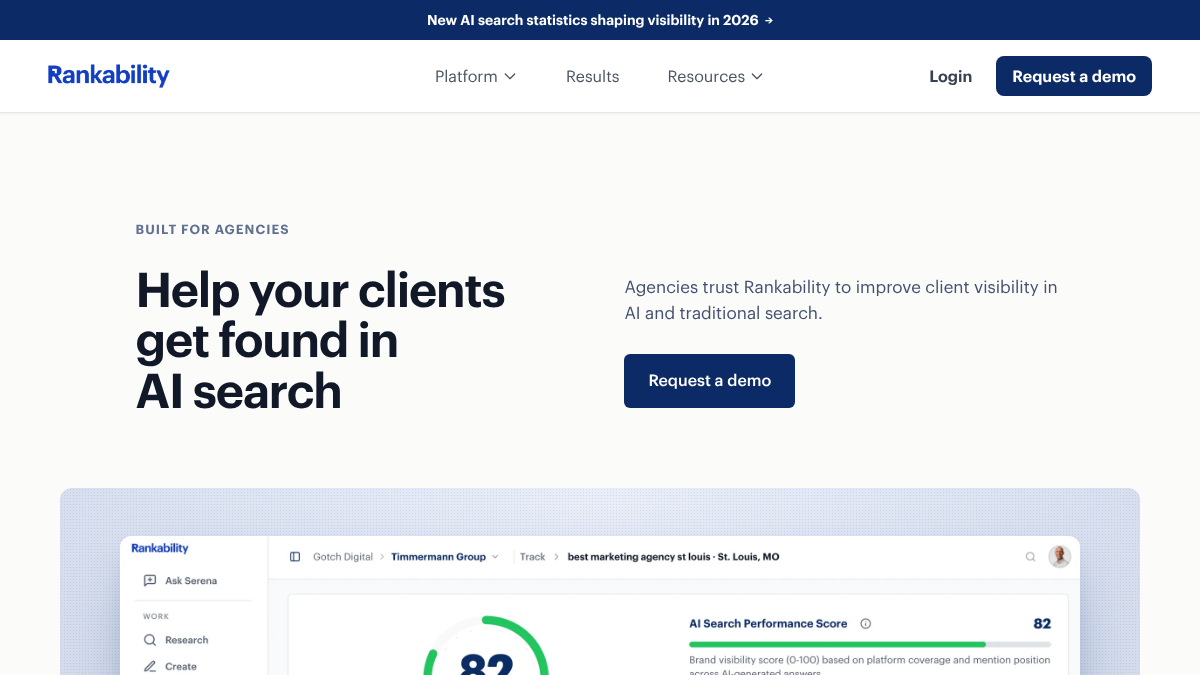
Rankability's platform runs the agency workflow end to end: Research finds keywords and topics for clients; Create turns client expertise into search-ready content; Optimize scores existing pages with clear recommendations; Audit surfaces site issues; Promote finds earned-media opportunities to build client authority; Track shows clients where they appear across AI and traditional search; Automate handles recurring work; Serena, their AI assistant, turns client data into priorities; and an MCP server plus agent API let teams drive it from their own AI tools. Around it: free analysis tools, agency certification, integrations, and demo-led onboarding.
RankControl runs a different loop for a different buyer: 50 of your own buyer queries checked weekly across ChatGPT, Perplexity, Claude, Gemini, Grok, and Google's AI surfaces, per-engine citation history and share of voice; content planned from those queries and written, interlinked, and published natively to your CMS; backlink outreach drafted and sent from your own mailbox; competitor monitoring feeding the plan. One flat $400/month, everything included, 7-day self-serve trial, with MCP, API, and CLI at full dashboard parity. We've also written the feature-by-feature comparison separately; this page is the operational half for teams already decided.
| Rankability | RankControl | |
|---|---|---|
| Built for | Agencies running client campaigns | Brands running their own visibility |
| Content | Drafts per project; Automate creates one per day, week, or month, each reviewed before it publishes | Planned from your buyer queries, up to 100 pages a month, auto-publish optional |
| Earned media | Opportunity finding; your team pitches | Outreach drafted and sent from your mailbox |
| Tracking | Client-facing visibility reporting | Fixed weekly panel, 7 engines, unmetered |
| Workspaces | Multi-client | One brand per workspace |
| Entry | Demo-led | Self-serve trial |
How to Export Your Data From Rankability
Do this while your login still works. Rankability's help docs cover each export, and two things only leave through a share link or the API.
- Drafts and briefs. Open each Copywriter project and select Download. You can pick Google Docs, HTML, Markdown, or Microsoft Word, plus Brief (Markdown) when the project generated a brief. HTML, Markdown, and Word aren't available on the free plan. Unpublished drafts are the most useful export: they become planning notes on your new calendar.
- Keyword lists. Researcher lists have an export for handoff. It carries each keyword with its discovery source, opportunity score, and list country, which is what you need to pick your 50 tracked queries.
- Tracking history. The Tracker shares as a read-only link through Share report, and the docs describe no CSV or PDF download. For the raw numbers, the Tracker API returns ranking history for up to 90 days plus AI answers and citations. If you don't use the API, save screenshots of the report before you cancel.
- Prospects. Prospector's docs describe no export, only CSV import into My Lists. Copy the prospects you care about into a spreadsheet by hand, as a record of who you've already contacted. RankControl's outreach finds prospects independently for each article we publish.
- Audit findings. Site Auditor reports can be shared or exported. The technical issues are worth fixing whatever tool you use next.
- Workspace and seat inventory. Who has access to what, written down before cancelling orphans it.
AI search traffic grew 835% this year. Is your content ready?
RankControl generates 26 content formats optimized for ChatGPT, Claude, and Perplexity. Published on your domain, matched to your brand.

The Shape Mismatch That Drives This Switch
The recurring problem is casting rather than quality. An in-house team of two on an agency platform lives a specific pattern: the Research module fills with topics nobody schedules, Create and Automate turn out drafts that each wait for someone to review and publish them, Promote surfaces opportunities nobody has hours to pitch, and Track dutifully reports a visibility line that nothing upstream is moving. Every module works; the bench the modules assume doesn't exist. The operated-pipeline answer is supplied execution rather than smarter tooling: the writing, publishing, interlinking, and pitching happen inside the subscription, and the in-house team's two people steer instead of produce. Recognize your quarter in that pattern? That's the whole diagnosis.

Built by the team that got cited in 48 hours.
Content generation, backlink building, AI visibility tracking, and Google rankings. One platform, zero guesswork.
What Maps, and What Honestly Doesn't
The AI-visibility tracking maps directly, with a cadence change: configured client reporting becomes a fixed weekly panel with citations logged per engine. Research maps to query discovery feeding the plan. Create, Optimize, and the brief workflow map to the pipeline's biggest difference, articles arrive written, and with auto-publish on they publish on schedule without anyone opening each draft; with it off, they wait for your approval. Promote maps to outreach, which finds its own prospects for each published article and drafts the emails from your mailbox. What doesn't map: the multi-client architecture, workspaces, seats, client reporting, certification, none of which we replicate, and Serena's turn-data-into-priorities assistant, whose nearest equivalent here is the pipeline simply doing the prioritized thing. Teams that need an audit product at Rankability's depth should keep a technical SEO tool alongside; the suite-gap budgeting logic from our other migrations applies unchanged.
Automate Versus an Operated Calendar
Rankability's Automate is the closest thing it has to a pipeline. You feed it a queue of topics, and each job creates one new Copywriter draft per day, week, or month, with the instruction to review every draft before publishing. That's scheduled drafting. The topics still come from you, and every draft still needs a person to open it and press publish.
RankControl starts one step earlier and ends one step later. Topics come from what your buyers actually ask, mined and scored by the planner and placed on a calendar of up to 100 pages a month. At the end, auto-publish is a setting: leave it off and every article waits for your approval, turn it on and articles publish on schedule to your CMS. Either way, the next weekly check shows whether the engines noticed.
What Optimize and the Content Score Become
Rankability scores a draft in its content editor and suggests changes, with a person doing the optimizing. RankControl moves that work to before and after writing. Each article is written against the pages already ranking for its keyword, and every article gets a citability score with a fix list, plus a report that ranks your weakest pages first, each with the fixes still open. The score grades how easily AI engines can quote the page, which is the question your tracker was asking all along.
The Cutover, Step by Step
Week one: run the export list, connect your CMS, load the tracked queries distilled from Research exports, seed competitors, and let the first weekly checks land during overlap. Week two: route the unexecuted briefs into the content calendar and watch the first pipeline articles publish to your domain; outreach starts finding prospects for each new article. Weeks three and four: re-ask your ten most commercial prompts by hand as the vendor-neutral baseline, compare direction between instruments rather than absolutes, and make the cancellation call with history exported and the backlog finally shipping. The overlap discipline is the same as every migration in this series: a month of parallel readings, trend agreement as the test, and no leap without a step.
Who This Switch Is For
The single-brand team on an agency-shaped tool, watching recommendations accumulate that nobody's staffed to execute, who would rather one flat line item make the queue disappear. If your Research module is full of topics nobody schedules and your drafts wait in a review queue nobody has time to clear, the pipeline supplies the execution.
The first month looks like this. Your exported topics and tracked prompts become tracked queries and a calendar. Each article is written against the pages already ranking for its keyword, scored for how easily AI engines can quote it, with a fix list, and published natively to your CMS. Outreach finds prospects for each published article and drafts the emails, which wait in your queue for approval, and the Monday check shows which of the seven engines picked up the new pages.
Export while the login lives, ship the backlog through the trial, and let the before-and-after on your own domain make the decision the way it should be made.
See your first AI citation report in under 5 minutes.
No setup calls. No onboarding meetings. Connect your domain and see where AI mentions your brand right now.