
Profound's pricing page for brands has two columns now: a free Trial and Enterprise. Scroll to the Data section and the difference that matters for a migration is right there. On Enterprise, exports come as CSV and JSON, there's an API, and history covers all time. On the Trial, all three rows say None.
So how much you can carry out of Profound depends on which column you're in. This guide covers the export paths Profound documents, the pieces that don't export cleanly, and where each one lands when you switch from Profound to RankControl. If you're still weighing the move, our RankControl vs Profound comparison covers engines, pricing and the verdict, and our Profound alternatives roundup looks at the wider field. Profound's pricing page and help center were checked on September 26, 2026.
Why teams move off Profound
The reasons we found in practitioner threads cluster around two things. The first is price against use. In an r/aeo thread about Profound, one reply asked whether the pricing made sense for what amounts to tracking AI prompts, and another asked whether the ROI beat a cheaper tool with similar tracking. On X, a user who switched away this month said the dashboard had slowed down and they were digging through a lot of interface for the few numbers they used.
The second is the gap between knowing and doing. A reply in r/DigitalMarketing put it well: an AI visibility score can look precise while the answers underneath are noisy, and what matters is whether the data tells you what to fix. Profound's answer is its Agents, which can draft pages and publish approved ones to your CMS, but they run on credits sized in an Enterprise conversation.
What comes with you when you switch from Profound
Enterprise customers can take most of the tracking record with them. Before the contract ends, get these onto your own drive:
- Answer exports from the Visibility, Sentiment, FactCheck and Prompts tabs
- Citation exports from the Citations tab
- Your tracked prompt list, grouped by topic
- PDFs of any custom dashboards you report from
- The original files behind your Context Manager knowledge bases and brand kits
- Notes on each Agent your team built and what it does
Your Google Analytics and Search Console data were never Profound's to keep. If you connected Agent Analytics through Cloudflare, Vercel or another host, that integration can simply be removed once you've left.
How to export your data from Profound
Profound's help center describes four routes out, and they don't all produce the same thing. Work through them in this order.
Answer Engine Insights
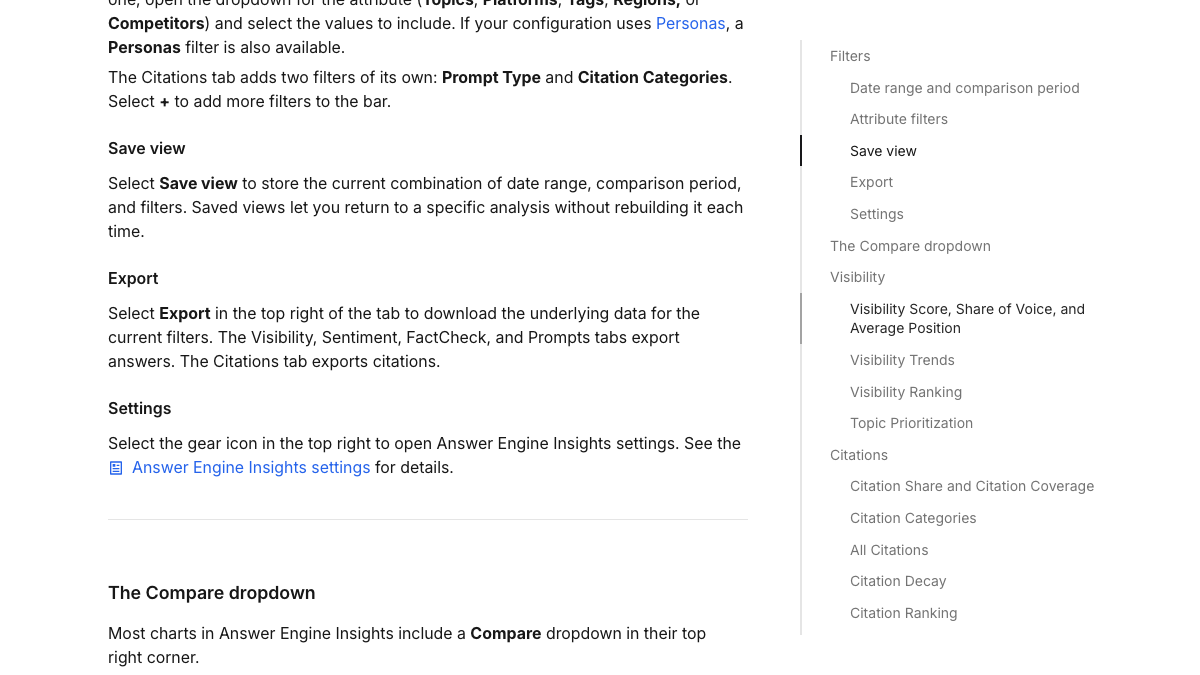
Each tab in Answer Engine Insights has an Export button in its top right corner. Profound's help center says it downloads the underlying data for the current filters, so the file only covers what the view is showing. Widen the date range and clear any topic, platform or region filters before you export, or you'll get a slice.
The tabs export different things. Visibility, Sentiment, FactCheck and Prompts export answers, meaning the AI responses Profound collected. The Citations tab exports citations, the sources those answers pointed to. You want both, because the answers show what engines said about you and the citations show which pages they trusted.
Tracked prompts and the citations table
The Tracked prompts table groups prompts by topic and has its own download icon, which exports the table with your current filters. The All Citations view has a download icon too. Export the prompt list even if you plan to cut it down, since it's the record of every question your team decided was worth tracking.
Dashboards
Custom dashboards export only as PDF, per Profound's dashboard FAQ. There's no raw data export from a dashboard, and the FAQ points to the API or an Agent for the numbers underneath. Save a PDF of each dashboard you've shown to leadership, then rely on the Answer Engine Insights files for the raw data.
Context Manager and Agents
Profound's help center doesn't describe an export for Context Manager. Knowledge bases accept uploads such as PDFs, Word files, Markdown and spreadsheets, so the simplest move is to keep the originals you uploaded. For Agents, write down each workflow's steps and prompts before you lose access, because we found no export for them either.
If you're on the Trial
The Trial runs a recommended prompt set daily for seven days across ChatGPT, Gemini and Google AI Overviews. Its pricing column lists no history, exports or API. If something in a trial workspace is worth keeping, screenshot it and copy the prompts by hand.
We'll show you exactly where your brand stands in AI search.
No commitment. $0 due today, cancel anytime. See how ChatGPT, Perplexity, Claude, Gemini, Grok, Google AI Mode, and Google AI Overviews talk about your brand today.

Before you cancel an Enterprise contract
Profound sells Enterprise on tailored packages, and its help center doesn't describe a cancellation path. Treat it like any enterprise software contract. Find the renewal date and any notice terms in your order form, tell your account team in writing that you won't renew, and keep the reply.
Your access should run to the end of the term, so schedule the exports above for the last few weeks of the contract, when the data is most complete. Pull a final citations export in the last week.
What changes in how you track
This is where Profound does more than RankControl. Its Enterprise tier tracks prompts daily across up to nine answer engines, including Copilot, DeepSeek and Exa Search, and Prompt Volumes shows what people are asking AI engines. RankControl checks 50 queries a week on seven engines and doesn't sell prompt-volume data.
That changes how you choose what to track. From a list that may run to hundreds of prompts, keep the 50 buyer questions closest to revenue. Our guide to tracking AI visibility across seven engines walks through picking them. Weekly checks suit that list well, because AI answers shift from run to run and a weekly trend on a fixed set is easier to act on than daily noise.
Where everything lands in RankControl
The table maps each Profound job to where it lives after the switch.
| In Profound | In RankControl |
|---|---|
| Answer Engine Insights | AI visibility tracking: 50 queries checked weekly on ChatGPT, Perplexity, Claude, Gemini, Grok, Google AI Mode and Google AI Overviews, with a citation history per engine |
| Competitor share of voice | Up to 10 competitors tracked for share of voice in AI answers |
| AI Marketer and Agents (credit-based) | Articles planned, written in your brand's voice and published for you, 100 pages a month on the flat plan |
| Context Manager | Brand Kit: a profile built from a scan of your site, with your style rules and corrections carried into every article |
| Pages | A citability score and fix list for every article RankControl publishes |
| Agent Analytics | An AI crawler log and AI referral traffic for the pages RankControl publishes |
| Custom dashboards | The Reports screen and a weekly email with new citations and ranking gains |
| Profound connector in Claude | RankControl's MCP server in Claude, Cursor or Codex, 80+ tools, included |
| Unlimited seats | 5 seats |
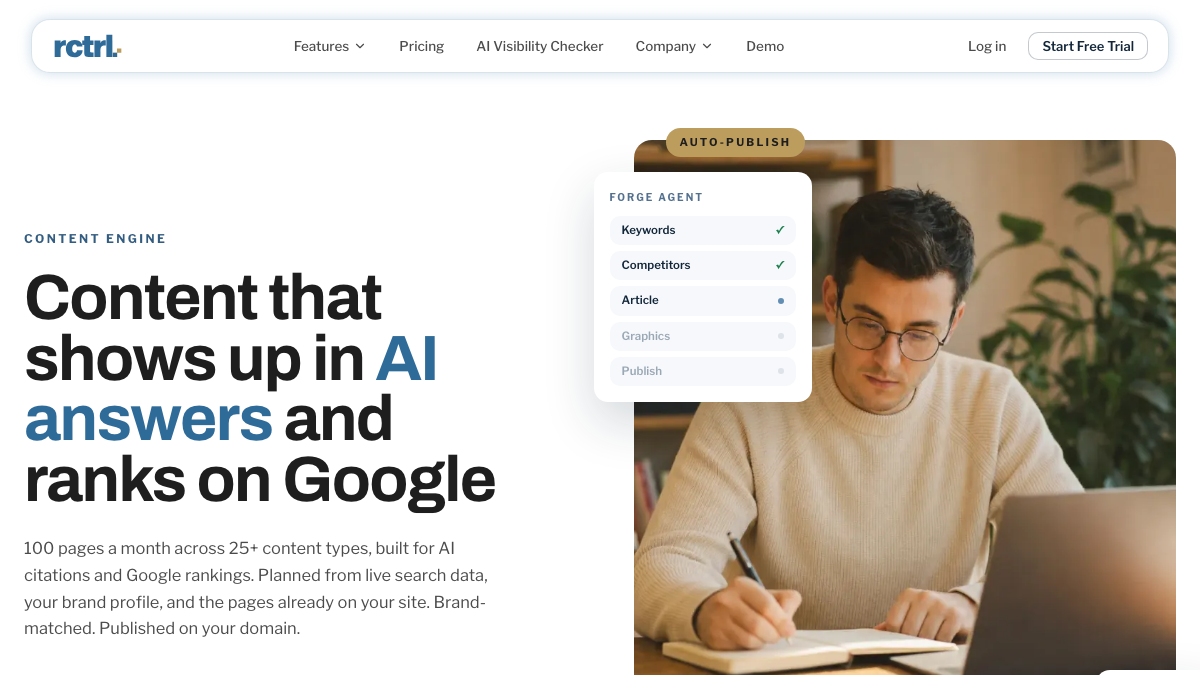
The biggest change is the content row. Profound's Agents can draft pages and publish approved ones to your CMS, and each run spends credits from an Enterprise package. RankControl's content engine plans titles from the questions buyers search and writes each article against the pages already ranking for its keyword. Then the content engine publishes the article as a native post through the CMS you connect. Auto-publish is off by default, so you approve each article until you trust the output.
Tracking closes the loop from there. A new citation sends a notification, and a lost one shows in the dashboard's citation history. Backlinks drafts outreach from your own mailbox for each article, since mentions on other sites carry weight with AI engines.
Know exactly what AI says about your competitors.
RankControl's Recon Agent monitors competitor citations across ChatGPT, Perplexity, Claude, Gemini, Grok, Google AI Mode, and Google AI Overviews. See where they show up and you don't.

The switch from Profound, step by step
Count back from your renewal date and give yourself six weeks.
- Six weeks out, find the notice terms in your order form and send your non-renewal notice.
- Five weeks out, save dashboard PDFs, collect your Context Manager source files, and write up each Agent.
- Four weeks out, start RankControl's 7-day trial. Connect your CMS, let RankControl build your brand profile from your site, and name up to 10 competitors.
- Three weeks out, pick your 50 queries from the exported prompt list and add them. The CLI's
query-addtakes one query per call, so a short loop over your shortlist adds them all. - In the last week, run final exports of answers, citations and tracked prompts with the widest date range.
- After the term ends, remove any Agent Analytics integration from your CDN or host.
The overlap is deliberate. Running both for a few weeks gives you Profound's last readings next to RankControl's first ones on the same questions.
What your month looks like afterwards
The work shifts from reading dashboards to approving pages. Titles land on a calendar, drafts arrive for review, and approved articles publish to your site. The weekly check then shows which engines started citing which page.
Done by hand, the RankControl side of that month is heavy. Twenty researched, linked and published articles take 40 to 60 hours once first drafts exist, and rechecking 50 questions on seven engines takes about six hours a week. Those are rough estimates, but they're the hours a tracking dashboard leaves for your team.
You can keep running that loop yourself with your Profound exports as the starting map. Or RankControl's agents can run it every month, from the query list to the published page to the weekly citation check, while your team works on the product.
26 content formats. Published on your domain. Matched to your brand.
Guides, comparisons, listicles, case studies, and more. RankControl generates content that gets cited by ChatGPT, Perplexity, Claude, Gemini, Grok, Google AI Mode, and Google AI Overviews.