
A thread in r/WebsiteSEO asked a simple question this summer: how do you use Claude for SEO? Most of the 68 replies described the same routine. People exported a crawl, a Search Console CSV or a competitor's ranking pages, pasted the file into a chat, and asked Claude to find the pattern.
How do you use Claude for SEO?
Do you use Claude for SEO? If yes, in what ways?
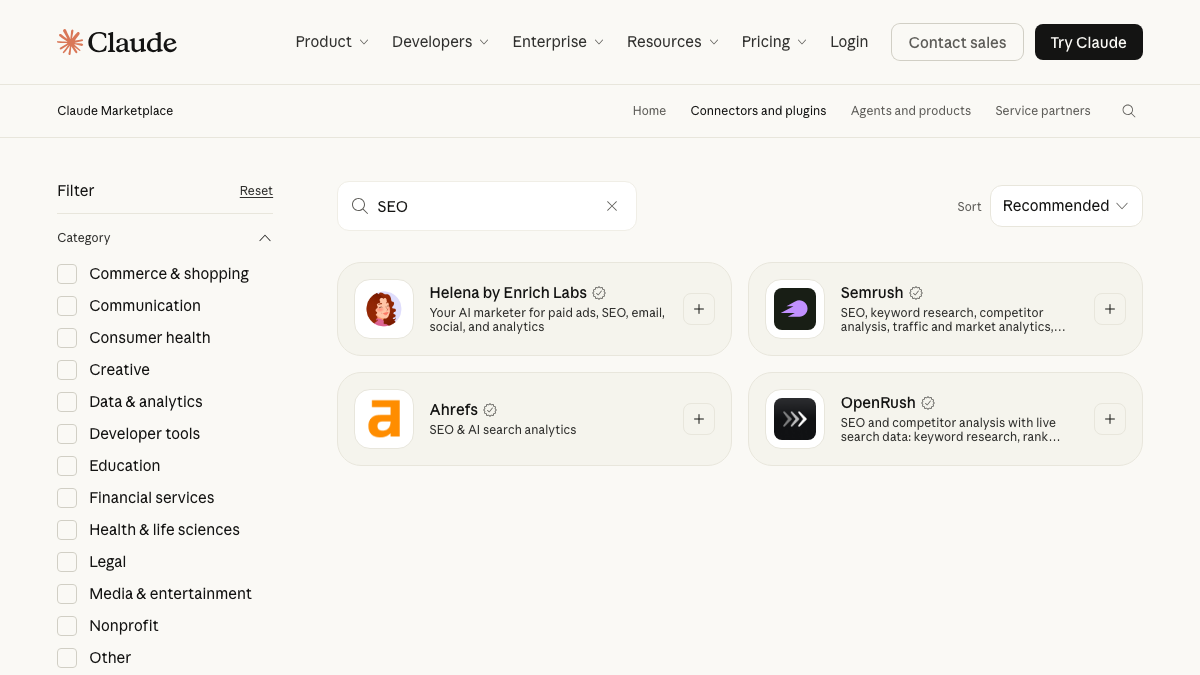
Connectors remove the paste. Claude's directory listed 844 of them when we checked on September 26, 2026, and a search for "SEO" returns four. The useful set for SEO and content marketing is wider than that, because publishing, design and planning tools do half the job. This list covers the nine we'd connect first, what each lets Claude do, and what each one costs outside Claude.
The short list
| Connector | Job | In Claude's directory | What it needs | Tools |
|---|---|---|---|---|
| Ahrefs | Keyword, backlink and AI visibility data | Yes | Ahrefs Lite or higher, from $129/mo | 61 |
| Semrush | Keyword, domain and backlink data | Yes | A Semrush plan with API units | 14 |
| RankControl | Plan, publish and track AI search work | Custom connector | RankControl plan, $400/mo | 80+ |
| OpenRush | Live SERPs plus your Google data | Yes | Pay per call, $10 per 1,000 credits | 20 |
| Similarweb | Traffic and audience research | Yes | Similarweb API access | 22 |
| WordPress.com | Publishing to WordPress | Yes | Paid WordPress.com plan or Jetpack AI | 60+ abilities |
| Webflow | Publishing and site edits in Webflow | Yes | A Webflow site | 34 |
| Canva | Article and social graphics | Yes | A Canva account | 17 |
| Notion | Calendars and briefs | Yes | A Notion workspace | 13 |
How to add a connector to Claude
Directory connectors take one click. In Claude, open Customize, then Connectors, find the tool in the directory and sign in to it. It's available in your chats from then on.
Anything not in the directory can be added as a custom connector if the vendor runs a remote MCP server. Claude's help center says custom connectors work on every plan, including Free, which is limited to one. On Pro or Max you open Customize, then Connectors, click the plus sign, choose Add custom connector and paste the server's URL. On Team and Enterprise plans, only an Owner can add one, and each member then connects their own account.
Your competitors are building backlinks while you read this.
Organic outreach, social mentions, and citations from Editorial Circle member sites, with managed backlinks available as an add-on. Grow your domain authority without running the campaign yourself.

The 9 best Claude connectors for SEO and content marketing
1. Ahrefs
Ahrefs is the strongest SEO data source you can put in Claude. The connector exposes 61 tools across Keywords Explorer, Site Explorer, rank tracking and Brand Radar, so Claude can pull a keyword's history and your share of voice in AI answers in the same conversation.
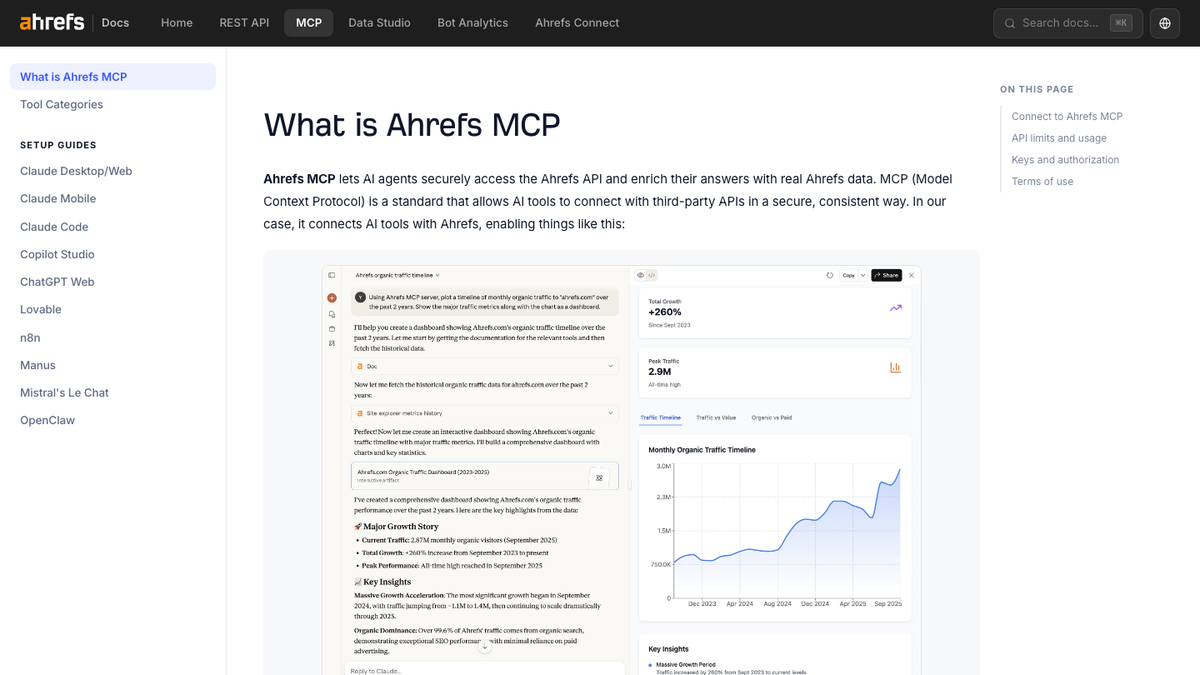
It needs a paid Ahrefs plan from Lite at $129 a month. Each plan caps the rows an agent can read per request, and every call spends the plan's monthly API units, which heavy agent use can drain quickly. A June post in r/DigitalMarketing walked through connecting Claude to Ahrefs for audits and title rewrites. A reply in that thread pointed out that the free Search Console and GA4 APIs cover a lot of the same ground.
Connect Claude to Ahrefs for your SEO Tasks - you won't regret it!
Just a couple of months back I decided to sit an automate my SEO tasks. I connected Claude to Ahrefs and asked it to do a couple of things. Writing it roughly but you can elaborate on the prompts to be more detailed and precise. Thought to...
Who it suits: SEO teams that already pay for Ahrefs and want its data inside every research chat.
2. Semrush
Semrush joined the directory in May 2026 with a compact design. Its 14 tools cover keyword and backlink research, site audits and traffic data, plus a pair that fetch any report's schema and run it. That second pair lets Claude reach most of the Semrush API without a separate tool for each report.
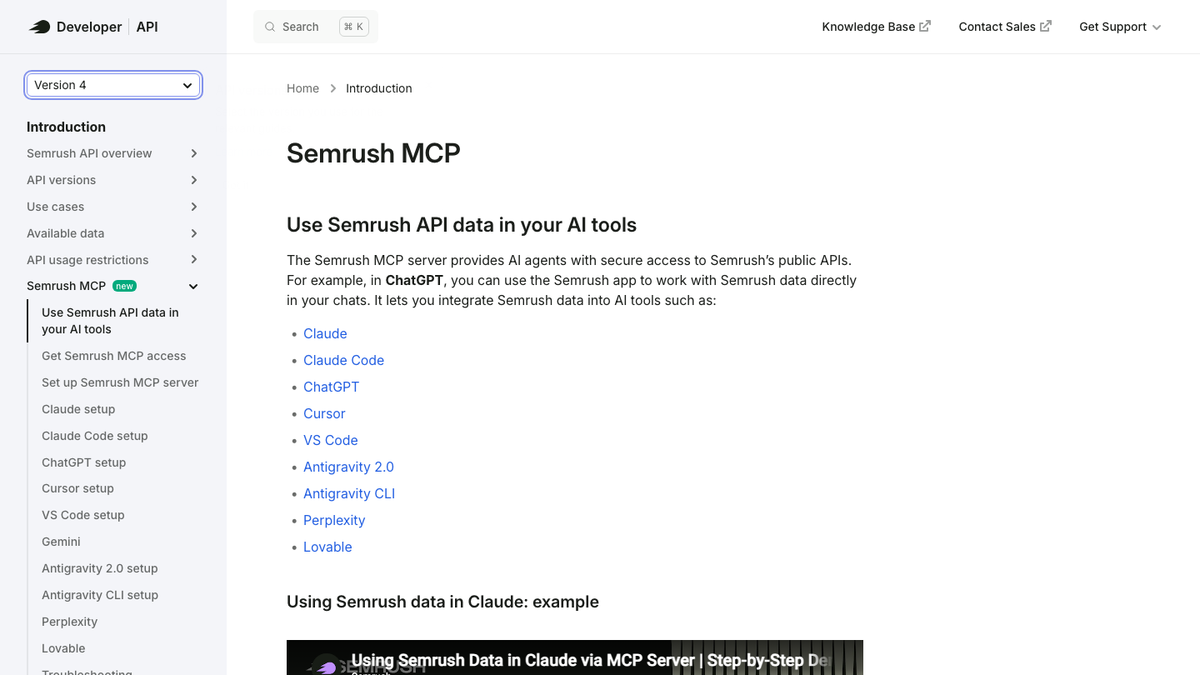
MCP access comes with plans that include API units, such as Semrush One Starter at $199 a month. Semrush now sits in Claude's connectors, so its keyword data can feed research inside Claude directly.
Who it suits: teams already on a Semrush plan that includes API units.
3. RankControl
The first two connectors answer questions. RankControl's MCP server lets Claude do the AI search work itself. From a chat, Claude can check your visibility score and recent citations, propose article titles, approve them onto a calendar and publish an article to your CMS. There are 80+ tools, and they're included in the $400-a-month plan.

RankControl isn't in Claude's directory yet, so you add the MCP server as a custom connector: paste https://api.rctrl.com/mcp, sign in and approve. Anything with a visible side effect, like publishing, is a dry run until you confirm it. The questions you track get checked every week across seven engines through AI visibility tracking, and articles publish as native posts to WordPress, Webflow, Shopify and more. RankControl isn't a keyword database, so most teams also use Ahrefs or Semrush for research.
Who it suits: teams that want Claude to plan, publish and track the work as well as look things up.
4. OpenRush
OpenRush is the lightweight option for teams without an SEO suite. Its 20 tools pull live Google results along with keyword and backlink data. They can also read your own Search Console, Google Analytics and Google Ads data, which fills the gap left by the lack of a Search Console connector in the directory.
Pricing is per call, at $10 per 1,000 credits. A live SERP lookup costs 2 credits and a backlink gap report 40, so a light month runs well under a suite subscription.
Who it suits: founders and small teams who want SEO data in Claude without a $129 plan.
5. Similarweb
Similarweb answers a question clients ask often: how much traffic does that competitor really get? Its 22 tools cover traffic, referral sources and audience data for any domain.
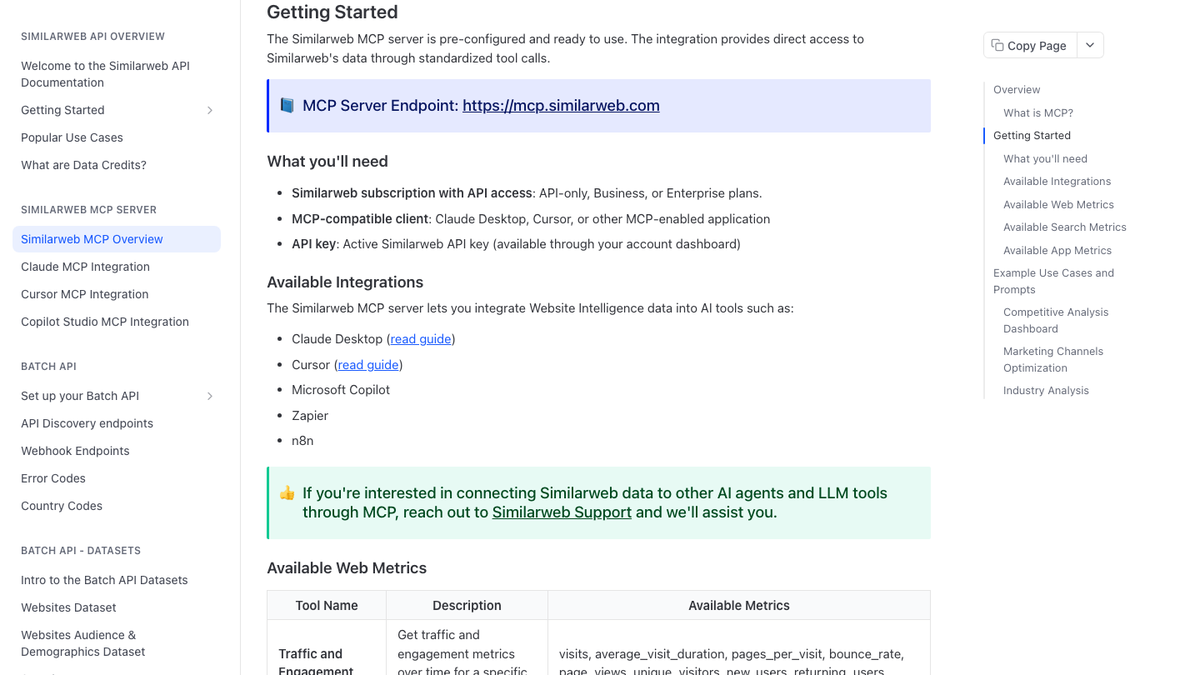
It isn't cheap to reach. It needs a Similarweb subscription with API access, and calls spend the same data credits as the API.
Who it suits: agencies and in-house teams doing competitive research on an API-tier Similarweb plan.

You're getting AI traffic. But do you know where it comes from?
RankControl credits every visit to the assistant that sent it: ChatGPT, Perplexity, Claude, Gemini, Copilot, or Grok. Full source attribution, next to your Google traffic.
6. WordPress.com
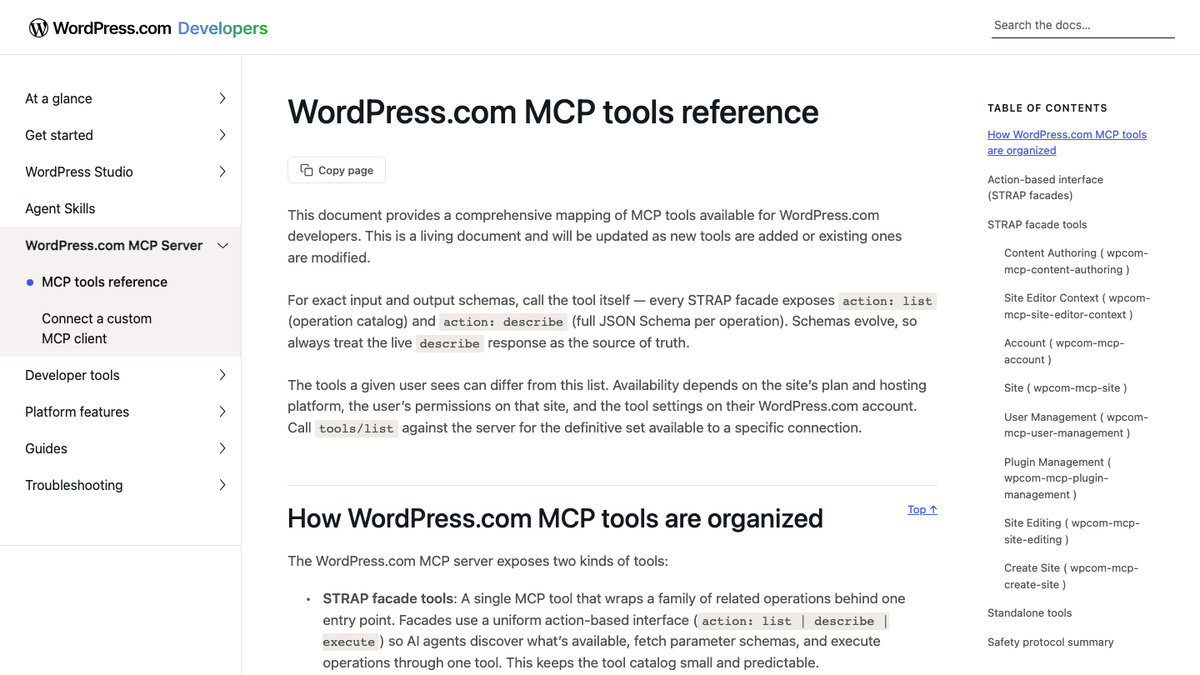
Automattic's connector lets Claude draft and update posts and pages, and check your site stats along the way. The directory listing says it has 60+ abilities and that every change is confirmed by you. It works on all paid WordPress.com plans and on self-hosted sites connected through Jetpack AI or Jetpack Complete.
Who it suits: WordPress teams who want Claude to draft and edit posts in place.
7. Webflow
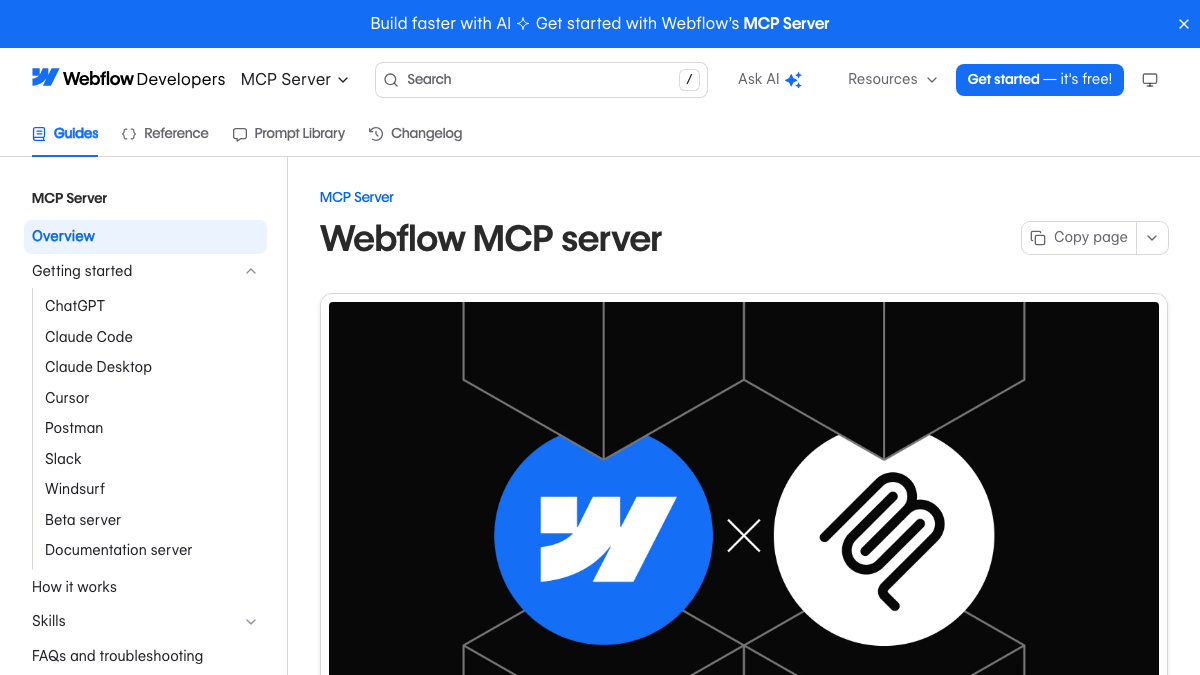
Webflow's connector has 34 tools for building pages, managing CMS collections and items, adding interactions and asking about traffic and top pages. For content teams, the CMS tools are the draw, since blog posts live in collections. Our guide to publishing to Webflow from Claude walks through the setup and the safe way to push drafts.
Who it suits: teams whose blog and landing pages live in Webflow.
8. Canva
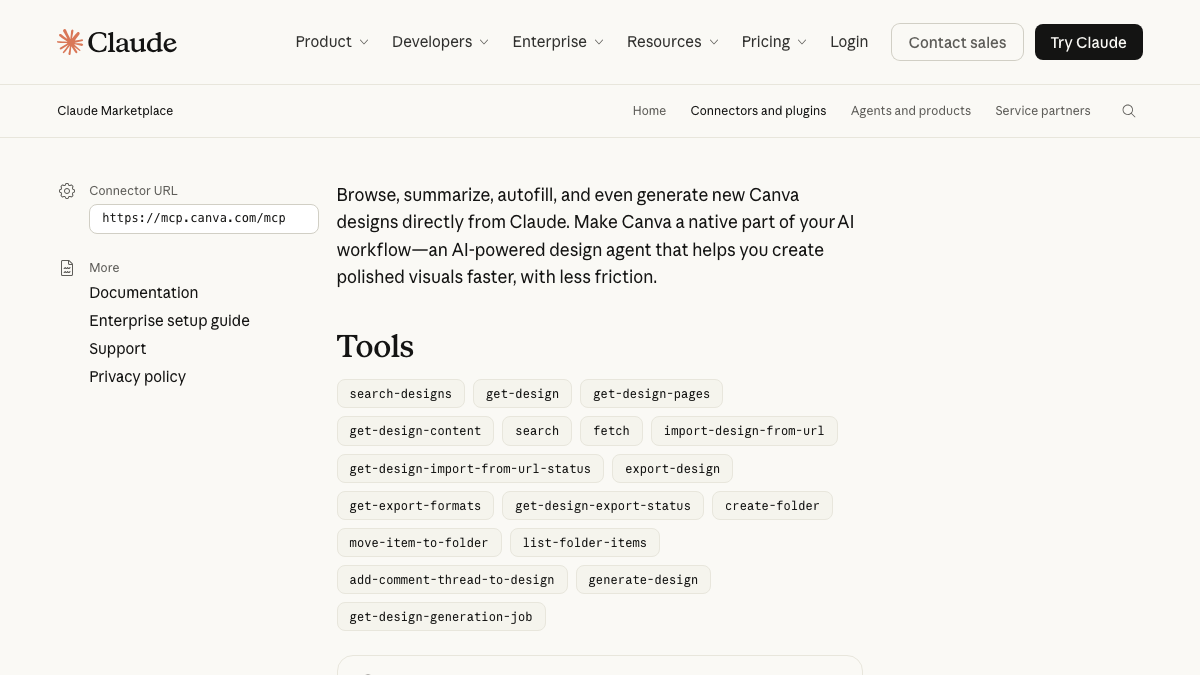
Canva's 17 tools let Claude search your designs, generate new ones, autofill templates and export files. For content marketing, that means a featured image or a set of social cards can come out of the same chat that outlined the article.
Who it suits: small teams without a designer who need graphics for every post.
9. Notion
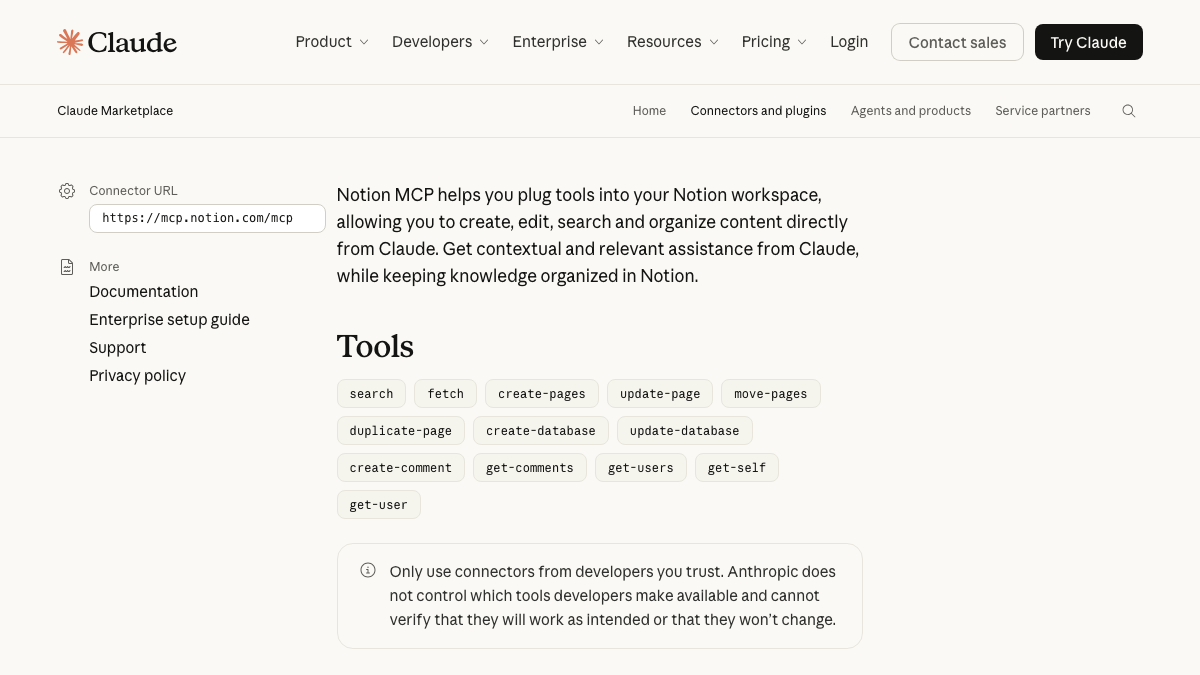
Notion's 13 tools cover search, page creation and updates, databases and comments. Most content teams keep their calendar, briefs and editorial notes in Notion, so Claude can read a brief and write the draft into a new page in the same pass.
Who it suits: teams that plan content in Notion databases.
A few more worth knowing
HubSpot's connector adds CRM data and content analytics for blog posts and landing pages, which helps when you want to see which articles bring in leads. Wix, Shopify, Sanity and Contentful all have connectors too, so most sites can take drafts from Claude. Firecrawl adds fresher web search and page scraping. Helena by Enrich Labs goes furthest on autonomy: it's a marketing agent that can draft and publish posts and run ads across connected channels.
Don't connect everything
Every connector you switch on adds its tool list to what Claude reads before it answers. Ahrefs alone brings 61 tools, and switching on several data connectors at once gives Claude a long list to choose from. Claude lets you switch connectors on and off for each conversation, so turn on only the ones the task needs, such as Ahrefs for research and WordPress.com for publishing.
Another reply in that r/DigitalMarketing thread said feeding Claude the site audit CSV directly cut down on made-up findings for technical issues. An export is fixed and easy to check, which makes it a good fit for audits.
One article, four connectors
Here's how a small team might use four of these on a single article, start to finish.
- Ask Claude, with Ahrefs switched on, for the questions buyers search around your topic and the pages ranking for the best one. It returns search volumes and the top-ranking URLs.
- Switch to Notion and ask Claude to write a brief into your content calendar database, with the target question, the angle and the pages to beat.
- Draft the article in the chat, then ask Canva for a featured image in your brand template and export it.
- With WordPress.com on, ask Claude to create the post as a draft with the image attached, then read it in WordPress and publish it yourself.
That's one article in maybe two hours instead of four, and every step still waits on you. The connectors cut the copying between tabs. Deciding what to write and when it goes live stays with you, and so does checking a month later whether ChatGPT or Perplexity started citing the page.
Which connectors fit your team?
| If your situation is... | Connect |
|---|---|
| You already pay for Ahrefs | Ahrefs |
| You already pay for Semrush with API units | Semrush |
| You want Claude to plan, publish and track AI search work | RankControl |
| You have no SEO suite and a small budget | OpenRush |
| You research competitor traffic for clients | Similarweb |
| Your blog runs on WordPress | WordPress.com |
| Your blog runs on Webflow | Webflow |
| You need graphics for every post | Canva |
| You plan content in Notion | Notion |
The pick for SEO and content marketing
For research, connect Ahrefs or Semrush, whichever you already pay for. Our list of the best MCP servers for SEO goes deeper on the data side.
Research is the smaller part of the job, though. Connectors let Claude look things up and push a draft, but someone still has to decide what to publish each week and check whether AI engines started citing it. Done by hand, 20 researched and published articles take 40 to 60 hours a month, and checking 50 questions on seven engines takes about six hours a week. RankControl's connector hands that loop to Claude with a confirm step before anything goes live. Or skip the chat entirely, and RankControl's agents run the same loop from the dashboard every month.
We'll show you exactly where your brand stands in AI search.
No commitment. $0 due today, cancel anytime. See how ChatGPT, Perplexity, Claude, Gemini, Grok, Google AI Mode, and Google AI Overviews talk about your brand today.