
The official WordPress MCP Adapter connects to Claude without any fuss, and then Claude looks inside and finds nothing it can publish with. There are three tools in there, all for finding abilities, and none writes a post. We've started calling this the empty toolbox, and it trips up most people who take "official" to mean "ready to publish."
The name doesn't help. Search for "wordpress mcp" and you get three separate products under nearly one label. WordPress.com has a server built in. Self-hosted WordPress has the official adapter, and third-party servers like ours publish to a site you've connected. On setup day, the adapter is the only one of the three that can't publish a post.
Everything below comes from WordPress.com's support docs, the adapter's GitHub repository and WordPress's own roadmap, as they stood on September 26, 2026. We make RankControl, the third route, so weigh that section accordingly.
First, which WordPress are you on?
Your hosting decides most of what follows. A WordPress.com site already has an MCP server, so you have no plugin to install. On your own hosting, the MCP Adapter is the starting point, and you'll also need something that registers a publishing ability. A Jetpack AI or Jetpack Complete plan is the other way in for a self-hosted site, since it reaches WordPress.com's server.
RankControl behaves the same on either kind of site because it publishes through its own plugin. On WordPress.com, that means the Business or Commerce plan, the plans where plugins install.
The WordPress MCP server built into WordPress.com
This server launched read-only. Write access came on March 20, 2026. It added 19 new writing abilities spread over six content types, posts and pages included, and the launch post sets out the guardrails: a new post starts life as a draft, and nothing changes without your approval. Each change is also written to the site's Activity Log.
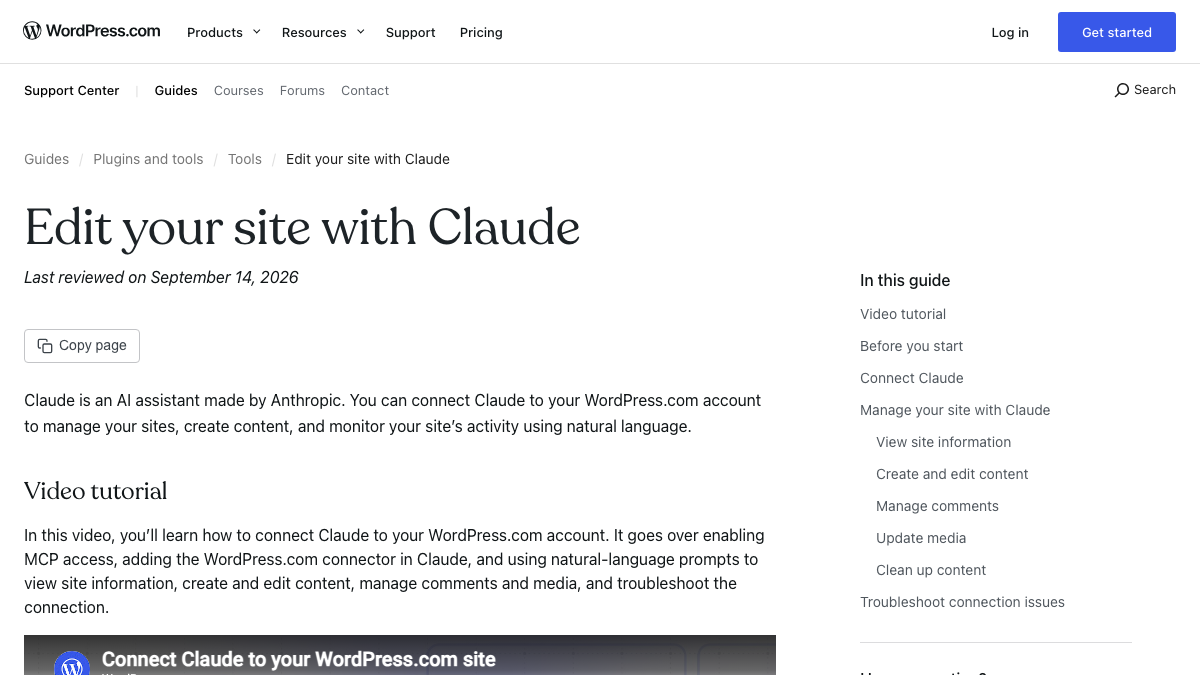
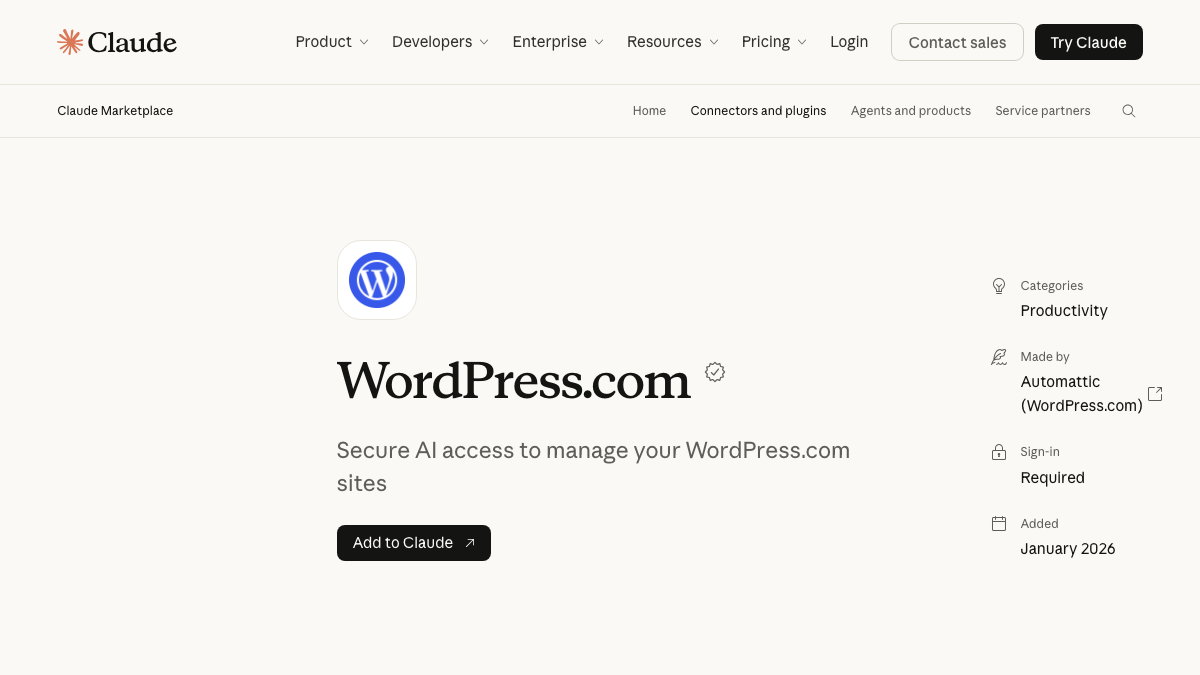
Setup is one toggle on each side. On WordPress.com, go to your account preferences, open AI and MCP, and switch on MCP access. In Claude, open the connector settings, search for WordPress.com and connect. Claude's directory shows the listing as verified. Automattic made it, and it was added in January 2026.
If you're reading older coverage, check the dates. WordPress.com's February 5 post announcing the Claude connector still describes the connection as "read-only," and its update stamp says March 13. Write access landed on March 20, after that stamp, so go by the support guide, last reviewed on September 14.
Every paid WordPress.com plan includes MCP access, and a free site has it for its first 30 days. If your site is on WordPress.com and you want Claude drafting and editing with you, nothing in this guide is simpler.
Self-hosted WordPress MCP and the empty toolbox
Self-hosted WordPress gets to MCP in two layers. The bottom one is the Abilities API, a registry that makes WordPress functions discoverable by AI agents, which shipped with WordPress 6.9 in December 2025. On top of it sits the MCP Adapter, the official bridge between that registry and MCP, currently at version 0.7.0.
You can install the adapter as a plugin from its GitHub releases or pull it in with Composer. Claude then talks to it in one of two ways: locally through WP-CLI, or remotely over HTTP using an application password. That second option needs HTTPS on a live site.
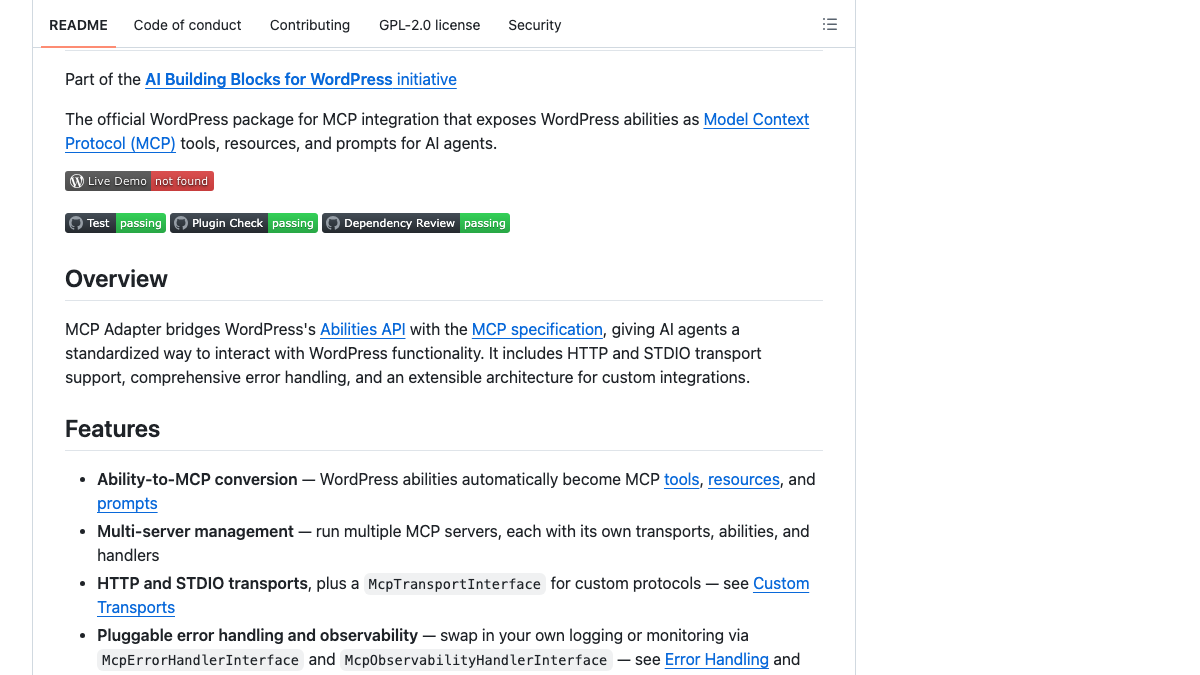
Now look inside the toolbox. The default server hands Claude three tools: one discovers abilities, one describes them and one runs them. What's missing is anything worth running. WordPress core registers only a few read-only abilities, like site and user info, and every ability stays private until a developer marks it public. Core's roadmap for 7.2, posted September 18, still has "explore write abilities" down as future work.
So on a self-hosted site, somebody has to register a create-post ability before Claude can publish. Some developers write their own, and general AI plugins such as AI Engine ship MCP servers that include content tools. Once that piece exists, the setup works well. One developer, now on Anthropic's Claude Code team, described drafting posts locally and publishing them through the official adapter while Claude formatted the Gutenberg blocks on its own.
I hooked Claude Code up to my WordPress site with the official MCP adapter. Now I draft posts locally and publish them without opening the WordPress admin. Claude even formats the Gutenberg blocks automatically! Full walkthrough: https://t.co/MKHgxTxdkC
 Keanan Koppenhaver@KKoppenhaverMar 27, 2026
You'll also find guides that send you to Automattic's older wordpress-mcp plugin. Don't follow them, since its own repository marks it deprecated and archived in favor of the adapter.
See your first AI citation report in under 5 minutes.
No setup calls. No onboarding meetings. Connect your domain and see where AI mentions your brand right now.

The SEO fields most setups miss
A post sitting in WordPress hasn't done much for you yet. Whether it ranks and gets cited depends on fields a generic setup often can't write to.
The meta title and description are the obvious ones. Yoast and Rank Math keep both as post meta, and by default that meta isn't open for writing through the REST API. Yoast lets you read its output, but writing to those fields needs a developer to register them with REST access, and Rank Math users describe running into the same wall in its support forum. You end up with a post that went live from Claude without any meta description.
Formatting is the second gap. If you send plain HTML through the REST API, WordPress opens the whole thing as one classic block, and only Gutenberg's block markup avoids that. It's why the tweet above bothers to mention Claude formatting the blocks. Two smaller snags: a featured image has to be in the media library before a post can use it, and categories and tags go in as IDs, so have Claude look them up instead of guessing.
Publishing through RankControl's MCP server
With RankControl, Claude never touches your WordPress database. You connect the site once as a publishing destination, and from then on RankControl's plugin receives each approved article as a native post. Our WordPress guide says setup takes about three minutes. You create the destination in Brand Control first, then upload the plugin ZIP in WP Admin and paste the integration key under Settings, then RankControl.
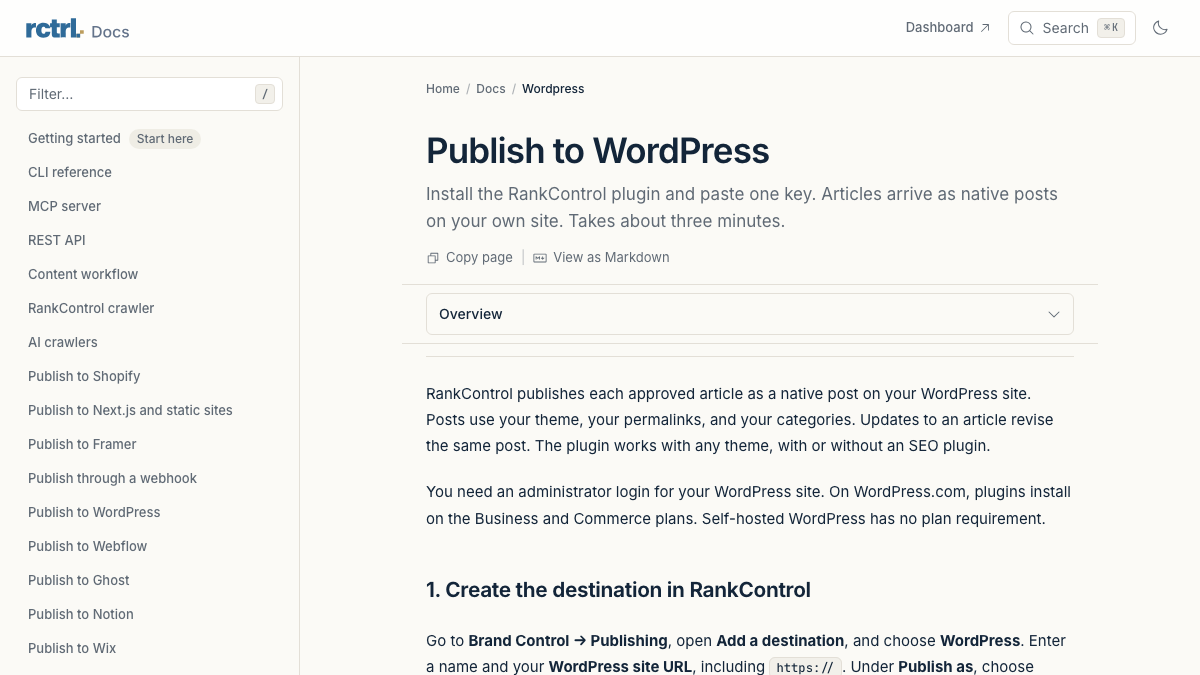
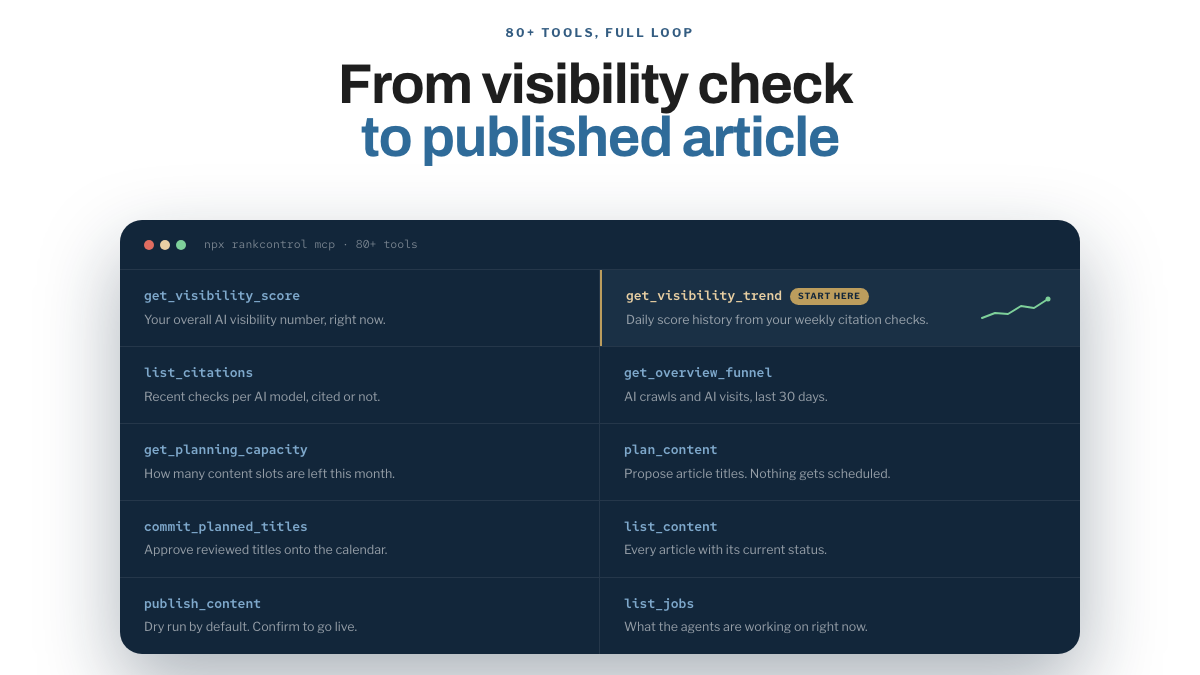
Connecting Claude takes one paste: add https://api.rctrl.com/mcp to Claude's connectors. If you work in Claude Code, Claude Desktop, Cursor or Codex, running npx rankcontrol mcp locally does the same job. The MCP server carries more than 80 tools and is included in the plan at no extra cost.
The gaps from the previous section are handled when the post arrives. Each post is filed under the category that matches its topic, and its hero image goes into your media library as the featured image. The meta title and description are written into your SEO plugin, whether that's Yoast, Rank Math or one of three others it supports, and on a site with no SEO plugin, it renders them itself. Article structured data goes into the page head. You decide in the destination settings whether articles arrive as published posts or as drafts waiting for review.
The articles themselves are planned and written by the content engine, which works from the questions your buyers ask and writes in your brand's voice. After they're live, AI visibility tracking checks every week whether six AI engines cite them, including Claude and Grok. WordPress is one of several destinations, so if you also run a site on another CMS, the same Claude chat can publish there.
Your competitors are building backlinks while you read this.
Organic outreach, social mentions, and link exchanges, with managed backlinks available as an add-on. Grow your domain authority without running the campaign yourself.

What a session looks like
A session usually opens with a question like "What's scheduled this week?", which Claude answers from your content list. Then you pick one article and ask Claude to publish it, and the first call comes back as a dry run showing the title, the destination and the status that would go live. Nothing happens until you reply with a confirm.
Planning runs on the same principle. Claude can suggest titles for next month, and none land on the calendar until you approve them. If approving each post isn't how you want to work, auto-publish is a dashboard setting that ships switched off.
Who can press publish
The r/Wordpress threads about connecting Claude mostly turn into a debate over credentials: SSH, application passwords or a plugin. The reply that got it right said the credential matters less than the write path, and what protects a site is posts arriving as drafts with a person publishing them. An agency owner on r/Wordpress described cleaning up client databases every few months after clients gave Claude direct access to production.
Anthropic's advice for any connector fits here: only click "Allow always" for a server and tool you trust to run unsupervised. On any route, give Claude an account with the lowest role that does the job. Use an Editor account's application password, say, and keep the administrator's out of it.
WordPress.com writes every change to the site's Activity Log. RankControl lets you create scoped or read-only API keys under Settings, then API, and revoke them in the same place. Its publishing requests all come from one fixed IP address, so if Cloudflare or Wordfence sits in front of your site, the crawler page has the single rule that lets them through.
Which route fits your site
For a WordPress.com site where you want Claude drafting and editing posts with you, the built-in server is the one to use. For a developer on self-hosted WordPress who wants Claude reaching custom abilities, the MCP Adapter is the right base, provided you register the write abilities yourself.
Whichever you choose, don't publish in bulk. A September r/SEO thread about publishing 2,500 AI articles at once got mostly skeptical replies. The one worth remembering was about crawl budget: a flood of new URLs pulls crawling away from the pages that already rank. We'd pick a steady schedule over a dump for that reason. For the research side of Claude, see how to do SEO in Claude with MCP.
If the goal is finished articles on a schedule, publishing is the small part. Someone still has to choose topics buyers ask about and write each post, then fill in the SEO fields and check every week whether AI engines cite it. You can do all of that by hand in a chat, one post at a time. Or RankControl's agents can run it every month for $400, with a 7-day free trial, while you approve what goes live from Claude or the dashboard.
For the same setup on another CMS, see publishing to Webflow from Claude or publishing Shopify blog posts from Claude.

You're getting AI traffic. But do you know where it comes from?
RankControl credits every visit to the assistant that sent it: ChatGPT, Perplexity, Claude, Gemini, Copilot, or Grok. Full source attribution, next to your Google traffic.