
Of all the Shopify MCP options, the obvious one is Shopify's official connector for Claude. It has 25 tools, and none of them is for blog posts. Products, discounts and orders have their own tools. A blog post goes through graphql_mutation, a general tool Shopify describes as the way to change "a part of your store that has no dedicated action."
We call that the side door. It works, but Claude writes raw Admin API code for each post, and the search fields are easy to miss.
This guide covers four routes to publish Shopify blog posts from Claude with MCP: the official connector, Shopify's AI Toolkit, community servers on GitHub and RankControl. It's based on Shopify's help center and developer docs, Anthropic's connector listing and the community READMEs, all checked on September 26, 2026.
Which Shopify MCP server does what
"Shopify MCP" now covers at least five servers. Only some of them can reach your blog.
| Server | Built for | Writes blog posts? |
|---|---|---|
| Shopify for Claude (connector) | Merchants running a store | Only through graphql_mutation |
| Shopify AI Toolkit (Dev MCP) | Developers building on Shopify | Through Shopify CLI, after you confirm |
| Storefront MCP | Shopping agents | Removed; replaced by the Universal Commerce Protocol |
| Customer Account MCP | Signed-in shoppers | No |
| Community servers | Developers | A few small ones, with outdated setup steps |
| RankControl MCP | Teams publishing content | Yes, to a connected store |
Two of them are for shoppers. Shopify removed the catalog and cart tools from Storefront MCP and now points shopping agents to UCP. Customer Account MCP handles a signed-in customer's own orders and profile.
Shopify's own AI doesn't publish posts either. Shopify Magic puts a Generate text button in the blog editor for the title and the body, and its help page then tells you to save the post and publish it yourself. Sidekick's help page doesn't list blog posts among the things it does.
See your first AI citation report in under 5 minutes.
No setup calls. No onboarding meetings. Connect your domain and see where AI mentions your brand right now.

The Shopify MCP connector for Claude and its side door
Shopify for Claude joined Anthropic's connector directory in April 2026. Shopify built it, it needs a sign-in, and the listing names two uses: starting a store from a description and managing one you already run.
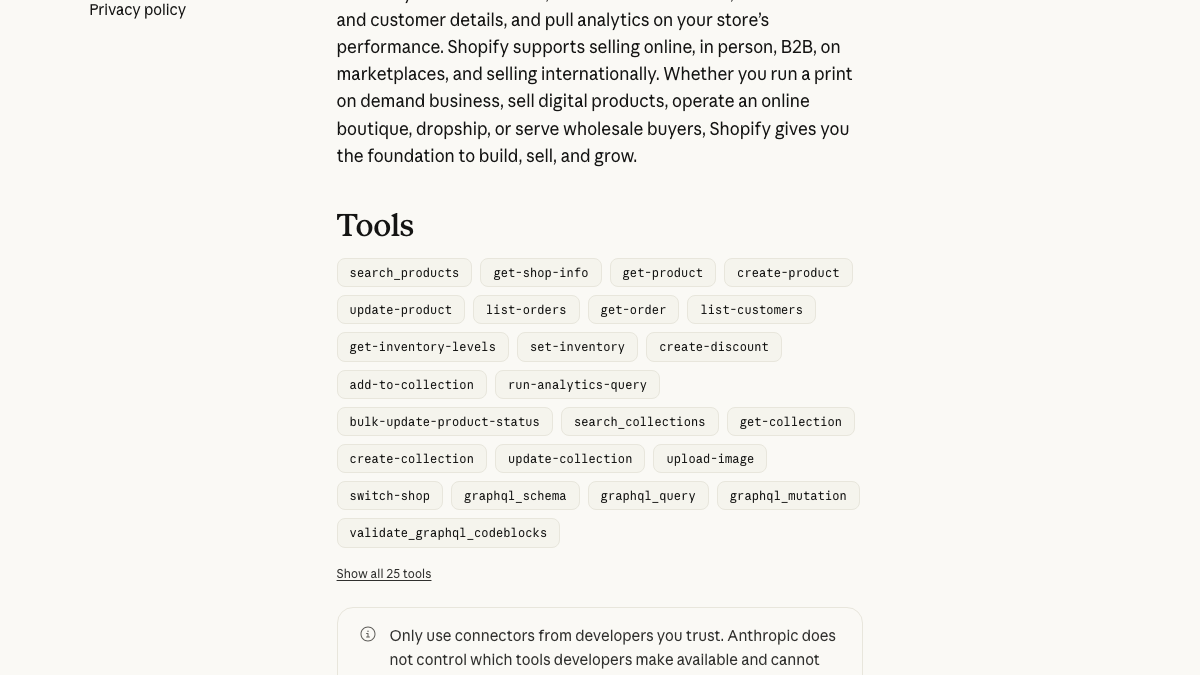
Shopify's help page for the connector is clear about the gap. Blogs sit with pages, menus and metafields in the group with no dedicated action, and the connector reaches them through the Admin API.
So Claude looks up your blog's ID and sends Shopify's articleCreate call through the side door. It's part of the 2026-07 Admin API and needs the write_content or write_online_store_pages permission. Neither page lists the permissions the connector itself requests.
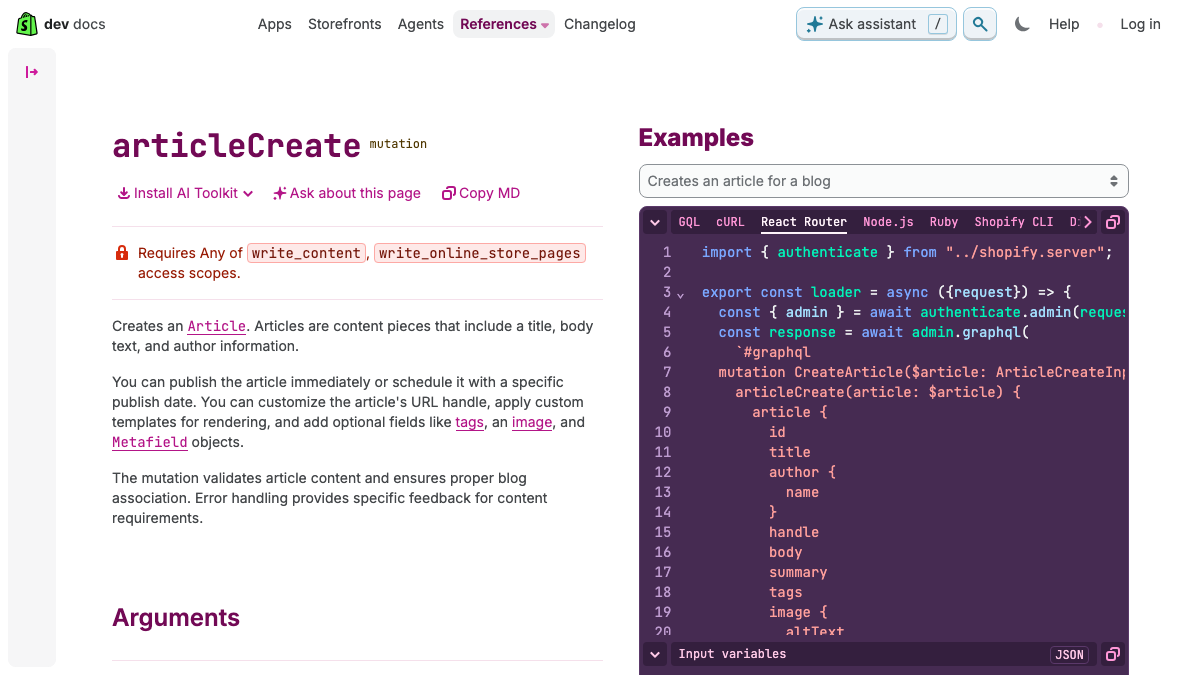
The call requires an author name. The blog ID is optional, because the same request can create a new blog, so name your blog in the prompt. The isPublished field decides whether the post is visible. Set it to false and the post arrives hidden for review.
Shopify's AI Toolkit and the CLI route
Shopify's Dev MCP server now ships as the Shopify AI Toolkit. Its npm package reached version 1.16.0 on September 25. The toolkit searches Shopify's docs and API schemas and validates GraphQL, Liquid and extension code.
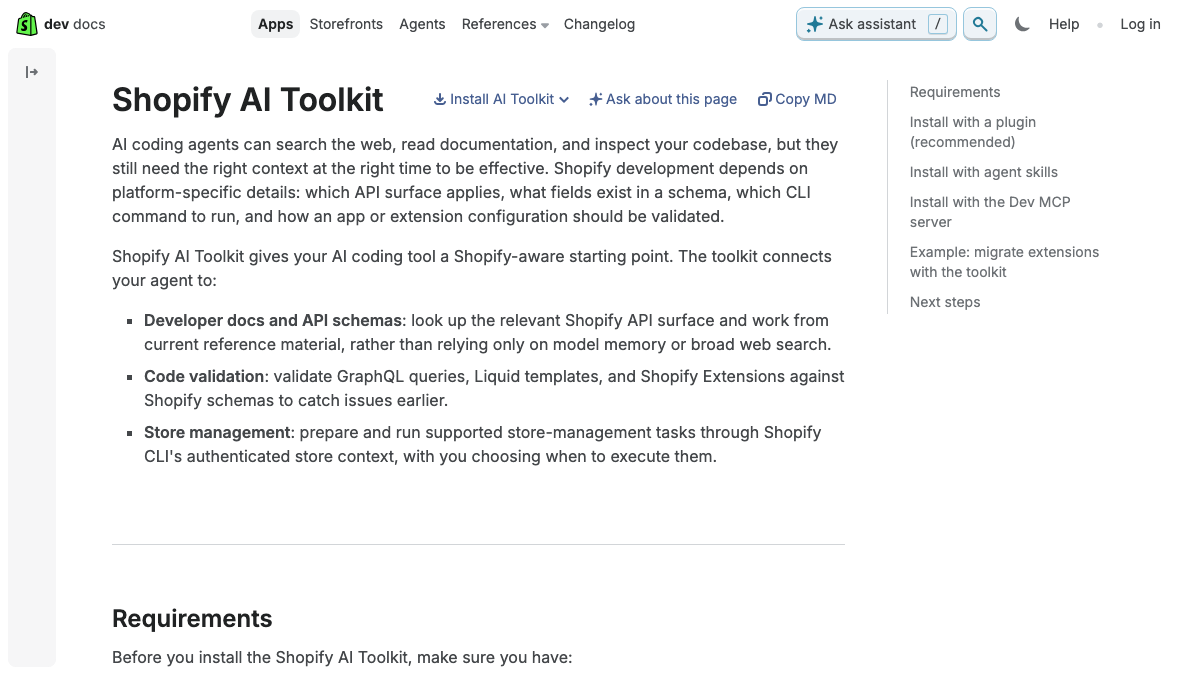
Store changes run through Shopify CLI's authenticated store context, "with you choosing when to execute them." Shopify's Claude Code skill for the CLI tells Claude to show the exact command and wait for your confirmation before it changes anything.
That suits a developer testing an app. For a weekly blog, each post means a terminal session, a store login and a command to review.
Community Shopify MCP servers and the token dead end
The two most-starred Shopify MCP servers on GitHub have 236 and 141 stars, and neither has blog tools. Both were updated this month and support Shopify's new login flow.
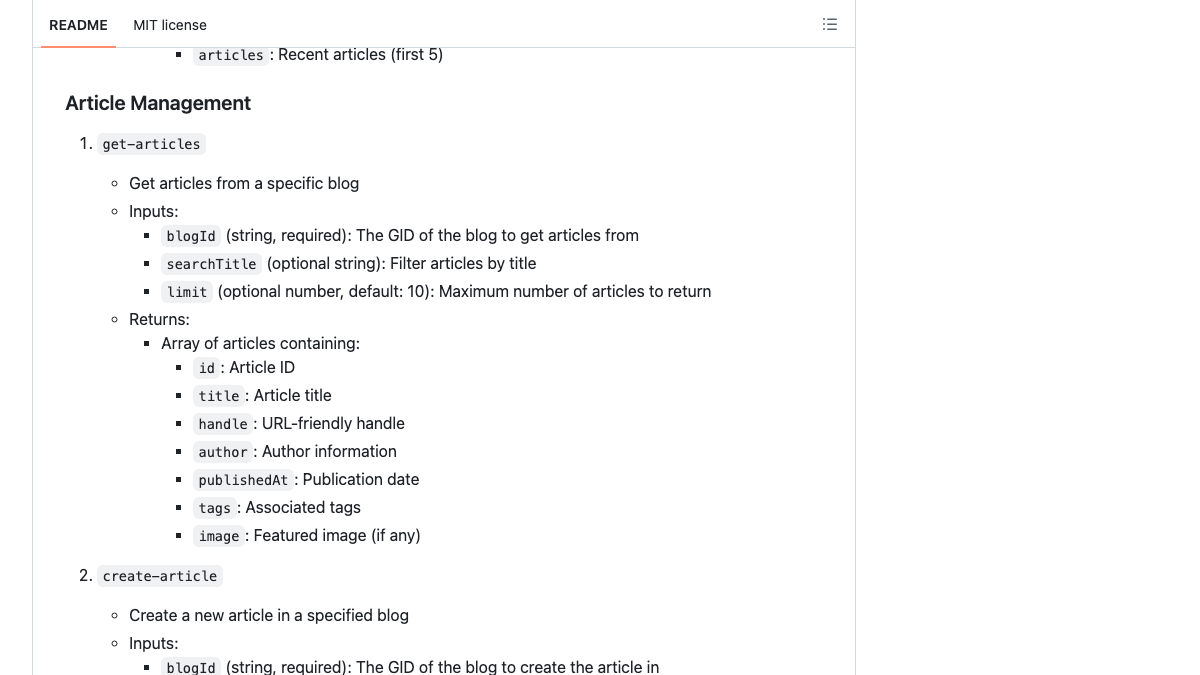
Two small servers, with four stars and two, do have create-article tools. Their setup guides tell you to open Settings, click Develop apps and copy an Admin API access token.
New stores can't follow that step. Shopify's changelog announced that "legacy custom apps can't be created after January 1, 2026," and its developer docs say of admin-created apps, "You can no longer create these apps." New custom apps are made in the Dev Dashboard. They provide a Client ID and Client Secret, which a server exchanges for a token.
So the community servers that write blog posts are the ones a new store can't set up from their own instructions. In an r/shopify thread on connecting Claude through MCP, the poster hit authorization errors and described a setup built on the client-credentials flow. A reply described a launcher script that fetches a fresh token each time the server connects.
Connecting Claude AI to Shopify via MCP
Trying to sett up Claude Desktop to pull live data from my Shopify store via MCP. The goal is just read access so I can ask Claude things. The setup itself is straightforward, custom Shopify app, Node.js MCP server, Claude Desktop config. B...
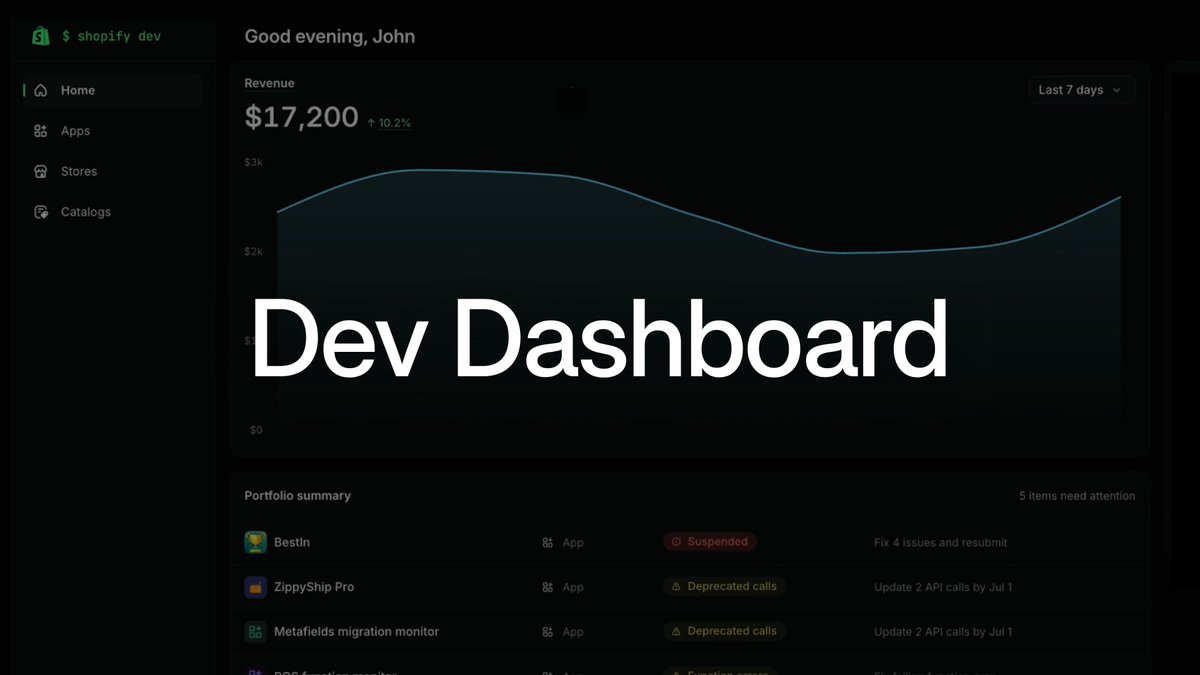
Shopify is still changing this area. On September 25 its developer account announced a new Dev Dashboard with app development, collaborator access and store management in one place.
Rolling out now: the new Dev Dashboard App development, collaborator access, and store management, now in one home Demo with Shankar Chandran https://t.co/gZILIpP92Y
 Shopify Developers@ShopifyDevsSep 25, 2026
The SEO fields a raw API call skips
A Shopify article has no SEO field of its own. The search listing title and meta description are stored as metafields, conventionally title_tag and description_tag in the global namespace. Shopify's current article docs don't name them, so check the post's search engine listing in the admin after the first publish.
The theme shows the summary on the blog index, and the featured image needs alt text. Without a handle, Shopify builds the URL from the title. Claude fills in each field only if the prompt asks for it.
By hand, that's four round trips per post: find the blog ID, send the call, open the search listing, then check the image.
Publishing through RankControl's MCP server
In an r/shopify thread about blog apps, one store owner said Claude writes their post HTML and they paste it into the article's code view. Their next step was to stop pasting. This route covers that step.
What blog app should we use?
Ok, 7 months since we launched, and we finally got around to working on the blog, and it immediately became obvious the native blog is VERY limited. However, there's like 100 apps on the marketplace, and most of them are AI auto blog tools....
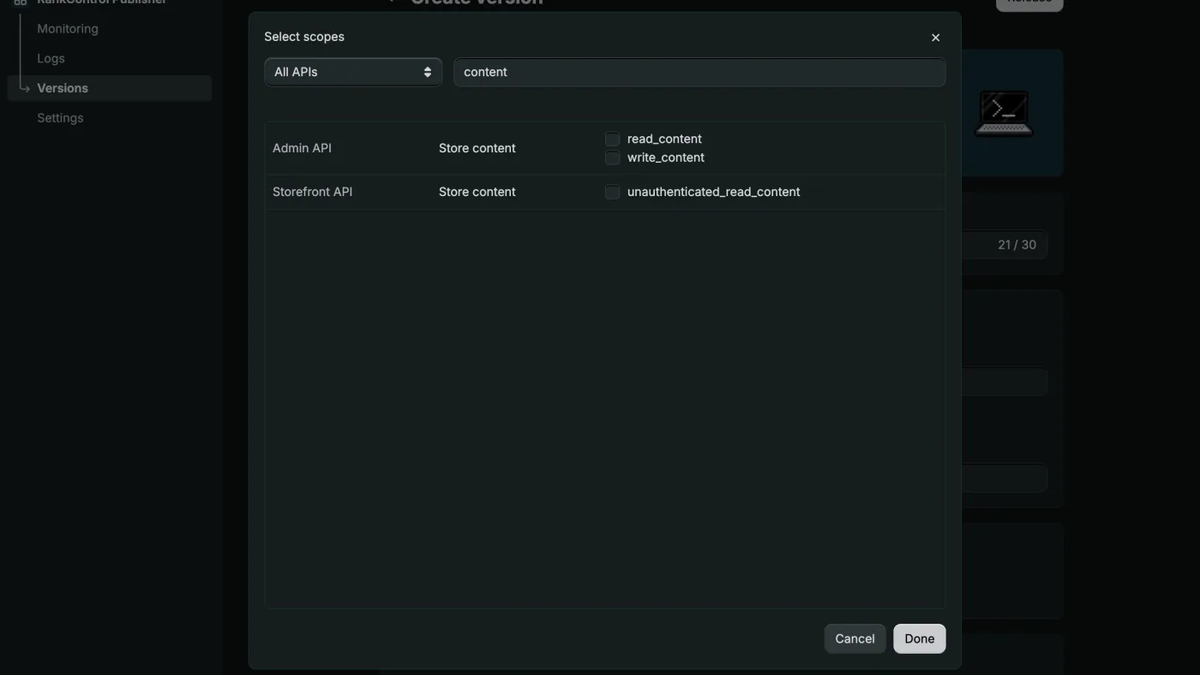
You connect the store once with a custom app. Create it in the Dev Dashboard with the read_content and write_content scopes, install it on the store and paste its Client ID and Client Secret into RankControl. Our Shopify guide puts setup at about three minutes.
In Claude, add https://api.rctrl.com/mcp as a connector. For Claude Code, Cursor or Codex, you can run npx rankcontrol mcp locally instead. The MCP server has more than 80 tools and is included in the plan.
Each article arrives with the fields above. The search listing title and description are set, and the hero image becomes the featured image with alt text. Tags start with the article's topic, and the handle matches the planned URL. A destination setting decides whether posts go live or arrive as drafts. Editing an article later updates the same Shopify post.
The content engine plans the articles from the questions your buyers ask and writes them in your brand's voice. After they publish, AI visibility tracking checks every week whether seven AI engines cite them, Claude and Grok included.
Your competitors are building backlinks while you read this.
Organic outreach, social mentions, and citations from Editorial Circle member sites, with managed backlinks available as an add-on. Grow your domain authority without running the campaign yourself.

What a session looks like
A typical chat starts with "What's scheduled this week?", which Claude answers from your content list. Asking for the next article returns a dry run, and writing starts when you confirm. The publish tool works the same way: it describes what would go live and waits for your confirmation.
Multiple stores need care. An agency owner on r/AutomateShopify said in September that connecting MCP was easy, and the hard part was keeping Claude out of the wrong store's context. Asking Claude to print the shop name before you trust a result is a cheap check. In RankControl each workspace has one site, so the API key decides the store.
Which route fits your store
For an occasional post written in chat, use the official connector. Ask for a hidden draft and check the search listing before you make it visible. Developers building on Shopify should start with the AI Toolkit and keep its habit of confirming every change. Use community servers for reading store data, and check a README's auth section before you let one write.
A weekly blog needs more than a publish step. Store posts that answer buying questions and link to products tend to earn traffic, and generic tips posts rarely do. Our guide to Shopify product answers in ChatGPT covers the product side.
You can run the loop yourself in Claude, one post at a time, and check each week whether AI engines cite what you published. Or RankControl's agents can run it every month for $400, with a 7-day free trial, while you approve what goes live from Claude or the dashboard. For WordPress, see publishing WordPress posts from Claude.
You're getting AI traffic. But do you know where it comes from?
RankControl credits every visit to the assistant that sent it: ChatGPT, Perplexity, Claude, Gemini, Copilot, or Grok. Full source attribution, next to your Google traffic.