On October 19, the AI Overview atop Google's results for "product schema markup" said a Product needs a name, an image and one of review, aggregateRating or offers. That answer blends two separate Google lists. Image is required on one and missing from the other, and that gap decides which fix on your store matters first.
This guide works from Google's own product docs, read on October 19, 2026. It covers what each result type needs, the gaps Shopify and WooCommerce leave behind, and closes with what AI search asks of a store.
Product schema markup comes in two types
Google splits Product structured data into two separate classes. Product snippets are for pages where people can't buy the item directly, like a review or a buying guide. Merchant listings are for pages where a shopper actually can buy from you, and those can carry extra details like shipping and returns.
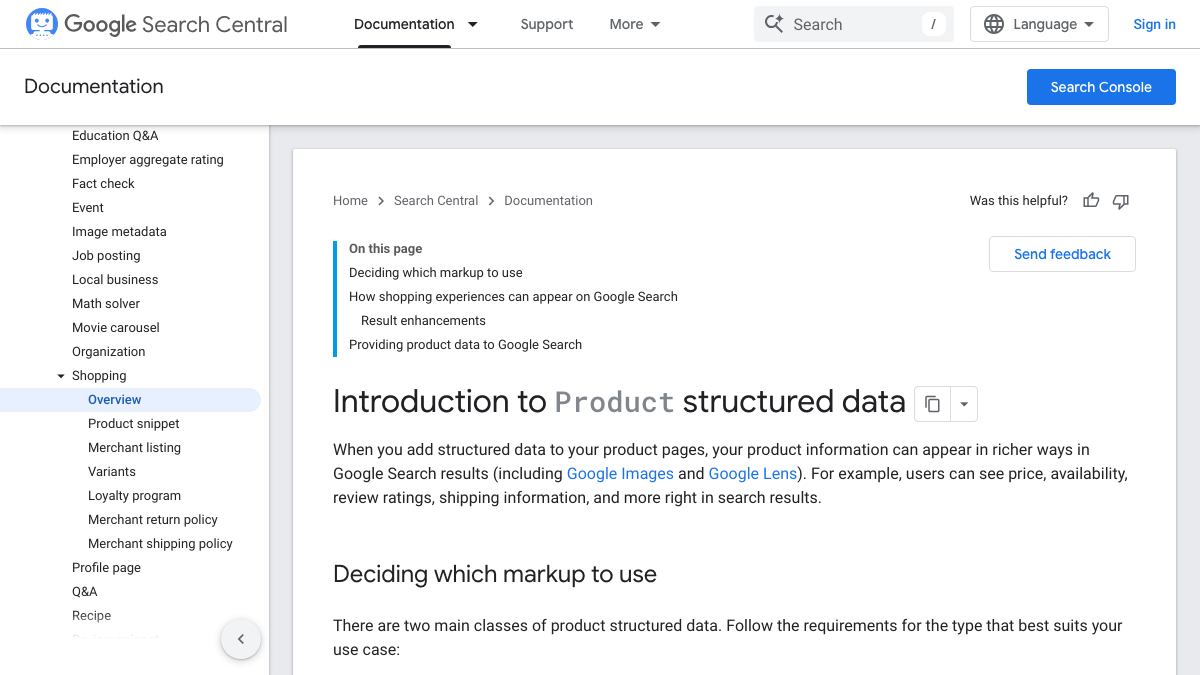
Google's intro to Product structured data, last updated December 10, 2025, notes that the two overlap. Fill in the required fields for a merchant listing and you're usually covered for the snippet too.
Both the product snippet doc and the merchant listing doc were last updated September 8, 2026.
| Property | Product snippet | Merchant listing |
|---|---|---|
| name | Required | Required |
| image | Not listed | Required |
| offers | One of offers, review or aggregateRating is required | Required, and it must be an Offer (not AggregateOffer) |
| offers.price + priceCurrency | Follow the Offer or AggregateOffer rules | Required, with a price above zero |
| review, aggregateRating | One of the three above | Recommended |
| availability | Not listed | Recommended |
| brand.name | Not listed | Recommended |
| gtin, mpn, sku | Not listed | Recommended |
| color, size, material, pattern | Not listed | Recommended |
| shippingDetails, hasMerchantReturnPolicy | Not listed | Recommended |
| positiveNotes, negativeNotes | For pros and cons on editorial reviews | Not listed |
So that AI Overview holds for a store's own product pages, which count as merchant listings. It's wrong for a review site or a blog roundup, which can skip image and still qualify for a snippet. If you're selling from the page, treat the right-hand column as your real floor.
Which recommended fields to fill first
Recommended doesn't mean optional in practice. A GTIN is the barcode number identifying a product in every store that carries it, and brand tells Google whose product it is. The merchant listing doc asks you to include every global identifier that applies, using the most specific type, like gtin13 for a 13-digit EAN.
There's a reason tied to AI answers too. In a preprint posted to SSRN in April 2026, Kurt Fischman of the marketing firm Growth Marshal looked at 730 citations from ChatGPT and Gemini across 1,006 pages. Generic schema showed no effect once Google rank was accounted for. Pages carrying Product or Review schema with real attributes filled in, price and rating or product specs, got cited 61.7% of the time, against 41.6% for generic types.
The Fischman paper is a preprint, not peer reviewed, and purely observational, comparing pages as they already existed rather than adding schema and watching for a change. Google rank still came out the strongest predictor by far. Our comparison of every schema and AI citation study sets it next to Ahrefs' own test. For a store, the practical takeaway is narrow: fill in GTIN, brand, rating and specs before adding any new schema type.
See your first AI citation report in under 5 minutes.
No setup calls. No onboarding meetings. Connect your domain and see where AI mentions your brand right now.

Variants need ProductGroup
If a shirt comes in four sizes and three colors, Google's variants doc, last updated September 8, 2026, wants a ProductGroup sitting as the parent. It rests on three properties.
| Property | What it does |
|---|---|
| productGroupID | The parent SKU for the whole group |
| variesBy | Which traits change, such as size, color, material or pattern |
| hasVariant | The list of child Product items, each with its own SKU and GTIN |
Shared fields like brand and reviews only need to sit on the ProductGroup once. Each variant then carries just what's different about it.
The markup only helps if a crawler can reach each variant. A thread in r/bigseo made the point that the real test is whether every variant has a distinct crawlable URL, path or query string either way. Check that each variant URL canonicalizes to itself and lines up with what hasVariant lists.
One account on X described a client case from August. A smart speaker came in three colors, but only black had its own URL, reviews and markup, and AI engines kept recommending only black until every color got its own page. It's one story, not a study.
Shipping and returns belong on the store
Both shippingDetails and hasMerchantReturnPolicy stay recommended, never required, and you don't need either on every product. The merchant listing doc suggests a global shipping policy and a global return policy under your Organization markup, with per-offer markup reserved for products that genuinely differ.
A return policy needs one of two setups, per Google's return policy doc. Either give an applicableCountry plus a returnPolicyCategory, or point to a merchantReturnLink that explains it in full. Pick a set number of days instead, and merchantReturnDays becomes required too.
A short JSON-LD example to copy
Here's a merchant listing for one product, with the required fields plus the recommended ones doing the most actual work.
{
  "@context": "https://schema.org",
  "@type": "Product",
  "name": "Blue ceramic mug, 350 ml",
  "image": "https://example.com/images/mug-blue.jpg",
  "sku": "MUG-350-BLUE",
  "gtin13": "0123456789012",
  "brand": { "@type": "Brand", "name": "Northline" },
  "aggregateRating": {
    "@type": "AggregateRating",
    "ratingValue": 4.6,
    "reviewCount": 212
  },
  "offers": {
    "@type": "Offer",
    "url": "https://example.com/products/mug-blue",
    "price": 18.00,
    "priceCurrency": "USD",
    "availability": "https://schema.org/InStock"
  }
}
Put it inside a script tag of type application/ld+json, and make sure the server sends it in the HTML rather than a script injecting it later. A commenter in r/WebsiteSEO pointed out that a crawler that skips JavaScript either sees the whole block or it doesn't. Every value also has to match what the shopper sees on the page.
Test it with the Rich Results Test
Google's Rich Results Test checks a URL or pasted code and shows which result types that page actually qualifies for.
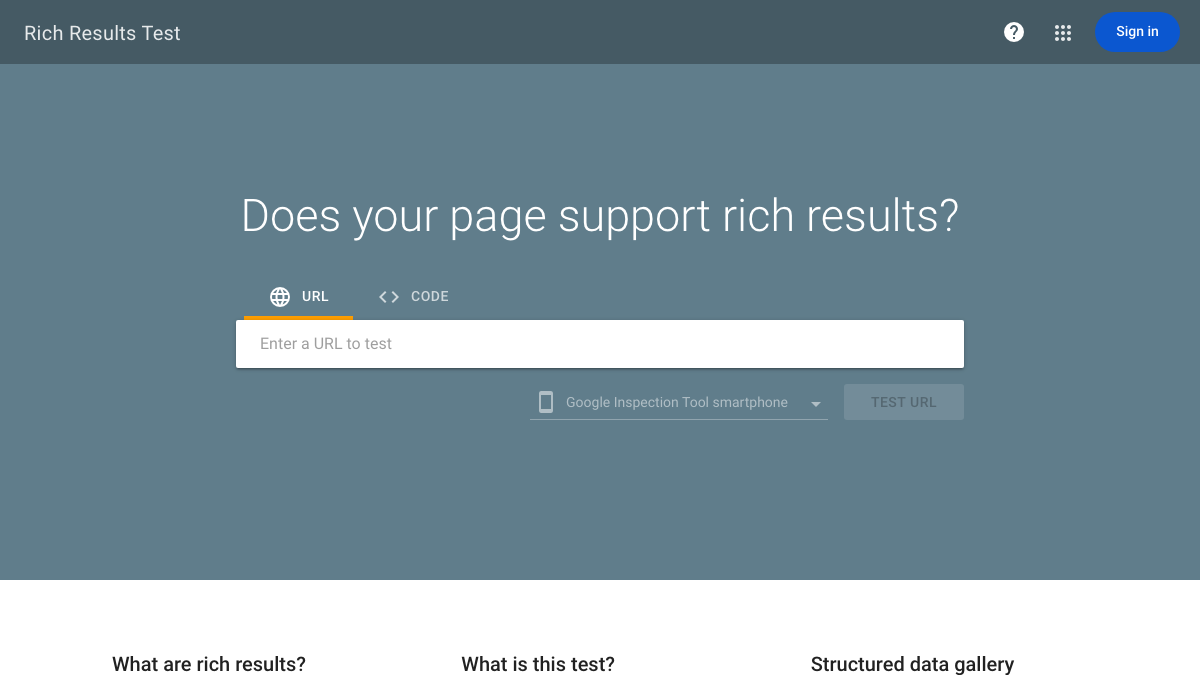
Run it on one product per template, since a theme outputs identical markup across every product page. Then test one variant URL and one out-of-stock product. Google's snippet doc warns the test may flag offers that lack a review or rating, and that's only a warning, never an error.
What Shopify and WooCommerce leave out
Shopify's own blog says its theme filter covers just the basics: name, price, availability and URL. GTIN, brand, reviews and return policy all need manual work or an app on top. In an r/seodiscovery2026 thread from a store owner running 1,000 products, one reply said GTIN, MPN and brand are exactly where themes fall short, since they need metafields mapped in by hand. Another warned that one missing field can break hundreds of products, so fix the template itself.
WooCommerce does a little more out of the box. Its structured data code on GitHub, read on the development branch on October 19, adds a GTIN only when the product's GTIN field holds a valid 8, 12, 13 or 14 digit code. With no SKU, it falls back to the product ID instead. Its Product markup skips brand entirely, so that needs a plugin or custom code.
On either platform, fill the GTIN field for every product carrying a barcode, map brand into the template just once, then retest a single product.
Merchant Center feed vs on-page markup
Google's own product intro answers this directly. "Providing both structured data on web pages and a Merchant Center feed maximizes your eligibility to experiences and helps Google correctly understand and verify your data."
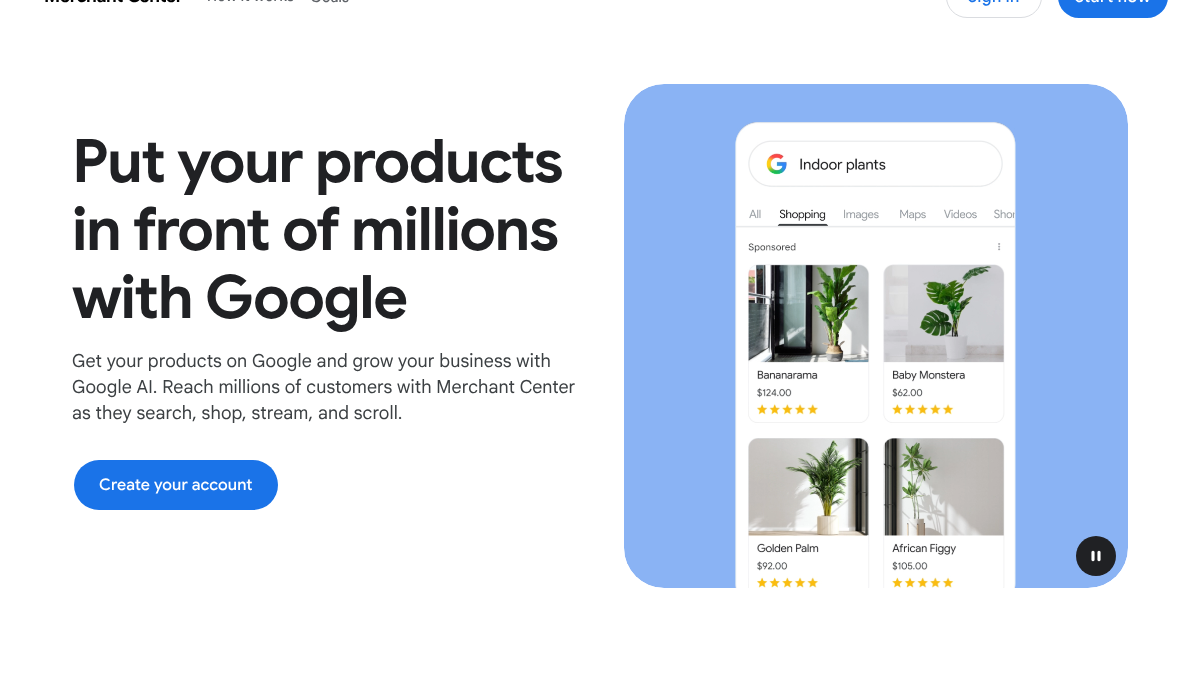
The feed is the bulk upload covering your whole catalog. The markup is the proof, on each page, that the feed is right. When the two disagree on price, Merchant Center can disapprove the product for a price mismatch.
In an r/shopify thread about Merchant Center sync problems, one reply said Google's own Google & YouTube app is known to have issues. Another said the usual culprit is missing GTINs, or a feed that hasn't refreshed in a while.
Your competitors are building backlinks while you read this.
Organic outreach, social mentions, and citations from Editorial Circle member sites, with managed backlinks available as an add-on. Grow your domain authority without running the campaign yourself.

What AI search asks for
Google's AI features doc, last updated December 10, 2025, puts it in one line. "There are no additional requirements to appear in AI Overviews or AI Mode, nor other special optimizations necessary."
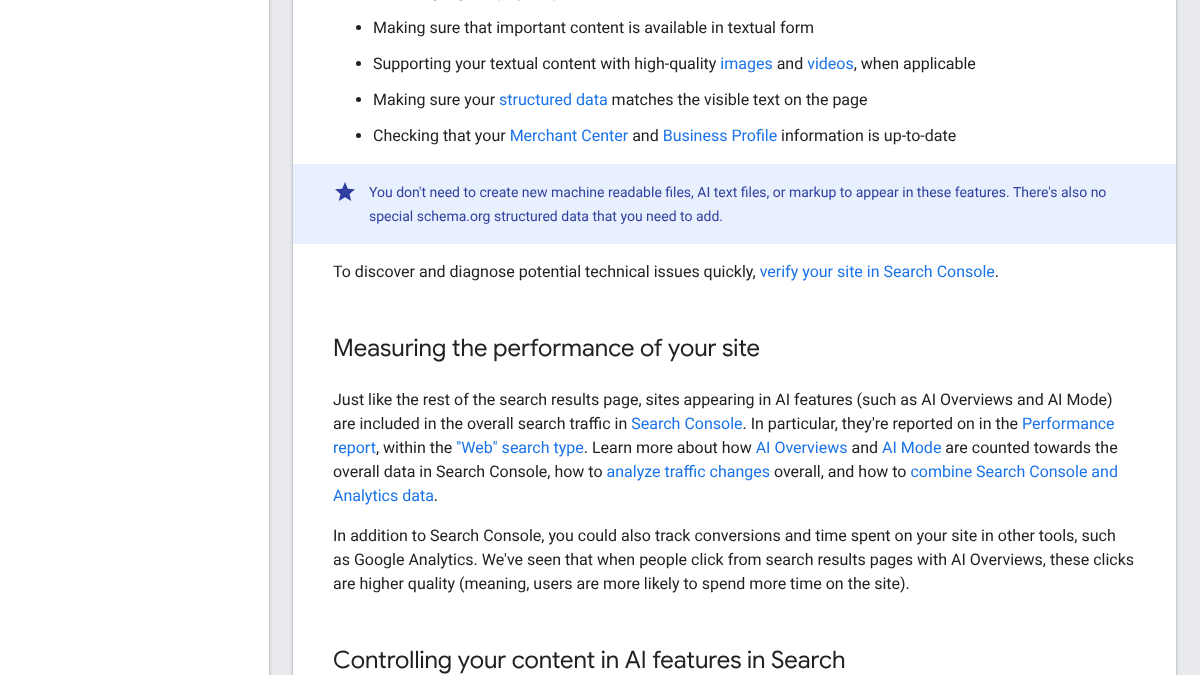
The same page still asks that your structured data match the visible text, and that your Merchant Center and Business Profile data stay current.
Ahrefs actually tested schema directly, in a study published May 2026. It tracked 1,885 pages that added JSON-LD against 4,000 matched pages that didn't. ChatGPT and AI Mode citations rose about 2%, which Ahrefs called "statistically indistinguishable from zero," while AI Overviews fell 4.6%. Ahrefs pooled every schema type, so it can't say whether Product markup outperforms the rest.
ChatGPT shopping runs on something else entirely. OpenAI's product feed spec is a separate file uploaded as JSONL, CSV or TSV, and it never mentions schema.org once. It has nine required fields, with brand and seller name both among them. Brand is only recommended in Google's own markup, but OpenAI won't accept a row without it. Our guide to Shopify and ChatGPT product answers covers how that feed connects to ordinary citations.
So one product record now feeds the on-page JSON-LD, the Merchant Center feed and OpenAI's feed, all three at once. Draw every one of them from a single product database, so a fixed GTIN or price reaches all three on the next sync.
Keep product schema markup accurate after launch
Markup goes stale the moment products change. A thread in r/ecommerce started with a store whose product, discontinued more than a year earlier, was still getting recommended by ChatGPT. One reply suggested finding the old URL that still loads and either redirecting or removing it.
Adding schema is roughly an afternoon per template, plus a few more hours filling in GTINs. Knowing when an AI answer is still quoting an old price or a dead product, though, is a weekly job that never really ends. Our post on how DTC brands win AI product recommendations covers the rest of that picture.
RankControl covers the content and the checking, while your theme and feed handle the markup. We write articles like buying guides and comparisons and publish them to Shopify and other platforms as native posts. Then our weekly AI visibility checks run your questions on seven AI engines and show whether answers cite your pages. We offer one plan at $400/mo with a 7-day free trial.
You can do all of this yourself, using Google's docs and the Rich Results Test, then checking AI answers by hand every week. Or RankControl's agents can write the supporting content and run the weekly checks, while you keep the product data itself accurate.
You're getting AI traffic. But do you know where it comes from?
RankControl credits every visit to the assistant that sent it: ChatGPT, Perplexity, Claude, Gemini, Copilot, or Grok. Full source attribution, next to your Google traffic.