
In 2026, every major AI engine shipped a way to run a prompt on a schedule. ChatGPT has scheduled tasks. Perplexity has them inside Computer. Google announced information agents for AI Mode, and Gemini, Claude and Grok each have their own version.
That raises an obvious question. Can you use them to monitor AI citations and brand mentions for free, inside the engines themselves? We read each engine's own docs on October 18, 2026 to find out. The short answer is that they can run the checks for you, but none of them will tell you when your brand appears unless you build the watch yourself.
This guide covers what each engine offers, how to set up a native watch, and where it falls short.
What you're watching for
Before setting anything up, be clear on the two things you're tracking. A mention is your brand named in the answer. A citation is one of your pages linked as a source. They often don't come together. A page can be cited without your name appearing in the answer, and your name can appear with no link at all.
So any check you set up should record both, for the same questions, every time. Our guide to mention tracking vs citation tracking goes deeper on why they're worth reporting separately.
What each engine ships, checked October 18, 2026
Here's what we found in each vendor's own documentation. "Recurring" means it runs a prompt on a schedule. "Watches for change" means the vendor says it looks for something new and alerts you.
| Engine | Feature | Recurring | Watches for change | Plan |
|---|---|---|---|---|
| ChatGPT | Scheduled tasks | Yes | Only Gmail, Slack and GitHub events | Depends on plan |
| Perplexity | Scheduled tasks in Computer | Yes | Yes, with notifications | Max and Enterprise Max credits |
| Google AI Mode | Information agents | Yes | Yes, with updates | AI Pro and Ultra first |
| Gemini app | Schedules | Yes | No, answers prepared in advance | Rolling out to personal accounts |
| Claude | Scheduled tasks in Cowork | Yes | Not documented | All paid plans |
| Grok | Tasks | Yes | Notifies on each run | Per Grok's own account on X |
All six can run your questions on a schedule. Only two describe watching for a change. And none of them has a template for "tell me when my brand comes up."
ChatGPT scheduled tasks
OpenAI's docs describe scheduled tasks plainly. "Schedule recurring tasks to run in the background," they say. On the web and mobile, some plans can also start tasks from app events.
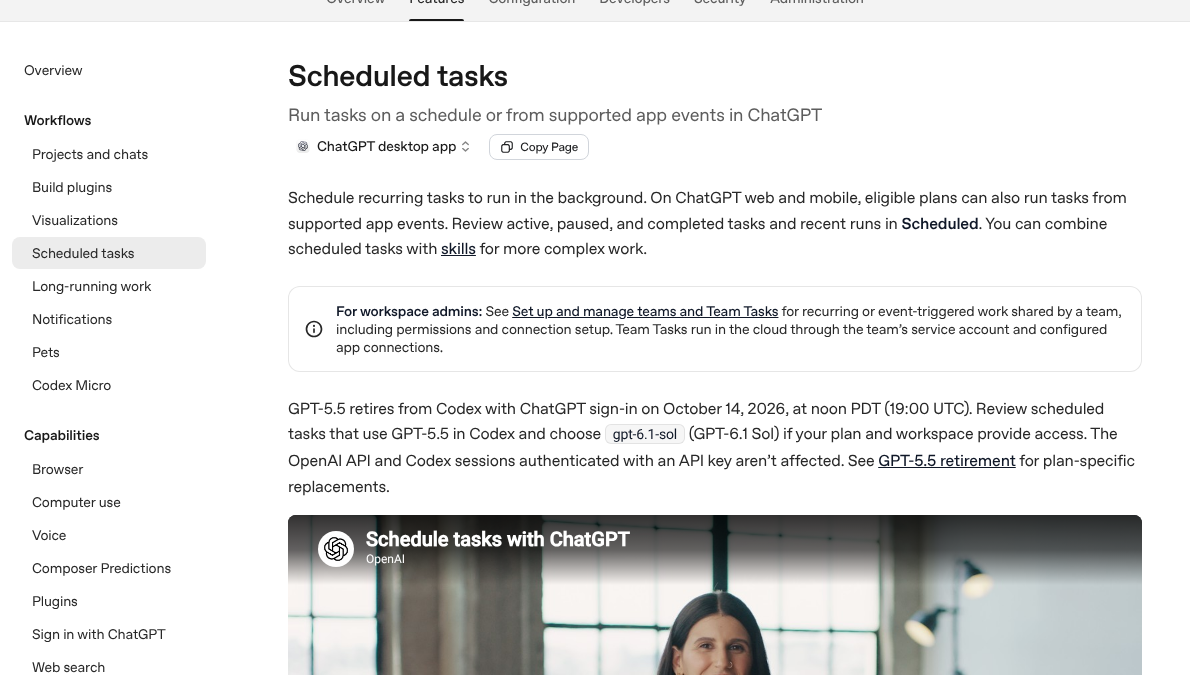
The catch is in the event list. The supported triggers are new Gmail messages, new Slack messages and GitHub pull request activity. There's nothing that watches the open web or an AI answer. So for brand monitoring, a ChatGPT task is a reminder that runs your prompt and shows you the result. You still have to read it and spot the change.
The docs also say availability "depends on your plan and workspace settings," so check yours before you plan around it.
Perplexity scheduled tasks
Perplexity's help center is the most direct of the six. It says scheduled tasks let Perplexity Computer "run recurring work for you in the background" on a schedule you set. The examples it lists include monitoring, reports, alerts and briefings.
It also says that "when something noteworthy happens, Computer sends you a notification" and saves the full result. That's closer to a real alert than anything ChatGPT offers.
The limit is cost. Scheduled tasks run on Computer, and the help page says Max and Enterprise Max plans come with monthly credits for those tasks. On a cheaper plan, you'll likely pay for each run or not have access.
How often does ChatGPT mention your brand?
Most founders have no idea. The answer might surprise you.
Google AI Mode information agents
Google announced information agents in May 2026, in a post by Elizabeth Reid, its VP of Search, titled "A new era for AI Search".
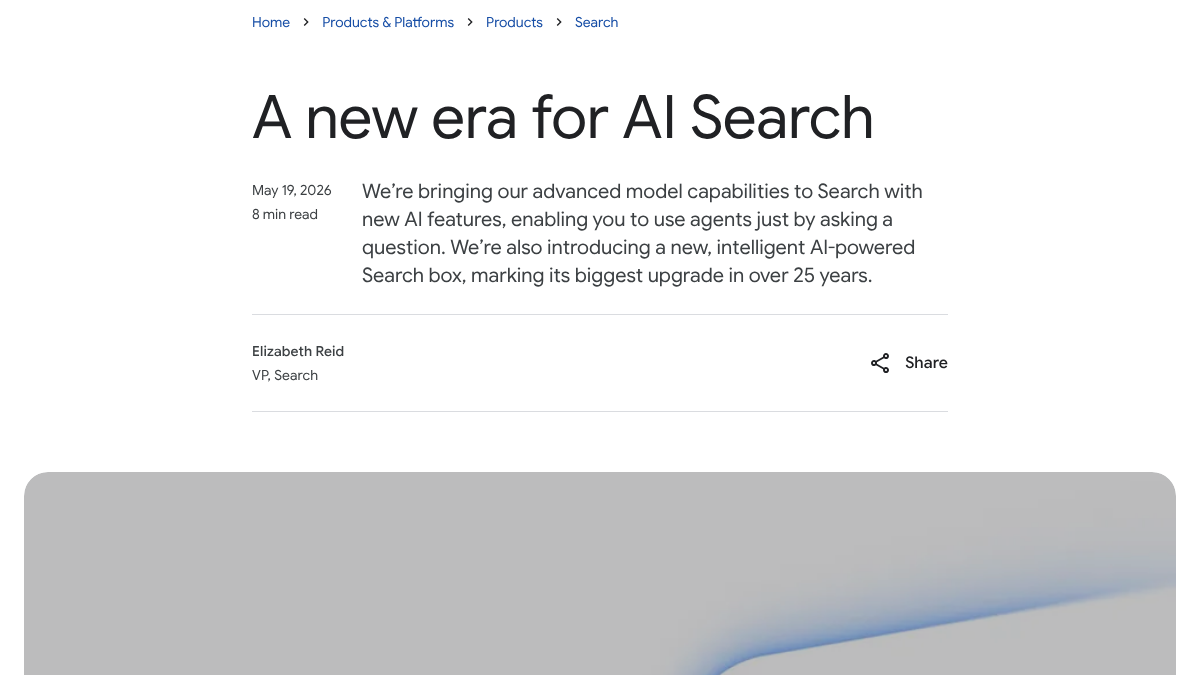
The agents run "in the background, 24/7," Google wrote. They look across "blogs, news sites and social posts" to "monitor for changes related to your specific question," then "send you an intelligent, synthesized update." That's the most complete watch-and-alert feature of the six.
Two things to know. Google said they'd launch first for AI Pro and Ultra subscribers. And they watch the web for your question, which isn't quite the same as checking what AI Mode tells a buyer about your category. Still, a question like "best payroll software for small restaurants" is a reasonable thing to set an agent on.
Gemini, Claude and Grok
The other three can run checks on a schedule, but none of them watches for a change.
Gemini. The Gemini app's Schedules feature lets you set daily, weekly or monthly actions. But Google's own help page warns that "responses for schedules are prepared in advance to guarantee timely delivery." Fast-changing information "won't be the latest when you receive them." For spotting a new mention, that's a real weakness.
Claude. Anthropic's help page says Cowork's scheduled tasks "run automatically on a recurring basis, or on demand" and are available on all paid plans. It doesn't describe any alert when something changes.
Grok. We couldn't find a docs page for Grok's Tasks, and X's help site blocked our request. Grok's own account on X posted the steps in January 2026. You set a name, a frequency and a time, then toggle notifications, and "Grok runs it automatically and notifies you." That's a notice on every run, not an alert on a change.
How to set up a native watch
If you want to try this before paying for a tool, here's a setup that works across the engines. Allow about two hours to set it up, then 30 to 60 minutes a week to read results.
- Write 10 to 20 buyer questions. Use the questions your customers actually ask, like "best accounting software for freelancers," not your brand name. Brand-name questions tell you little.
- Use the same wording everywhere. Each engine should get the identical question, so the answers can be compared.
- Ask for a structured answer. Add a line asking the engine to list every brand it names and every source it links. That makes each run quick to scan.
- Schedule it weekly. Set each task for the same day and time.
- Log every run in one sheet. Record the date, the engine, the question, whether you were mentioned, whether you were cited, and which sources were used.
Here's a prompt pattern that keeps results comparable.
Answer this as you would for any user: "best accounting software for freelancers".
After your answer, list every brand you named, in order,
and every source URL you used.
Our guide to tracking AI visibility across all seven engines covers question sets and logging in more detail.
Where a native setup falls short
The engines can now run your checks, which is real progress. But a few problems remain, and they're the ones people complain about most.
Six apps, no shared log. Each engine keeps its results in its own app. Comparing them means copying answers into a sheet by hand every week.
Your account isn't a buyer's account. A task runs as you, signed in, with your history. An engine that knows you've asked about your own brand a dozen times may not show a stranger the same answer.
Answers vary from run to run. Ask the same question twice and you can get a different list of brands. One run proves very little.
A thread on r/AskMarketing from October 14 asked marketers what's in their stack for tracking brand mentions in AI. Several replies made the same points. An agency said it had started manual monthly audits because clients were asking, and that they take far too long. Others said the raw visibility percentage means little on its own. The useful part, they argued, is the list of pages the model cited, because that's what you can act on.
How to track brand mentions in AI (ChatGPT, Perplexity, Claude)? What’s in your tech stack?
Guys, our agency is trying to build out a proper workflow for GEO/AI search monitoring so I want to see how other teams are approaching this. Specifically, I’m trying to figure out how to track brand mentions in AI across platforms like Cha...
We'd add one more. We call it the stranger test. A check only tells you what a buyer sees if it runs the way a buyer would, as someone the engine knows nothing about. Native tasks fail that test by design.
15 hours a week manually. Or 15 minutes with RankControl.
Track citations, monitor competitors, and fix content gaps across every AI search engine. Automatically.

What to do with the results
Monitoring only pays off if it changes what you do. Once you have a few weeks of logs, look at three things.
- Questions where a competitor is named and you aren't. Those are the topics to write about next.
- The sources cited for those questions. If the same review site or forum thread keeps showing up, that's where a mention or link would help most.
- Questions where you're cited but not named. Your page is doing the work, but the answer isn't crediting you. A clearer brand line near the top of that page can help.
Read the tone of each answer too, since our brand sentiment study found complaint answers built mostly from review sites and Reddit.
If you'd rather compare paid trackers than build this yourself, our roundup of tools to track brand mentions in AI search covers eight of them.
Doing it yourself or handing it off
A native watch across six engines takes about two hours to set up and an hour a week to run, read and log. It's free if you already pay for the right plans, and it gets you a rough picture.
RankControl does the same job without the six apps. Its AI visibility tracking checks up to 50 buyer questions every week across seven AI engines, including Google AI Mode and Google AI Overviews. Each check marks whether the answer mentioned you, cited you or both, and records every source it used. A new citation sends you a notification, and a lost one shows in the dashboard. It also writes and publishes articles aimed at the questions where you're missing. Expect traffic from Google and AI search first, with citations following more slowly as other sites link to and mention you.
AI search traffic grew 835% this year. Is your content ready?
RankControl generates 26 content formats optimized for ChatGPT, Claude, and Perplexity. Published on your domain, matched to your brand.