
The traffic is already in your analytics. Visitors referred by ChatGPT, Perplexity, Gemini, and Copilot have been landing on your site all year, filed under generic Referral or, worse, dissolved into Direct, and the reason most teams can't answer "how much AI traffic do we get" is that nobody spent the one afternoon it takes to build the view. This guide is that afternoon, in six steps: the referrer table, the GA4 build, the honest caveats, the Google exception, the log layer, and the reporting conventions that keep the numbers credible in a review.
What A Good Baseline Month Looks Like
Before the six steps, a word on sequencing, because the order of operations has a small trap in it. Build the channel group and the GSC report first, before any optimization work ships, even if you plan optimizations for the same sprint. The reason is evidentiary: the channel group reclassifies history, so you get a retroactive baseline for free, but any work that ships in the same window contaminates the before picture, and three months later nobody can say what moved the line. A clean baseline month costs nothing except patience and buys every future report its credibility. Instrument first, change second, always in that order.
Step One: Know What You're Looking For
AI traffic identifies itself through referrer strings, and the working set is short enough to memorize:
| Source | What it is |
|---|---|
| chatgpt.com, chat.openai.com | ChatGPT web and search |
| perplexity.ai | Perplexity answers and Pro searches |
| gemini.google.com | Gemini conversations |
| copilot.microsoft.com | Microsoft Copilot |
| claude.ai | Claude conversations |
| meta.ai, you.com, chat.mistral.ai | Smaller assistants, add if your audience skews that way |
Two absences matter as much as the list. Google's AI Mode and AI Overviews send their clicks as plain google organic, indistinguishable by referrer, so the biggest AI surface on earth is invisible to this method; we'll handle it in step four. And some AI-referred visits carry no referrer at all, which is step three's problem.
Step Two: The GA4 Build
The quick version, for today: Reports, Traffic acquisition, filter by session source containing any string from the table. That answers the immediate question in ninety seconds.
The permanent version is a custom channel group, and it's worth the extra ten minutes. In Admin, under Data display, open Channel groups, copy the default group, and add a channel named AI Search above Referral in the evaluation order, with the condition: session source matches the regex chatgpt\.com|openai\.com|perplexity\.ai|gemini\.google\.com|copilot\.microsoft\.com|claude\.ai. Extend the pattern with the smaller assistants if you added them. Save, then select your custom group in any acquisition report's channel dropdown.
One pleasant mechanical fact makes this the right investment: GA4 evaluates channel groups at report time, so the classification applies to your existing data, and the trend line back through your history exists the moment you save the group. A practitioner thread in r/GEO_optimization walked through this exact setup recently, and the most useful comment in it chose simplicity deliberately: individual source conditions in a channel group over clever regex, easier to audit, same result.
How are you tracking AI referral traffic in GA4?
I set something up today for my own site and for a client that I thought might be useful to share, but I’d also be interested to hear how others are handling this. A lot of AI tool traffic seems to get mixed into standard referral or direct...
Either style works. The audit-friendly version wins in teams where someone else will maintain it, which is most teams.
See your first AI citation report in under 5 minutes.
No setup calls. No onboarding meetings. Connect your domain and see where AI mentions your brand right now.

Step Three: Respect The Undercount
The number your new channel shows is a floor, and reporting it as the total is the mistake that gets the whole program dismissed later. Referrers get stripped in mobile apps and by privacy settings, so a real slice of AI-referred visits lands in Direct; the same practitioner thread includes the deflating observation that the setup tracks very little traffic, which is half measurement truth and half undercount. And the deeper structural fact: most AI sessions end inside the answer, so the clicks you can count are the visible tip of the exposure you can't.
Two habits price the undercount honestly. Watch deep-page direct entries, direct sessions landing on pricing, docs, or comparison pages, as the shadow of the stripped referrals; when your AI channel rises, that segment usually rises in sympathy, and the correlation is your evidence. And annotate the floor explicitly in every report: "measured AI referrals, undercounts by design" costs one line and buys durable credibility.
Step Four: The Google Half
For AI Mode and AI Overviews, the referrer route is closed, and the honest instrument is Search Console's AI performance report: impressions your pages earn on Google's AI surfaces, with its limits stated plainly, impressions only, no clicks, no query strings. Turn it on, baseline it, and read it as a visibility gauge rather than a traffic count; the full field guide to the report covers its counting rules. Then add the second lens on your ordinary GSC data: the growth of prompt-shaped queries, long sentence-form strings, tells you how fast your market's Google behavior is going conversational even where the clicks still register as classic organic.
Step Five: The Supply Side, In Your Logs
Analytics shows demand: humans arriving. Server logs show supply: engines fetching your pages to build the answers those humans read. Grep a month of access logs for the retrieval-time fetchers, ChatGPT-User and PerplexityBot especially, and note which pages they pull and how often. This layer explains the other two: pages the fetchers favor are the pages producing your citations and, eventually, your referrals, and a page you care about that never gets fetched is a gate-one or gate-three problem no analytics view will ever surface. Fifteen minutes monthly is enough; promote it to a dashboard only if the first pass finds a mystery.
The Mistakes That Corrupt The View
Four setup errors show up repeatedly in the wild, each cheap to avoid and expensive to discover later.
Catching your own bots. If your team runs AI tools that fetch your site, or your monitoring pings pages through assistant APIs, those sessions can land in the new channel. Filter known internal IPs and test traffic before trusting week one's numbers.
Regex that swallows too much. A pattern matching bare openai will happily classify traffic from any URL containing the string, including blog posts about OpenAI on referring sites. Anchor patterns to the actual domains, and audit the channel's source list monthly for imposters.
Counting Gemini twice. Depending on setup, gemini.google.com traffic can arrive tangled with other Google referrals; check that your channel's evaluation order sits above the default Organic Search and Referral channels, or the built-ins will claim the sessions first.
Forgetting the annotation discipline. When you change the channel definition, the historical trend silently changes with it, because GA4 recomputes at report time. Log every definition edit somewhere a future analyst will look, or your own improvements will read as traffic events.
A worked example of the payoff, composited from the setups we've watched: a B2B SaaS builds the channel and finds 47 AI-referred sessions for the month against 9,000 organic, unimpressive until the cohort lens arrives. Signup rate runs several times the organic median, two-thirds of arrivals land on pricing or integration docs, and the deep-page direct segment has grown in step for two quarters. The three-number report turns 47 sessions into the most persuasive slide in the quarterly review, which is exactly the outcome the conventions in step six exist to produce.
Your competitors are building backlinks while you read this.
Organic outreach, social mentions, and link exchanges, with managed backlinks available as an add-on. Grow your domain authority without running the campaign yourself.

Step Six: Report It Like A Cohort, Not A Channel
Now the conventions that keep the afternoon's work funded. I used to advocate reporting AI traffic as simply another acquisition channel row, on the logic that normal treatment normalizes the shift. That was wrong in a specific way: next to organic's thousands, the AI row's dozens read as a rounding error, and twice I've watched that framing get a real program deprioritized. Report it as a cohort with a quality story instead. Three numbers monthly: the AI channel's sessions with the floor caveat attached, its signup or lead rate against the organic median (this is the number that reliably surprises upward), and the landing-page mix showing arrivals deep in the funnel. One sentence of interpretation: few visitors, unusually close to buying, undercounted by design.
Then connect the view to the layer above it. Traffic tracking tells you who clicked through the answers; it says nothing about the answers themselves, which queries cite you, how you're described, who's cited instead, and that's the half of AI search measurement that weekly per-engine citation tracking covers. The two views together give you the full pipeline: what the engines say, who arrives because of it, and what those arrivals do. Either alone invites wrong conclusions; together they turn the "is AI search real for us" argument into a report nobody has to argue with.
The whole build, table to reporting template, fits in an afternoon, and the maintenance rounds to zero: the channel group runs itself, the GSC report accumulates, and the monthly log grep plus the three-number report cost an hour. For a shift this size, that's the cheapest instrumentation in marketing, and the teams that build it now get the one thing latecomers can't buy back: a baseline from before the curve steepened.
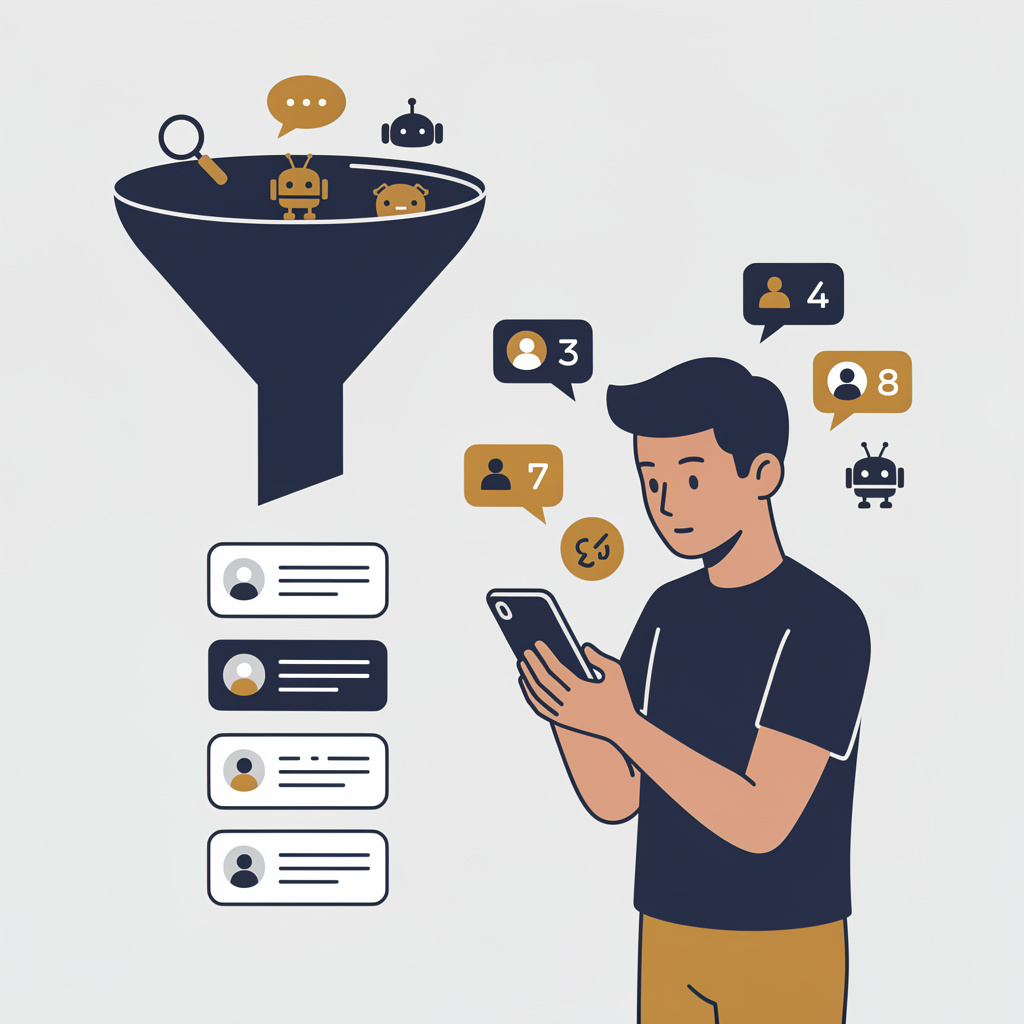
You're getting AI traffic. But do you know where it comes from?
RankControl credits every visit to the assistant that sent it: ChatGPT, Perplexity, Claude, Gemini, Copilot, or Grok. Full source attribution, next to your Google traffic.