
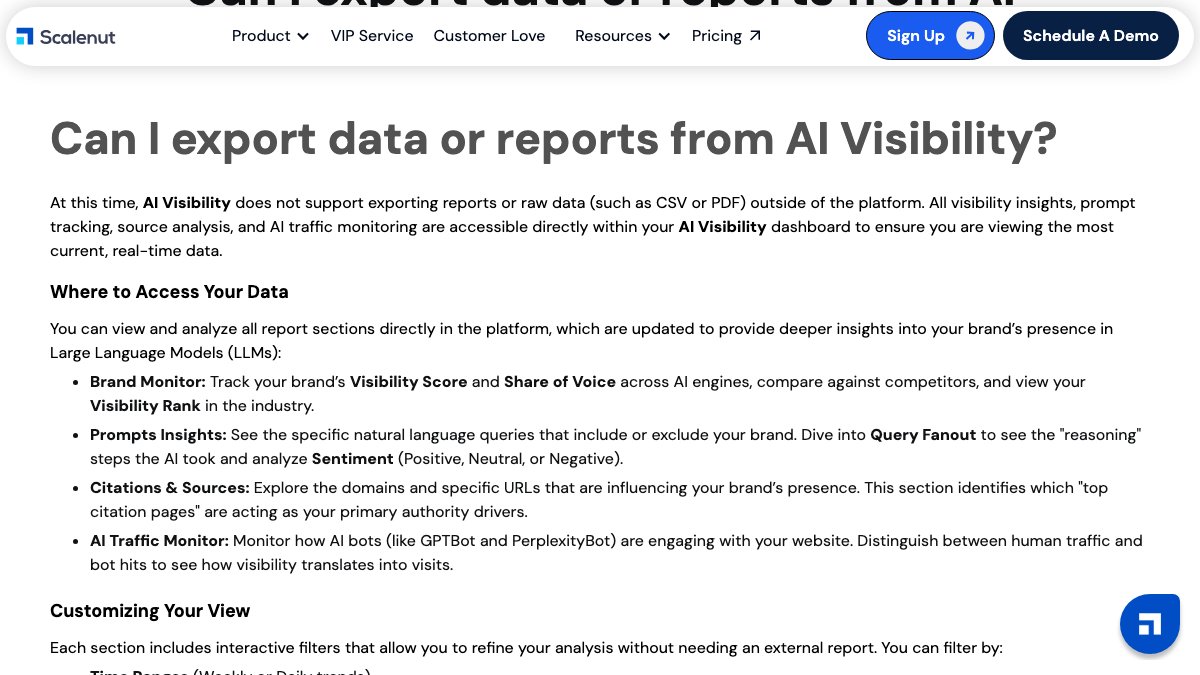
Scalenut has a help doc titled "Can I export data or reports from AI Visibility?" The answer in the first sentence is no. AI Visibility doesn't support exporting reports or raw data, CSV or PDF, outside the platform, and everything stays in the dashboard.
That one line shapes the whole switch from Scalenut. Your articles are easy to keep, because most of them already live on your WordPress or Shopify site. Your AI search tracking history is the part that disappears when the subscription ends, unless you capture it first. This guide covers what to capture, how to move unpublished drafts out, how to cancel, and where each piece lands in RankControl. If you're still deciding, our RankControl vs Scalenut comparison covers engines, pricing and the verdict. Scalenut's help docs and pricing page were checked on September 26, 2026.
Why teams move off Scalenut
The reasons tend to show up after a few months of tracking. Scalenut's Starter and Plus plans track prompts on two engines, ChatGPT and Google AI Overviews, and Professional adds Perplexity. None of its self-serve plans list Claude, Gemini or Grok, which matters once buyers start asking those tools for shortlists.
The prompt counts are small too: 10 on Starter, 25 on Plus and 100 on Professional, refreshed weekly. And because AI Visibility can't export anything, every month of history you build stays locked inside the dashboard for as long as you keep paying.
Price is the third reason, in an unusual way. Scalenut's pricing page shows every plan under a 60% "limited offer", so check whether the price you budget for is the price on your renewal. A thread in r/seogrowth about Frase, Surfer and Scalenut added a fourth reason: several replies said checklist-driven optimization had made their writing stiff and harder to read.
What comes with you when you switch from Scalenut
Most of the value you built in Scalenut sits in three places. This is what to save and where it lives today:
- Published articles, already in your WordPress or Shopify CMS
- Drafts that never went live, inside Article Writer
- Your AI Visibility prompts, scores and cited sources, inside the dashboard only
- Keyword clusters and topic plans you still intend to write
- Social UpReach keywords and subreddits, if you used the Reddit tool
Your published posts don't depend on Scalenut at all. If Scalenut's WordPress plugin added schema markup, check whether that markup stays on the page after you remove the plugin, and plan to keep or replace it.
How to export your data from Scalenut
Scalenut's help docs cover the draft and cancellation steps. AI Visibility has no export, so that part is manual.
AI Visibility: capture it by hand
Scalenut's help doc lists four report sections: Brand Monitor, Prompts Insights, Citations & Sources, and AI Traffic Monitor. None of them export. Before you cancel, capture the parts you'll want as a baseline:
- Copy your tracked prompt list into a spreadsheet, one prompt per row.
- For each prompt, note whether your brand appeared and which competitors did.
- Screenshot Brand Monitor for your visibility score and share of voice, with the date range visible.
- Record the top cited domains and URLs from Citations & Sources, since they show which sites the engines trusted.
On Starter that's 10 prompts, so it takes half an hour. On Professional, with up to 100 prompts, set aside an afternoon.
Drafts: move them through WordPress Publisher
For articles that never went live, Scalenut's WordPress Publisher is the cleanest way out. The steps come from Scalenut's own help doc:
- In the Action Center, open Article Writer.
- Open the article by clicking its status, such as Editing in Progress.
- In the GEO AI Editor, open Apps and choose WordPress Publisher.
- Set the post status to draft and save it.
The draft lands in WordPress unpublished, so you can finish or discard it there. If you publish to Shopify instead, copy the text out of the editor for any draft worth keeping.
Clusters and plans
Keyword clusters and topic plans don't have a documented export either. Copy the cluster names and their keywords into the same spreadsheet as your prompts. They'll feed your first month of titles in RankControl.
26 content formats. Published on your domain. Matched to your brand.
Guides, comparisons, listicles, case studies, and more. RankControl generates content that gets cited by ChatGPT, Perplexity, Claude, Gemini, Grok, and Google AI Mode.

Cancel last, and mind the renewal date
Scalenut's refund policy is short: it doesn't offer a refund after the trial period. So the date matters more than the click. Find your renewal date first, especially on annual billing, and cancel before it rather than after.
Some Trustpilot reviews from 2024 and 2025 complain about annual renewals arriving without much warning, and Scalenut's score there sits at 3.2 out of 5 across about 160 reviews. That's one more reason to look up the date now.
The cancellation itself takes a minute. Click the profile icon in the bottom left corner of the dashboard and open My Account. Go to the Usage tab, scroll to the bottom of the Plan & Billing column, and click Terminate Subscription. To delete the account and its personal data afterwards, Scalenut's help doc says to contact support through chat or at [email protected].
What changes when you move
Scalenut costs less per article than RankControl. Its pricing page shows Professional at $80 a month under a 60% promotion, $199 at list, with up to 150 GEO articles a month during the current offer.
What you get for RankControl's $400 is breadth on the tracking side and less work on yours. Scalenut's prompt tracking covers ChatGPT and Google AI Overviews, and adds Perplexity on Professional. RankControl checks 50 queries every week across six engines, with Claude, Gemini and Grok among them. On publishing, Scalenut auto-publishes to WordPress and Shopify from its Plus plan, while RankControl publishes native posts to nine kinds of destination, including Webflow, Ghost and headless sites.
Where everything lands in RankControl
| In Scalenut | In RankControl |
|---|---|
| Cruise Mode and Article Writer | The content engine: titles planned from buyer questions, articles written in your brand's voice, up to 100 pages a month |
| Content Optimizer and GEO score | A citability score and fix list for every article RankControl writes |
| Keyword clusters and topic plans | Topic pillars and a scored list of content ideas |
| AI Visibility prompts | AI visibility tracking: 50 queries checked weekly across six engines, with a citation history per engine |
| AI Traffic Monitor | An AI crawler log and AI referral traffic for the pages RankControl publishes |
| WordPress and Shopify auto-publish | Native publishing to WordPress, Shopify, Webflow, Ghost and more through the destination you connect |
| Internal Linking and Link Manager | Internal links added inside each article |
| Backlinks Marketplace | Link Control: outreach drafted from your own mailbox, or Managed Backlinks at $350 a month |
| Social UpReach | The Social agent: Reddit and X threads where an article fits, with rule checks and drafted replies |
One difference in the Content Optimizer row is worth knowing. Scalenut scores a draft while you edit it, and RankControl scores each finished article with a fix list instead. There's no live score that moves as you type.
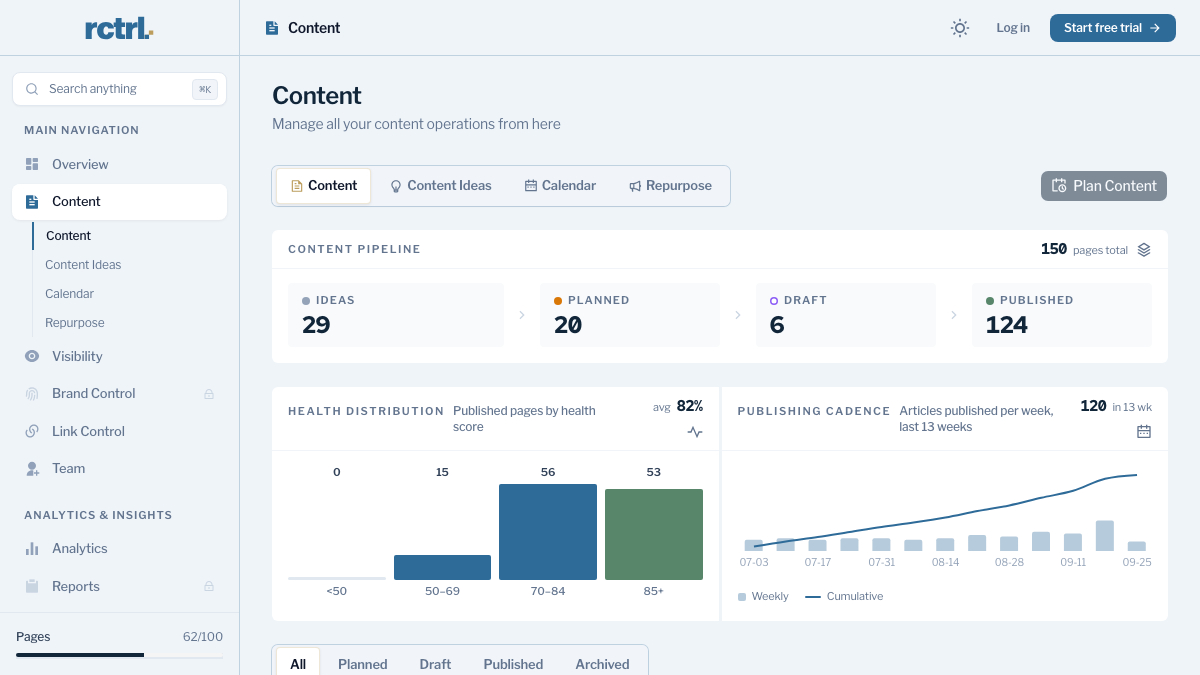

Your competitors are getting cited by AI. You're not.
Every day without citation tracking is a day your competitors pull ahead in ChatGPT, Perplexity, and Claude.
The switch from Scalenut, step by step
- Look up your renewal date and put it on the calendar.
- Capture AI Visibility by hand: prompts, scores, competitors and cited sources.
- Move every draft worth keeping to WordPress through WordPress Publisher, or copy it out.
- Copy your clusters and plans into the spreadsheet.
- Start RankControl's 7-day trial. Connect your CMS, let it build your brand profile from your site, and name up to 10 competitors.
- Add your 50 queries from the spreadsheet. The CLI's
query-addtakes one query per call, so a short loop adds them all. - Terminate the Scalenut subscription before the renewal date, and request account deletion if you want your data removed.
Running both for a week helps. Your hand-captured Scalenut baseline sits next to RankControl's first weekly check on the same questions, which gives you a clean before and after.
What your month looks like afterwards
The month shifts from producing drafts to approving pages. Titles land on a calendar, articles arrive for review, and approved ones publish to your site as native posts. Auto-publish is off by default, so nothing goes live until you've seen it.
The hand-work math explains the price gap. Finishing an AI draft takes two to three hours per article once you add fact checks, links, images and CMS formatting. At 20 articles a month that's 40 to 60 hours, before anyone rechecks AI answers, which takes another five hours a week for 50 queries on six engines. Those are rough estimates, but they're the hours a cheaper draft tool leaves on your side of the table.
You can keep doing that work yourself with your spreadsheet as the map. Or RankControl's agents can run it every month, from the query list to the published page to the weekly citation check.
200+ SaaS teams already track their AI citations.
They know exactly when ChatGPT mentions their brand, and when it stops. Do you?