Ask around about video schema right now and you'll hear two confident answers that can't both be true. One camp calls it a major AI citation factor. The other points to Ahrefs' billion-page analysis, which found schema markup had zero measurable impact on AI visibility. I think each camp is half right, and acting on the wrong half can burn quarters of engineering time.
On its own, VideoObject markup won't earn your videos a single ChatGPT citation. What it does is make your video pages legible to every machine that decides what gets cited, which is a separate job and still worth doing. Below you'll find the markup Google requires in 2026 and the Clip and transcript properties that matter for AI extraction, along with a plain account of what each line of JSON-LD buys you and what it doesn't.
What VideoObject buys you, and what it doesn't
The bullish case is tidy, which is exactly why it spreads so fast:
+90% of page 1 Google rankings have Schema Markup 👀 Schema is also a huge AI citations factor If your pages dont have schema youre selling yourself short I built a free schema markup generator for myself using Claude (its just templating so you dont need an API) Im giving https://t.co/MyaDyQW5Dp
 Connor Showler | SEO & Marketing Master@ConnorShowlerJul 2, 2026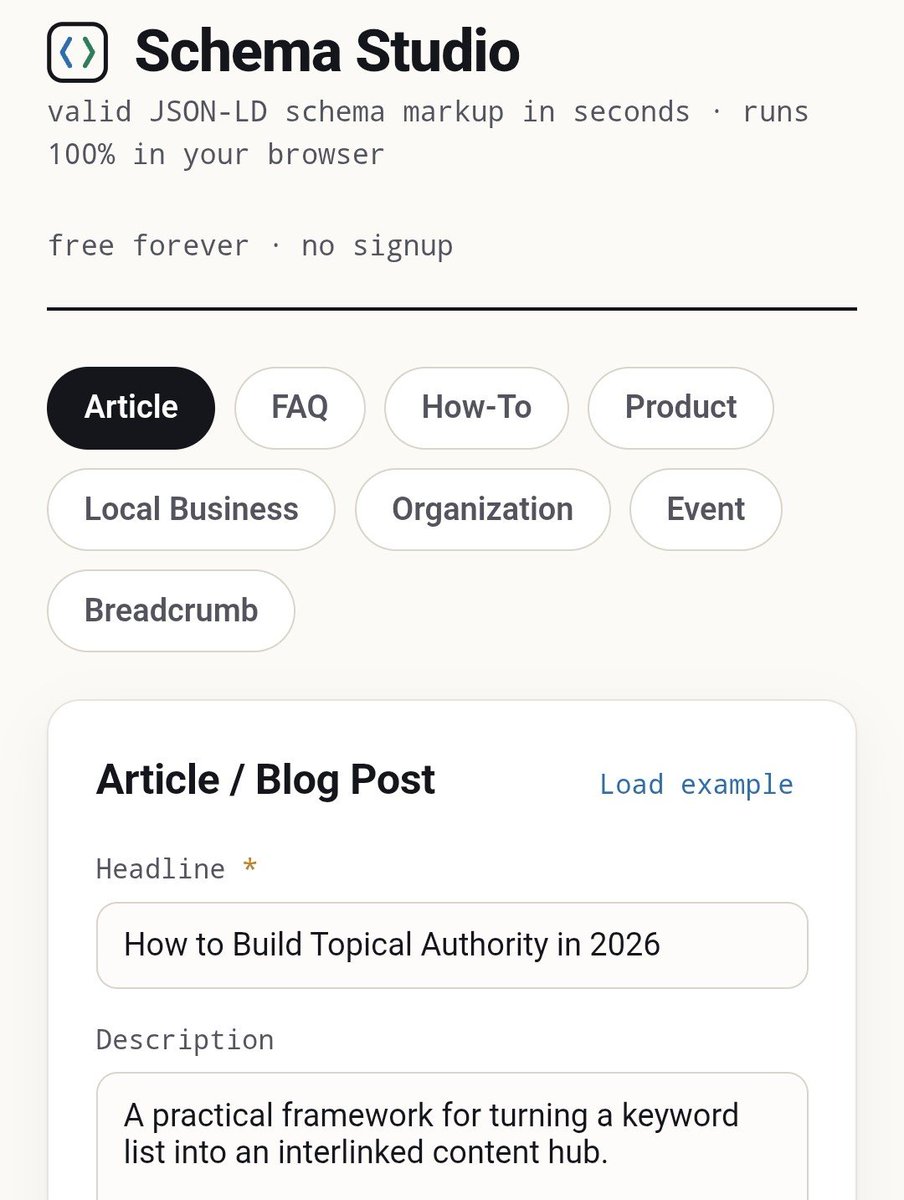
There's something to it. Pages on page one do correlate with schema use, and clean markup really is the minimum you should ship. The strongest counter-evidence comes from the largest dataset anyone has published:
Ahrefs analyzed 1B+ data points on AI search. The findings will shift a lot of company's SEO strategies! 1. "Best X" listicles = 43.8% of ChatGPT citations 2. YouTube correlation with AI visibility: 0.737 (beats backlinks) 3. AI Overviews now kill 58% of clicks to the #1 result https://t.co/5kpf0Q4icR
 Nat Miletic@natmileticJun 3, 2026
Ahrefs looked at more than a billion data points and found YouTube presence correlating with AI visibility at 0.737, stronger than backlinks, while schema markup showed no independent impact.
We also found a practitioner who ran the same question at small scale, A/B testing schema properties on six client sites with weekly prompt sweeps across ChatGPT, Perplexity, Gemini and Claude. VideoObject changed nothing in text-LLM citations. What did move were the schema types that resolve entities: Organization markup with sameAs links, FAQ blocks and author credentials. The tester's reading matches ours, which is that LLMs don't consume JSON-LD directly and instead inherit it through knowledge graphs and retrieval pipelines.
So why write a whole guide on it? The two findings fit together once you look at what each kind of engine can see. A text-only crawler like OAI-SearchBot can't watch an MP4, so no markup will make the video itself visible to it, and only the text around the video counts.
Google, on the other hand, says through Liz Reid that its models now understand video "at a level we couldn't years ago", and multimodal engines need exactly what schema supplies: certainty about what the video is, when it came out and where the file lives.
I'd call schema disambiguation infrastructure. Markup has never rescued a weak page, but it does stop a good page from being misread. So go in with honest expectations and do it properly anyway. The blueprint below takes about 30 minutes per video and makes every downstream machine's job easier, following the same logic as our site-wide schema blueprint.
AI search traffic grew 835% this year. Is your content ready?
RankControl generates 26 content formats optimized for ChatGPT, Claude, and Perplexity. Published on your domain, matched to your brand.

The markup itself
Only three properties are required by Google's video structured-data spec: name, thumbnailUrl and uploadDate. The rest are recommended, and three of those carry most of the practical weight, namely contentUrl (the video file itself, never the page it sits on), description and duration. Here's a full block for a self-hosted SaaS demo, with the one property nearly every guide leaves out:
{
  "@context": "https://schema.org",
  "@type": "VideoObject",
  "name": "RankControl AI Visibility Dashboard Demo",
  "description": "A 4-minute walkthrough of tracking brand citations across ChatGPT, Perplexity, and Gemini.",
  "thumbnailUrl": "https://example.com/thumbs/demo-1200x675.jpg",
  "uploadDate": "2026-07-13T08:00:00+00:00",
  "duration": "PT4M12S",
  "contentUrl": "https://example.com/videos/dashboard-demo.mp4",
  "embedUrl": "https://example.com/embed/dashboard-demo",
  "transcript": "Full text of everything spoken in the video..."
}
Whether that block validates or fails quietly comes down to a few details. uploadDate needs ISO 8601 with a timezone, and leaving it out is the single most common video error in Search Console. contentUrl has to point at the file bytes; aiming it at the watch page is the classic silent failure, and if you can't expose the file, use embedUrl instead.
Thumbnails have real rules as well. They need to be at least 60x30px (bigger is better), in BMP/GIF/JPEG/PNG/WebP/SVG/AVIF, with at least 80% of pixels effectively opaque, and a blocked or broken thumbnail disqualifies the whole video. Video features also need a duration of at least 30 seconds, and robots.txt must block neither the video file nor the thumbnail.
Key moments: Clip and SeekToAction
Key moments are the most underused part of the spec and the part that fits answer engines best, because a timestamped moment is already an extractable answer. "How to connect GA4" at 2:14 is precisely the kind of thing an engine can hand a user.
There are two options, and you use one or the other. Clip markup is the manual route: each moment gets a name, a startOffset in seconds and a url that jumps to the timestamp (a ?t=134 query parameter works), with an endOffset wherever you can give one. Google's one hard constraint trips people up constantly, which is that no two clips on the same video can share a startOffset.
SeekToAction is the automatic route. Rather than defining moments, you tell Google how your URLs seek, through potentialAction with a target template containing the literal placeholder {seek_to_second_number} and a startOffset-input value of exactly "required name=seek_to_second_number", and Google then picks the moments itself. You trade control for near-zero maintenance, and it's currently supported in 12 languages.
My rule of thumb is short. Tutorials and demos with a deliberate chapter structure deserve hand-written Clips that match the chapter titles, and everything else goes on SeekToAction.
The transcript property: the bridge text crawlers can cross
Schema.org's VideoObject spec includes a plain-text transcript property, and I'd give it more attention than all the rich-result properties put together, since it's the only part of video markup a text-only crawler can actually use as content. We made the long version of this argument for audio in the podcast indexing analysis: the media file is invisible, and the text you derive from it is the asset.
Two rules keep the property useful. Pair it with a visible transcript, or a written-up version, on the page itself, because schema describing content a visitor can't see is a contradiction, and contradictions erode machine trust. One practitioner put it this way: if a model has to resolve a conflict between your body text and your JSON-LD, you've already lost. And don't paste in an hour of filler words. A cleaned transcript, or a structured summary with the transcript underneath, hands extraction pipelines clean sentences worth quoting.

Built by the team that got cited in 48 hours.
Content generation, backlink building, AI visibility tracking, and Google rankings. One platform, zero guesswork.
Self-hosted vs YouTube: two different jobs
The citation numbers here are lopsided. In the 5WPR index of 680 million AI citations, YouTube holds a 200x citation advantage over every other video source. In B2B the picture is similar: Foundation and AirOps measured YouTube at 13% of all third-party B2B AI citations, the fourth-largest source overall. Markup on your own domain can't compete with that pull, which is why the YouTube side of the strategy gets its own playbook.
Your self-hosted page does a different job. It owns the entity connection (your schema, your Organization markup, your internal links) and the conversion path, and it keeps the transcript text on a domain you control. Google adds one constraint that shapes the setup: since late 2023, per Google's video best-practices doc, video indexing features favor dedicated watch pages where the video is the main content, so a demo buried at the bottom of a feature page won't get video treatment however clean its markup is.
For a SaaS video, then, publish on YouTube for the citation surface and build a dedicated watch page on your own domain. Give that page VideoObject (embedUrl if you embed YouTube, contentUrl if you self-host), Clips for the chapters and the transcript, and link the two to each other.
Validation, and the errors that silently kill it
Run every page through the Rich Results Test before you ship, then keep watching Search Console's video indexing report, because most video schema fails without telling you. These are the recurring problems, in the order practitioners tend to hit them:
- A missing
uploadDate, the classic GSC flag. People worry that adding an accurate old date will make content look stale, but that fear doesn't hold up against the evidence: practitioners who fixed years-old videos report no ranking damage, and accuracy beats recency. - A thumbnail or video file blocked by robots.txt, which disqualifies the video and stays invisible until you check.
contentUrlpointing at a page instead of file bytes.- Duplicate Clip
startOffsetvalues. - A mismatch between schema and page, usually from plugin bloat stamping generic markup on every URL, and sometimes two conflicting VideoObject blocks on one page.
Every schema debate ends up in the same place. The SEO community has argued for a decade about whether any of this moves rankings, and this thread is that argument in miniature, John Mueller citation included:
Does schema markup help SEO rankings or only rich results?
I see a lot of confusion around schema markup and SEO. Some say schema doesn’t directly affect rankings and only helps with rich results and CTR. Others claim they’ve seen ranking improvements after adding FAQ, Product, or Video schema. Fro...
The sensible consensus from that debate carries straight over to AI. Schema gives you structure and certainty, with eligibility on top, and it's never a shortcut to rankings or citations, so ship it for the machines' comprehension and don't expect magic.
Added up, the full pipeline takes roughly 30 to 45 minutes per video once you count transcript cleanup and the watch page along with the markup, Clips and validation, and you multiply that by your whole back catalog before checking whether any of it surfaces in answers.
Forge writes the article and FAQ markup as it publishes, and the video markup is yours to add. Weekly citation tracking shows whether those video pages ever get cited, and by which engine. I'd do the blueprint by hand for your ten most important videos first, and either way, stop shipping videos that machines can only see as a filename.
See your first AI citation report in under 5 minutes.
No setup calls. No onboarding meetings. Connect your domain and see where AI mentions your brand right now.

Video schema won't make a demo any better, but it does decide whether the machines sorting the web know what that demo is. Mark up the watch pages, bridge the audio with transcripts, put the copy that earns citations on YouTube, and check the answers monthly. The teams doing all four are the ones whose demos show up when a buyer asks an engine to show them how something works.